
Copyright 2026 © swekartor. All Rights Reserved.



App Feature
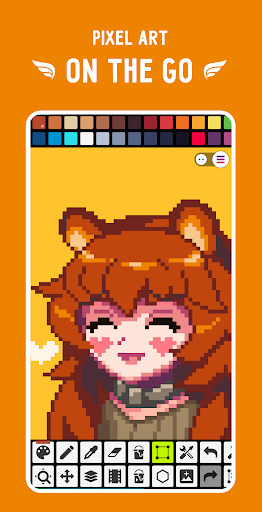
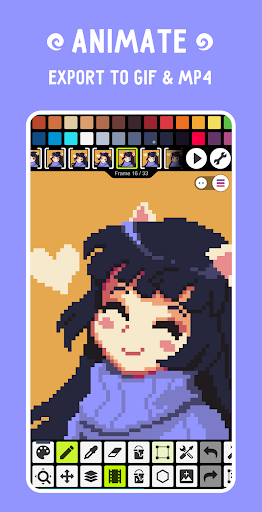
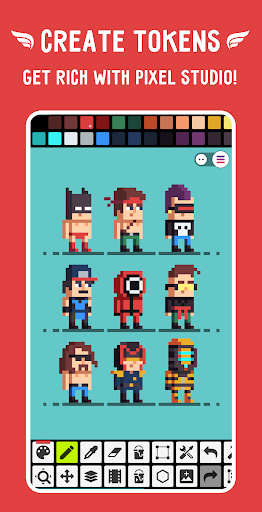
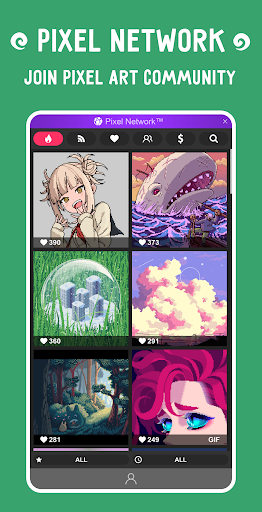
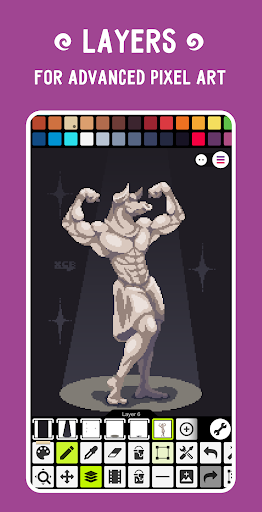
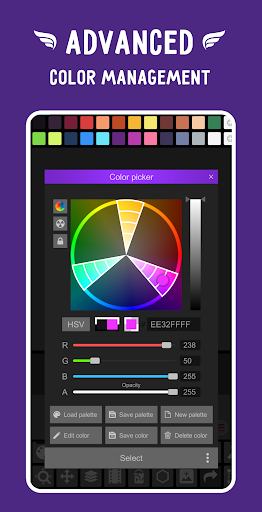
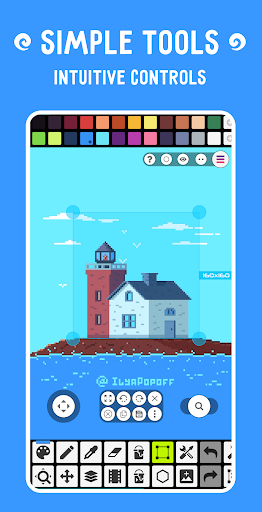
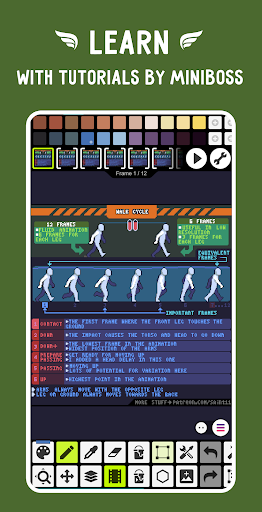
Pixel Studio is a mobile-first, cross‑platform pixel art and animation editor with layers, frame-by-frame timeline, onion skinning, custom and built-in palettes (including Lospec), brushes and dithering tools, tile/symmetry modes, S‑Pen/M‑Pencil support, GIF/sprite sheet/MP4 export (with music), PSD/EXR/PNG/JPG/GIF/BMP/TGA/PSP support, Google Drive sync, and a built-in community (Pixel Network).
Verdict
Verdict: A powerful, portable pixel art and animation editor that rivals desktop tools, though selection and a few edge-case bugs may frustrate perfectionists.
Who is it for
Best for:
- Artists and indie devs needing a capable mobile pixel editor with animation and layers
- Beginners seeking an intuitive interface and quick learning curve
- Tablet/stylus users who want precise drawing and cross‑device syncing
Not ideal for:
- Users who rely heavily on advanced/freeform selection workflows (e.g., robust lasso editing)
- Professionals requiring rock‑solid desktop-grade transformation fidelity on every undo/redo
- Those who dislike any ads or cloud-tied features without paying
Real-world User Experience
Users like it:
Consistently praised for an intuitive, fast UI; strong feature set (layers, animation, palettes, brushes); minimal, predictable ads; smooth stylus support; great for creating small sprites; and meaningful mobility that boosts productivity and habit building. Many report it matches or replaces desktop tools for everyday pixel work.
Users complain about:
Selection tools feel rigid (missing a true lasso/custom selection); occasional transformation/undo glitches can mangle pixels; dot/cursor pen may drag the canvas unexpectedly; onion skin opacity control feels limited; rare color bugs (e.g., dark shades) tied to cloud-accelerated export, though avoidable.
Is it Worth Paying For?
Yes. The one‑time PRO unlock removes ads and adds Google Drive sync, dark theme, larger palettes, extended project sizes, tile/seamless texture tools, broader format support (including PSD cloud read/write), unlimited MP4 export, and more. Given the robust free tier, casual users can stay free; frequent animators, multi‑device users, or pros will likely find PRO excellent value.
How it Compares to Alternatives
Against mobile rivals like Pixly and dotpict, Pixel Studio stands out with stronger animation tools, file format breadth, Drive sync, and community features; dotpict is simpler and more social but less pro‑oriented, while Pixly is capable but feels less polished to some. Versus desktop staples like Aseprite, Aseprite still wins on advanced selection/transforms and pixel-perfect workflows, but Pixel Studio closes the gap impressively for on‑the‑go creation and quick iteration.
Summary
Pixel Studio blends desktop‑grade pixel art features with a touch‑friendly, approachable mobile experience. It covers the essentials—layers, animation, onion skinning, palettes, dithering, tile and symmetry modes—while adding quality‑of‑life perks like Google Drive sync, broad import/export (including PSD), MP4 with music, and stylus support. Real users highlight its speed, minimal friction, and real-world productivity gains, though rigid selection tools and occasional transformation/color quirks remain rough edges. The free version is generous; the one‑time PRO upgrade meaningfully enhances professional workflows. If you create pixel art on phone or tablet—or want a portable companion to desktop tools—this is one of the best options available.
Ratings
Trending APP












Alternative to this app










