
Copyright 2026 © swekartor. All Rights Reserved.


App Feature
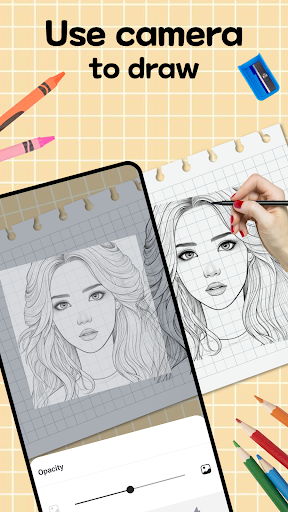
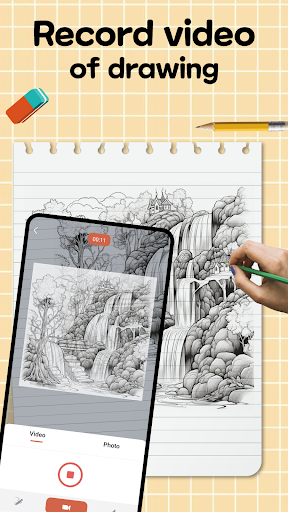
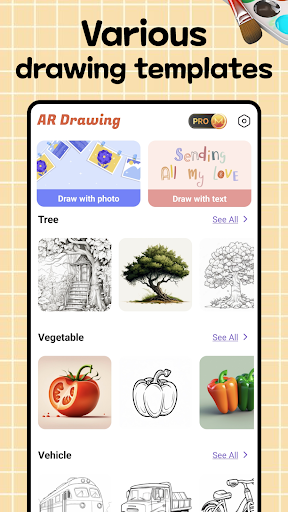
AR Tracer: Trace Drawing overlays sketches in real time onto the physical world so you can trace, outline, and refine drawings with precision. It combines AR alignment with approachable drawing tools—brushes, colors, and layers—inside a clean, beginner‑friendly interface.
Verdict
Verdict: A capable AR tracing tool that’s easy to use, though AR stability and device variability may limit perfection for pro workflows.
Who is it for
Best for:
- Beginners learning proportions by tracing real-world references
- Hobbyists and creators who want quick AR-assisted sketching
- Teachers or parents guiding hands-on art practice
Not ideal for:
- Artists needing pro-grade precision and advanced editing features
- Users on older/unsupported devices or low-light environments
- Anyone expecting full illustration suites and desktop-level control
Real-world User Experience
Users like it:
The AR overlay helps align subjects for tracing, the interface is straightforward, and the built-in brushes/colors/layers make it simple to get started.
Users complain about:
AR can drift under poor lighting or with limited device sensors; performance and compatibility vary by device; some users may want more advanced features than the basics provided.
Is it Worth Paying For?
The app is free. With no clear information about in-app purchases, the core value is strong at no cost; if optional IAPs or ads exist, most users should find the free experience sufficient for casual tracing practice.
How it Compares to Alternatives
Compared with alternatives like SketchAR or AR Drawing apps, AR Tracer emphasizes ease of use and straightforward tools over deep tutorials or extensive lesson content. It’s simpler than feature-rich learning platforms but quicker to pick up for basic tracing, trading advanced guidance and precision controls for accessibility.
Summary
AR Tracer: Trace Drawing turns your phone into a practical tracing aid by projecting guides onto real surfaces for accurate outlines. The clean interface and essential drawing tools help beginners build confidence and speed, while hobbyists benefit from quick setup and portable AR alignment. As with most AR apps, stability depends on lighting and device capabilities, so results can vary and power users may outgrow its toolset. Given it’s free, it’s an easy recommendation for learning and casual projects, and a handy companion for sketch sessions where a lightweight AR guide is all you need.
Ratings
Trending APP












Alternative to this app










