
Copyright 2026 © swekartor. All Rights Reserved.


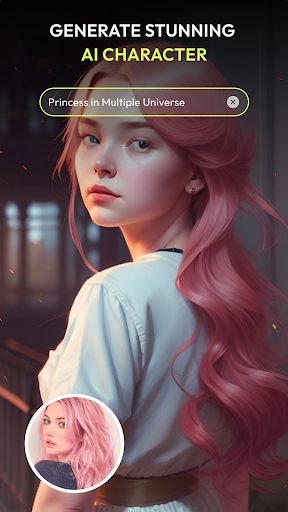
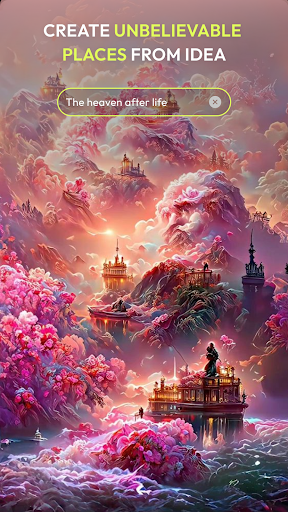
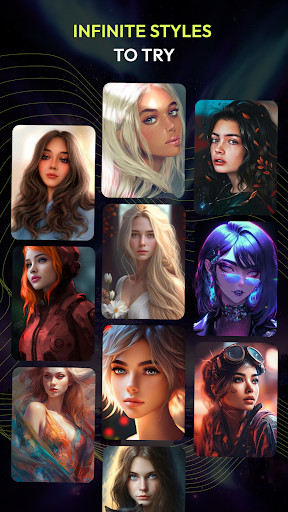
App Feature
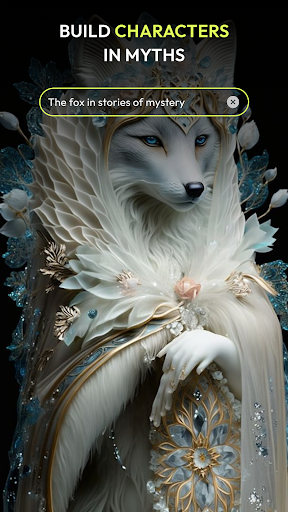
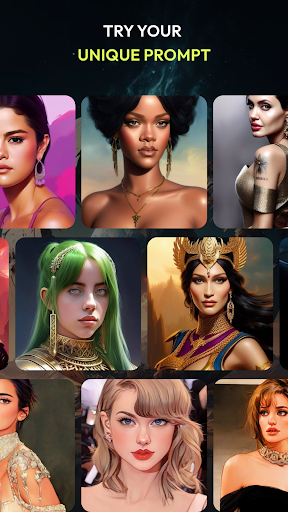
Artimind: AI Art Generator transforms your photos into artwork by emulating famous painting styles. It offers a large catalog of artistic filters and fine-grained controls over brush strokes, color intensity, and texture to craft personalized, realistic art replications.
Verdict
Verdict: A capable, customizable photo-to-art app that balances ease of use with fine control, though results can vary by image.
Who is it for
Best for:
- Users who want quick, high-quality photo-to-art transformations
- Creators who value granular controls over style, color, and texture
- Social media users seeking distinctive, shareable looks
Not ideal for:
- Professionals needing consistent, studio-grade outputs every time
- Users looking for text-to-image generation rather than photo stylization
- Those who dislike tuning parameters and prefer one-tap results only
Real-world User Experience
Users like it:
The broad filter selection, convincing replication of famous styles, and the ability to tweak brushwork and color for more personalized results. Many find it straightforward and fun, with a solid balance of one-tap effects and deeper customization.
Users complain about:
Outputs can be hit-or-miss depending on the source photo; some images show artifacts or less faithful style transfer. Processing can feel slow on older devices, and fine-tuning may require a bit of trial and error.
Is it Worth Paying For?
The app is listed as free, with no paid plan explicitly mentioned. Given the feature set and rating, it’s worth trying at no cost.
How it Compares to Alternatives
Compared to Prisma, Artimind emphasizes more granular control over parameters for a tailored look rather than purely one-tap filters. Versus Lensa, which focuses heavily on portrait retouching and AI avatars, Artimind leans into art-style replication of photos. Against Dream by Wombo or StarryAI, which excel at text-to-image creation, Artimind is stronger for transforming existing photos into painterly renditions. Overall, its customization options and realistic style emulations make it competitive in photo-to-art conversion.
Summary
Artimind: AI Art Generator is a strong choice for turning photos into stylized artwork, offering a big library of art filters and rare depth of control over brush strokes, color intensity, and texture. Its standout strength is realistic replication of famous styles, letting users go beyond simple overlays to craft more bespoke results. With a 4.0 rating and 10M+ downloads, it delivers an accessible workflow for casual creators while still appealing to users who want to fine-tune their output. Expect occasional variability depending on the input photo and device performance, but for a free app focused on photo-to-art transformations, it provides an impressive toolkit with meaningful creative flexibility.
Ratings
Trending APP







Alternative to this app










