
Copyright 2026 © swekartor. All Rights Reserved.


App Feature
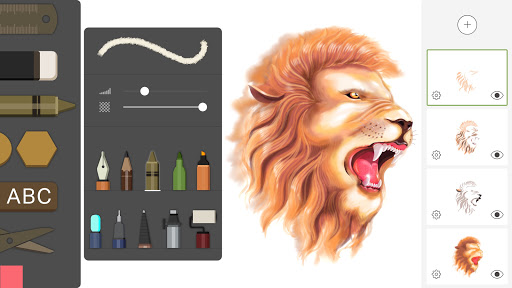
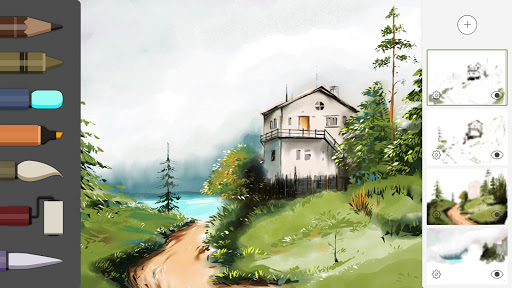
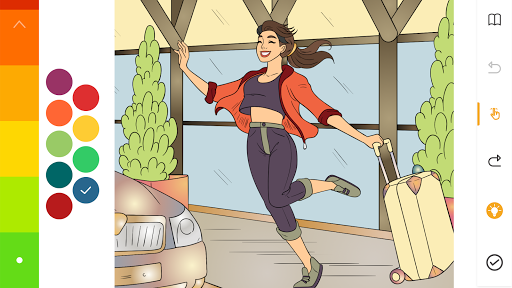
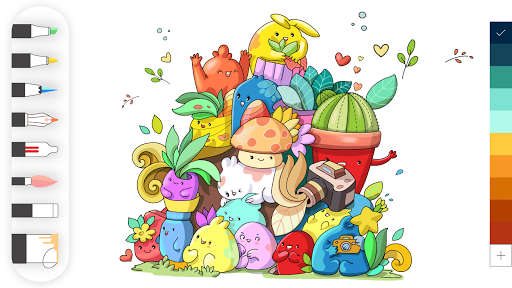
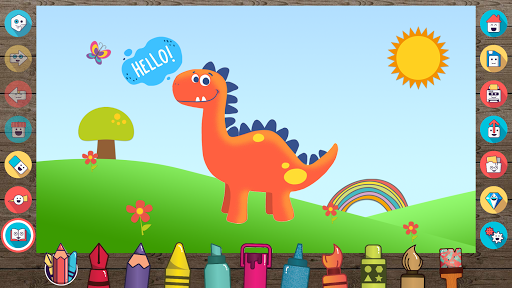
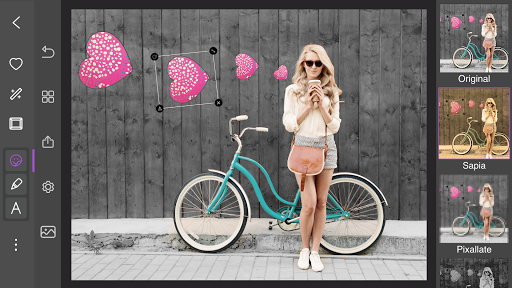
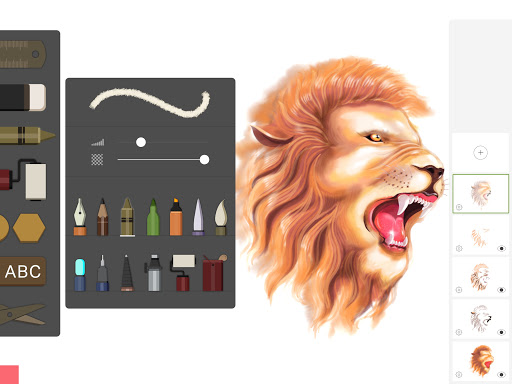
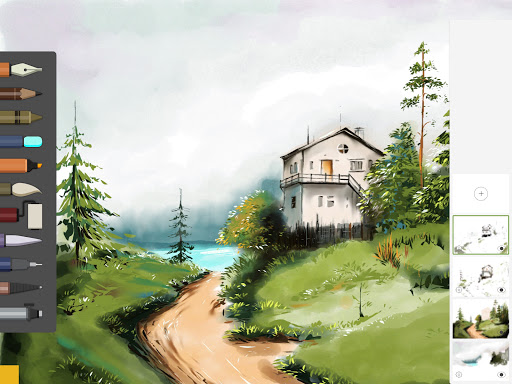
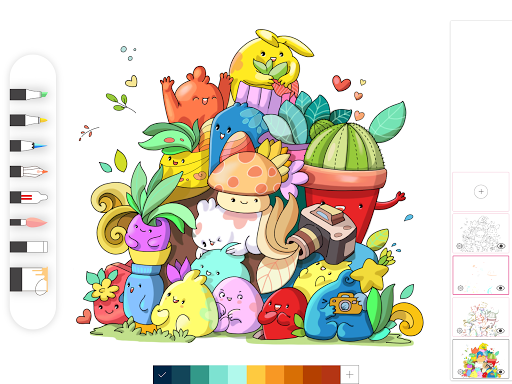
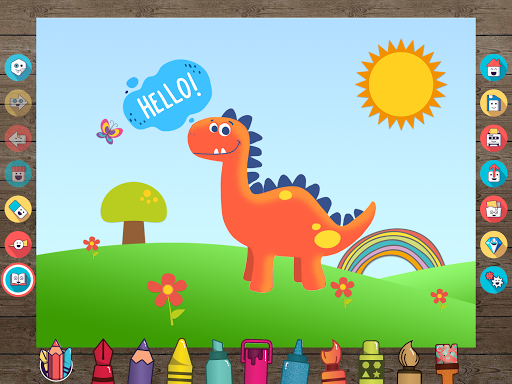
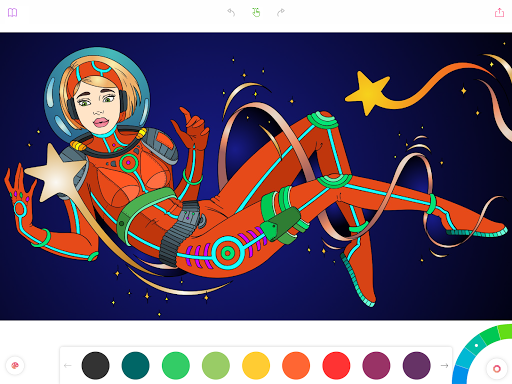
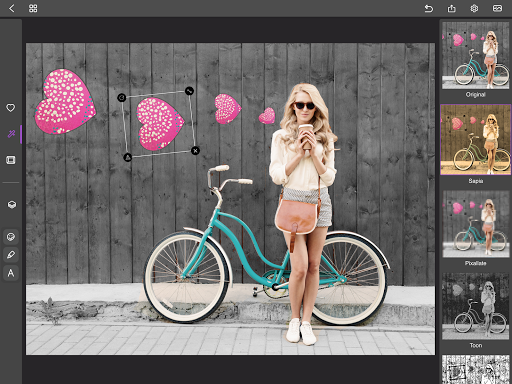
Drawing Desk: Draw, Paint Art is a beginner-friendly digital art app combining structured drawing lessons with a full-featured canvas. It offers 25+ brushes (pencil, watercolor, crayon, neon, ink, smudge), layers, symmetry, quick/instant shapes, gradients and palettes, textures, photo import and edits, plus AI tools (text-to-art, sketch-to-art, auto-colorize, background/object removal). It also includes 500+ coloring pages, daily updates, and guided masterclasses with step-by-step voice/text instructions.
Verdict
Verdict: A versatile, lesson-first drawing app great for learning and casual creation, but heavy subscribers or pro illustrators may want deeper pro controls and a clearer value-priced premium.
Who is it for
Best for:
- Beginners and hobbyists who want step-by-step lessons and guided practice
- Casual artists and kids who enjoy coloring pages and easy-to-use tools
- Users interested in AI-assisted creation (auto-colorize, text/sketch-to-art)
Not ideal for:
- Power users needing granular brush engines and advanced pro workflows
- Price-sensitive users who dislike subscriptions, upsells, or ads
Real-world User Experience
Users like it:
Smooth onboarding and easy UI; plentiful brushes and tools; generous free features; high-quality interactive lessons with voice/text guides; enjoyable coloring section with many color choices; good for both kids and adults; AI tools and photo editing are handy; sharing is simple.
Users complain about:
Subscription prompts and pricing feel high to some; occasional UI quirks (e.g., zoom snapping back) and minor bugs; trial cancellation flow caused confusion for at least one user; some premium content sits behind paywalls; a few want more default colors.
Is it Worth Paying For?
If you plan to use the structured learning paths, masterclasses, advanced tools, and AI features, premium can be worth it—several reviewers felt satisfied after upgrading. However, the free tier is surprisingly capable for sketching, coloring, and basic learning, so budget-minded users can stick with free. Given multiple comments about cost, evaluate the trial carefully and confirm how to cancel before committing.
How it Compares to Alternatives
Compared to Ibis Paint, Drawing Desk focuses more on lessons, coloring, and ease-of-use, while Ibis offers a deeper brush engine, community assets, and pro controls. Autodesk SketchBook delivers a robust, ad-free drawing experience without heavy upsells but lacks structured courses. Adobe Fresco provides vector + raster with cloud integration and pro polish, but its learning content is less integrated and may cost more overall. Procreate (not on Android) remains a pro favorite for brush realism. Drawing Desk stands out for beginner education and AI convenience, not for maximum pro depth.
Summary
Drawing Desk blends a friendly drawing suite with substantial learning content, making it a standout option for beginners and casual creators who want to improve quickly. With 25+ brushes, layers, symmetry and shapes, photo import, and popular AI helpers, it covers everyday digital art needs while offering 500+ coloring pages and masterclasses to build skills. Reviews praise its ease of use, tool variety, and lesson quality, though some cite pricey subscriptions, occasional ads/upsells, and minor zoom bugs. If you value guided learning and AI convenience, premium may be justified; otherwise the free tier is capable for sketching and coloring. Overall, it’s a polished, education-forward drawing app with broad appeal to learners and hobbyists.
Ratings
Trending APP







Alternative to this app










