
Copyright 2026 © swekartor. All Rights Reserved.





App Feature
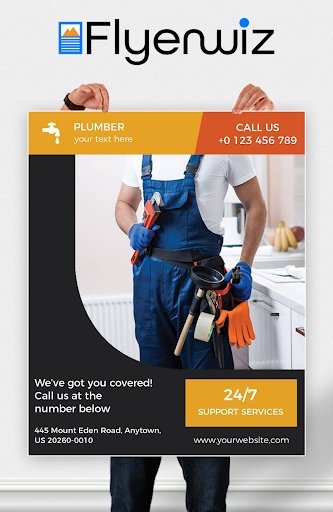
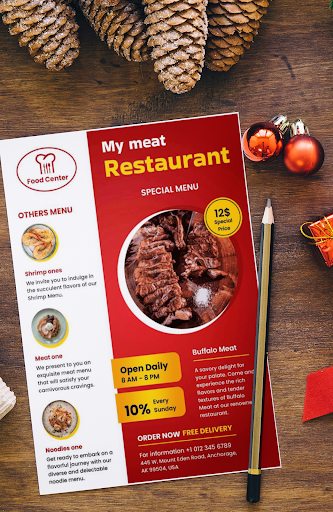
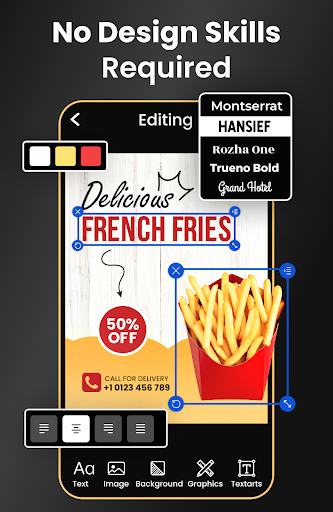
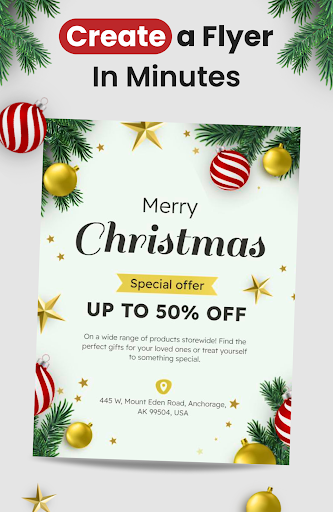
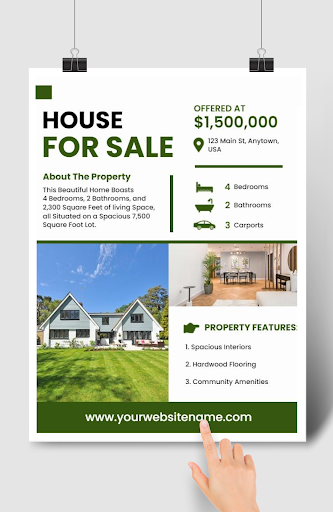
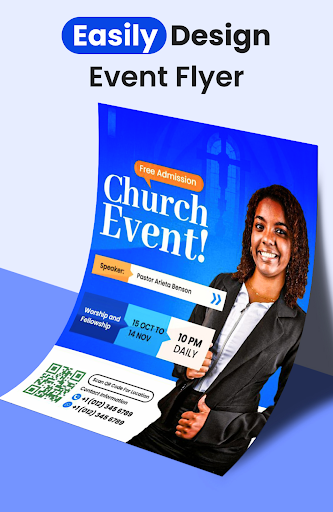
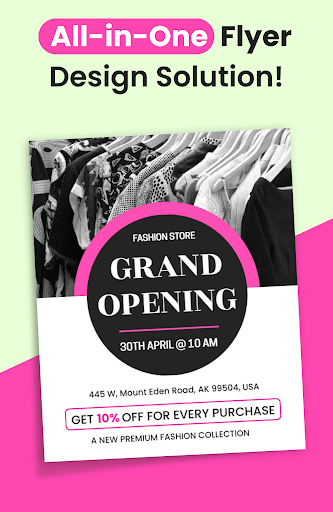
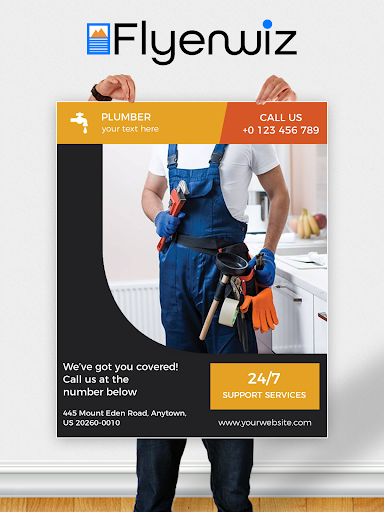
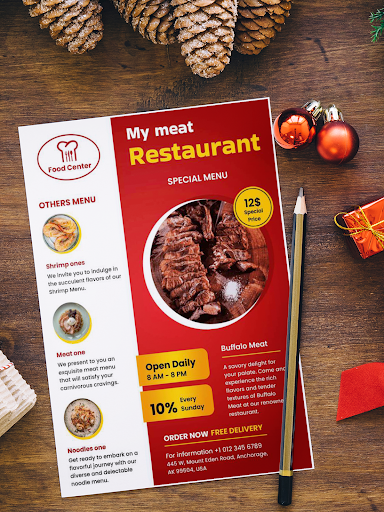
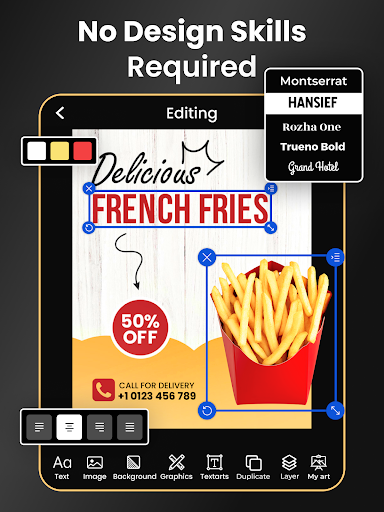
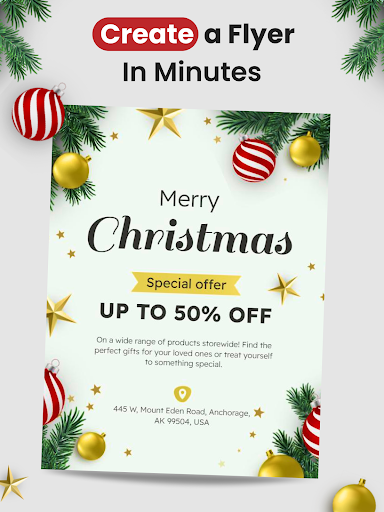
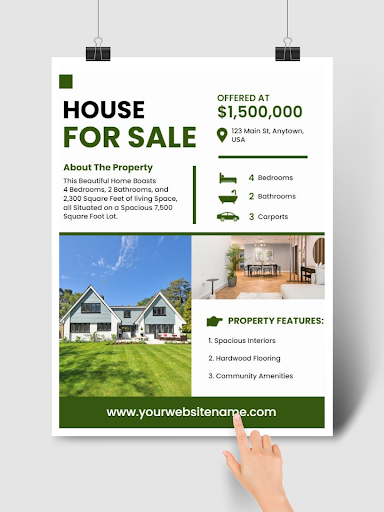
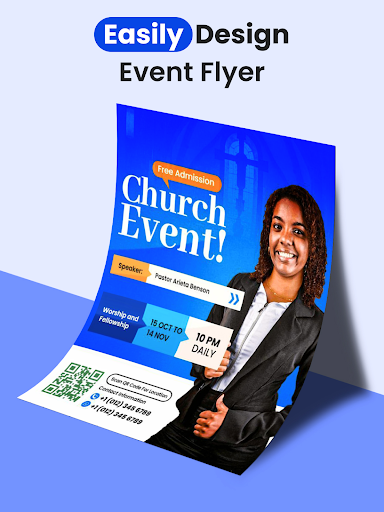
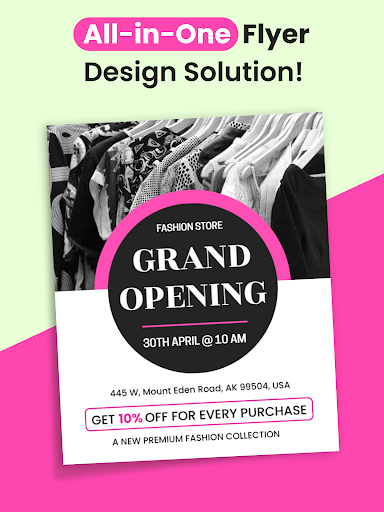
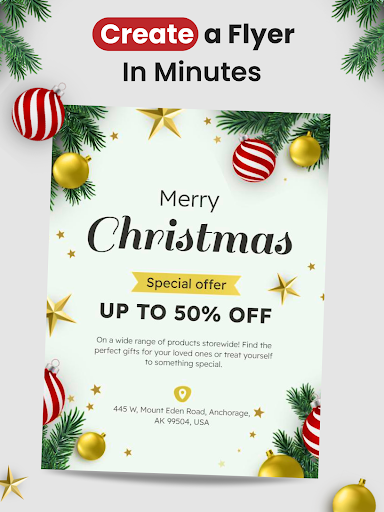
Flyers, Poster Maker, Design is a template-driven design app for creating flyers, posters, and social graphics. It offers 30,000+ customizable templates, AI-assisted tools (flyer generator, background remover, copy helper), QR codes and clickable PDF links, animated video flyers, brand elements (logos, colors, fonts), and flexible export/sharing for print or digital.
Verdict
Verdict: A fast, beginner-friendly flyer/poster maker with strong templates and handy AI, but less ideal for granular typography control or ad-heavy free use.
Who is it for
Best for:
- Small businesses, event organizers, and marketers needing quick, polished promos
- Beginners who want easy, template-led design with AI assistance
- Social media creators who need fast exports and video flyers
Not ideal for:
- Power users who need advanced typography, layer control, or custom shapes
- Users who dislike ads/watermarks or require fully free, premium-level assets
Real-world User Experience
Users like it:
Very easy to use with minimal learning curve; large, versatile template and asset library even on the free tier; quick results suitable for business and events; reliable saving and exporting; solid value for replacing simple desktop workflows; responsive support noted by some.
Users complain about:
Free version has frequent ads and watermark; occasional lag/hangs; difficult to select/edit very small text without zooming; limited per-text style/size control and shape customization; some premium templates locked behind subscription; a few report harder editing of existing projects post-subscription; accessibility features like highlights/large print are limited.
Is it Worth Paying For?
Yes for frequent or professional use: the reasonably priced subscription removes ads/watermarks and unlocks the full template/asset set, speeding workflow and output quality. Casual users can comfortably start free, occasionally unlocking items by watching ads, and upgrade if the limitations (ads, watermark, locked templates) hinder productivity.
How it Compares to Alternatives
Compared to Canva, Adobe Express, and VistaCreate, this app emphasizes speed with a focused flyer/poster flow, a large ready-to-use template set, and convenient AI tools for quick wins (plus animated video flyers). Canva/Adobe Express offer broader ecosystems (brand kits, collaboration, deeper layout/typography, multi-format projects) but can feel heavier. This app is lighter and faster for single-purpose marketing graphics, though less robust for advanced design control or team workflows.
Summary
Flyers, Poster Maker, Design streamlines making professional-looking flyers, posters, and social assets through a vast template library, AI helpers, and simple export options. Users praise its ease and speed, citing it as a practical substitute for desktop tools when producing event flyers, promos, and menus. Downsides are typical of freemium design apps—ads, watermarks, some locked content, and limited granular typography/shape controls—plus occasional performance hiccups and accessibility gaps. If you regularly create promotional materials, the paid plan offers good value by removing friction and unlocking the full library; if you design occasionally, the free version still delivers solid results with a bit of patience.
Ratings
Trending APP







Alternative to this app










