
Copyright 2026 © swekartor. All Rights Reserved.



App Feature
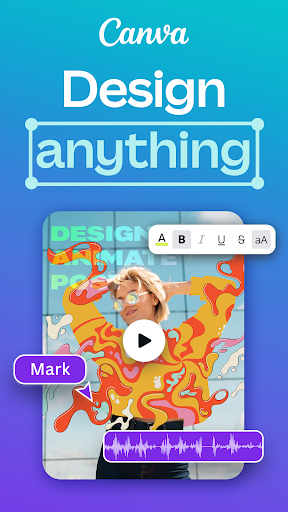
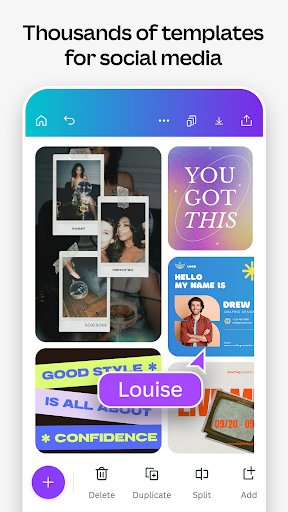
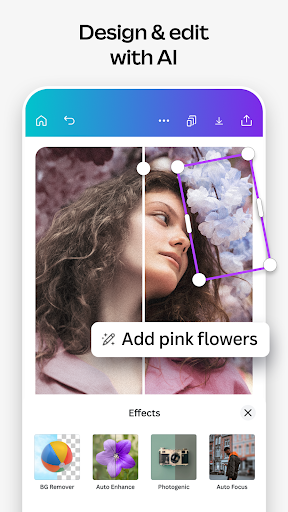
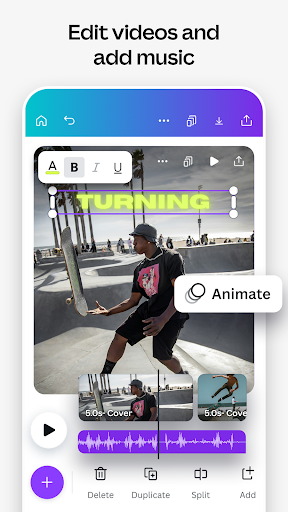
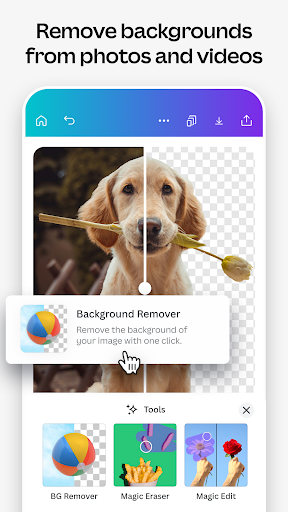
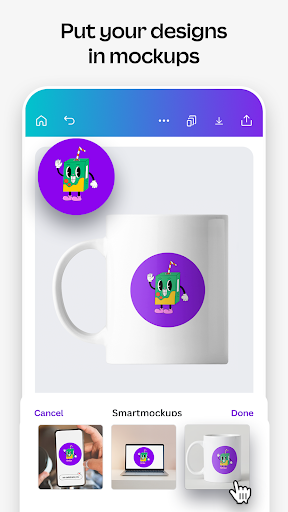
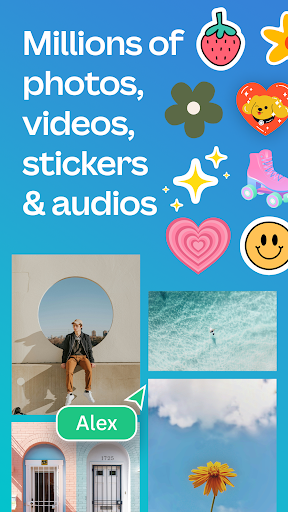
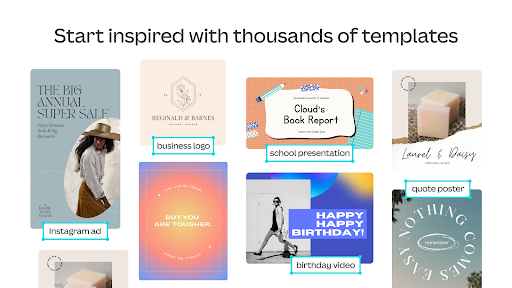
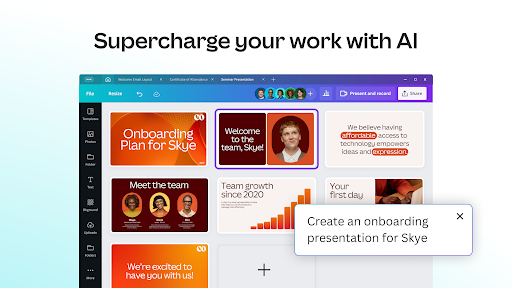
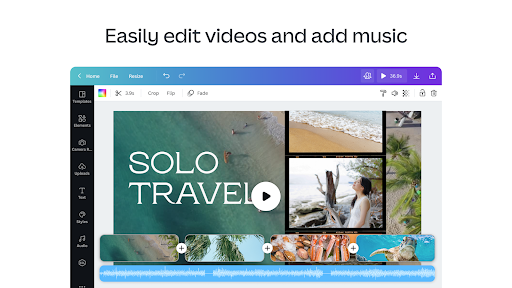
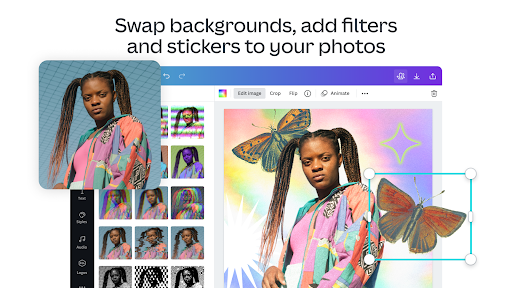
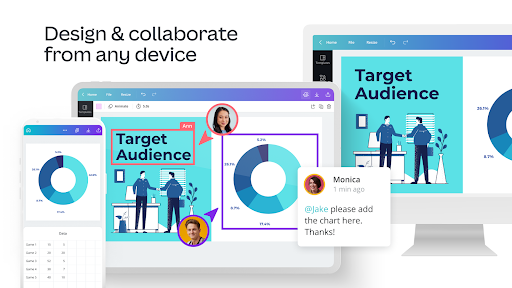
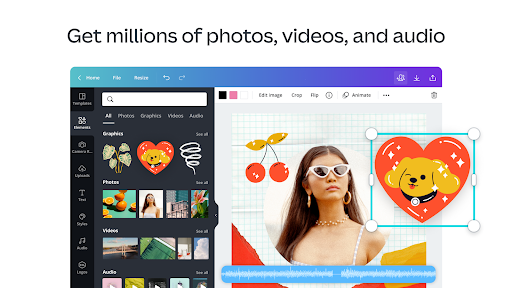
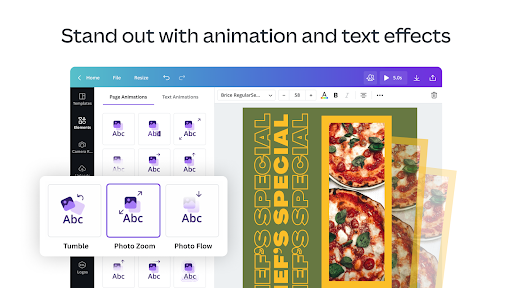
A versatile, free all‑in‑one design suite that combines photo editing, video editing, AI-assisted content generation (text-to-image, Magic Edit/Design), vast template and asset libraries, real-time collaboration, cross‑platform syncing, and optional print‑on‑merch services.
Verdict
Verdict: A powerhouse, beginner‑friendly design app with pro‑leaning features, best for fast multi-format creation but not for pixel‑perfect or advanced NLE workflows.
Who is it for
Best for:
- Creators and small teams needing quick social posts, presentations, thumbnails, and simple videos
- Non-designers who want polished results via templates and AI tools
- Cross‑device users who value cloud sync and collaboration
Not ideal for:
- Power users needing granular photo retouching or complex vector/pixel control
- Editors requiring advanced timeline video workflows and fine audio mixing
Real-world User Experience
Users like it:
Clean, beginner‑friendly UI; massive template and asset library; strong free tier with no ads or watermarks; fast background removal and quick edits; smooth cross‑platform continuity (start on phone, refine on desktop); collaboration and commenting; reliable for social graphics, presentations, thumbnails, and routine design tasks.
Users complain about:
Occasional slow saves/performance hiccups on mobile; some feature gaps or conflicts (e.g., flipping text, combining stroke and shadow effects); occasional inconsistencies between web and mobile layouts/fonts (reported but improved); premium items surfaced more prominently than free; AI results can require retries; some users want formerly paid features (e.g., transparent background) free.
Is it Worth Paying For?
The free plan is generous and ad‑free, good enough for most casual creators. Canva Pro becomes worth it for frequent users who need brand kits, premium assets, background remover/magic resize at scale, scheduler, and increased cloud storage—these save time and ensure consistency across teams and channels.
How it Compares to Alternatives
Against Adobe Express, Canva is often faster for non‑designers and collaboration, with similarly strong templates and AI; Adobe may edge out in brand/enterprise workflows. Compared to Picsart, Canva focuses more on layouts, publishing, and collaboration rather than heavy photo effects/social creation. For video, CapCut/InShot offer deeper timeline editing and effects, but Canva wins on multi‑format design, templating, and ease for mixed media projects.
Summary
Canva: AI Photo & Video Editor delivers a streamlined, template‑first workflow to create social graphics, presentations, simple videos, and more—augmented by AI tools that speed up ideation and editing. The free, ad‑free plan is strong, with smooth cross‑device syncing and real‑time collaboration that suits students, small businesses, and creators. While it’s not a replacement for advanced photo retouching or pro video timelines, it excels at turning ideas into polished assets quickly. Minor performance hiccups, a few effect/feature limitations, and premium surfacing are the main drawbacks. Overall, it’s one of the most capable and approachable all‑in‑one design apps on mobile and web, and Pro is a worthwhile upgrade for high‑volume, brand‑consistent work.
Ratings
Trending APP









Alternative to this app










