
Copyright 2026 © swekartor. All Rights Reserved.






App Feature
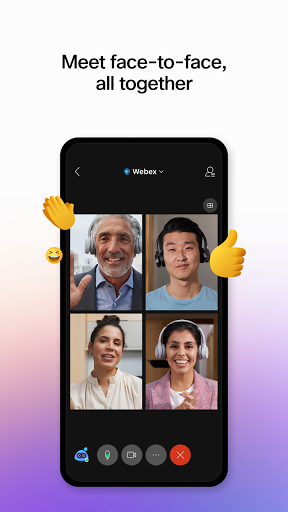
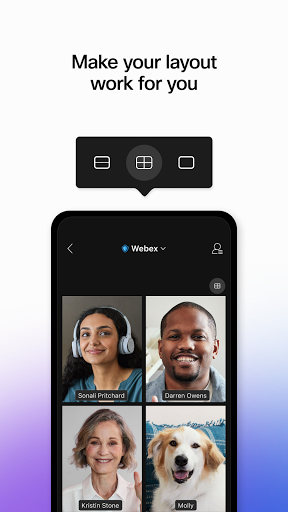
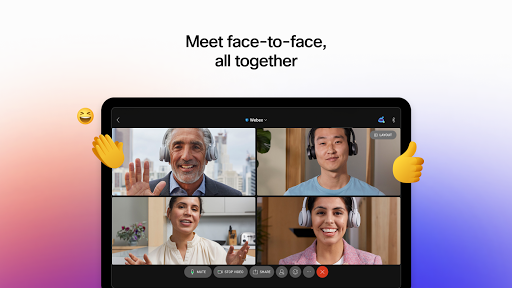
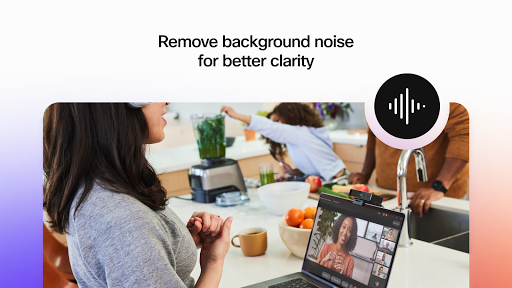
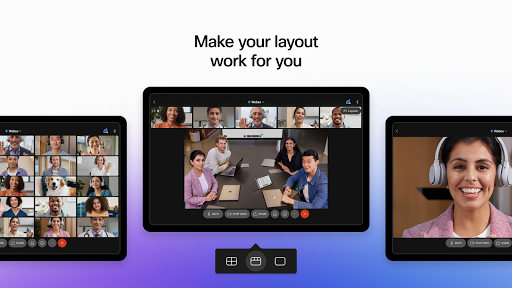
Webex Meetings is a free, enterprise-grade video conferencing app that enables you to join and host meetings or webinars with high-quality audio/video, background noise removal, screen sharing, live chat and reactions, automatic transcription, and instant translation into 100+ languages, plus cloud recording and customizable layouts. It supports Android and ChromeOS (PWA) with gesture recognition and robust host controls.
Verdict
Verdict: A powerful, secure meeting platform with excellent audio/video and features, but heavier data use and some mobile UX quirks.
Who is it for
Best for:
- Businesses, educators, and teams needing reliable large-scale meetings and webinars
- Users who value noise suppression, transcription, and live translation
- Participants who prioritize security and enterprise-grade stability
Not ideal for:
- Users on very limited data or unstable connections
- Older/low-powered devices sensitive to CPU and battery drain
- Those who want ultra-minimal, highly customizable mobile UI/controls
Real-world User Experience
Users like it:
Consistently praised for clear audio and crisp video with minimal lag, dependable performance in large meetings (hundreds of participants), straightforward join/host workflow across phone and desktop, strong security reputation, helpful noise suppression, and adaptability that suggests audio-only when connectivity drops. Many find it easy for classes, court hearings, and recurring business meetings.
Users complain about:
Reports of higher data usage than some competitors, occasional freezes/disconnections on weaker networks, some mobile UI rough edges (chat jumps to bottom on new messages, limited self-view placement, missing/finicky background blur or removing blur), language auto-selection issues, heavy CPU/battery usage on some devices, no passcode visibility toggle, and meetings sometimes ending earlier than expected.
Is it Worth Paying For?
The app is free with no ads or IAP. For individuals and most teams joining hosted meetings, the free mobile app is absolutely worth it. Paid Webex plans (purchased outside the app) add admin controls and enterprise features, but are unnecessary for basic joining/hosting needs on mobile.
How it Compares to Alternatives
Versus Zoom: comparable quality and features; Webex stands out with built-in noise removal, gesture reactions, and robust enterprise security, while Zoom may feel lighter on data for some users and has broader familiarity. Versus Google Meet: Webex offers richer host controls, transcription, and translations; Meet is simpler and very browser-friendly. Versus Microsoft Teams: Teams wins on Microsoft 365 integration; Webex focuses on meeting excellence and scale. Overall, Webex is a top-tier choice for large, secure meetings with advanced features, though not the leanest on bandwidth.
Summary
Webex Meetings delivers a polished, secure video conferencing experience tailored to professional use: high-quality audio/video, background noise suppression, live chat/reactions, screen sharing, cloud recording, and advanced capabilities like automatic transcription and instant translation. Reviews highlight strong performance even in large meetings and straightforward usability across devices, with Cisco’s security pedigree inspiring confidence. The trade-offs are higher data consumption, occasional disconnects on weaker networks, and a few mobile UX hiccups (chat scrolling, background options, language settings, passcode visibility). If you need a reliable, feature-rich meeting app—especially for business, education, or formal proceedings—Webex is excellent. Users on constrained bandwidth or older devices may prefer lighter alternatives, but for most, the free app provides outstanding value and capability.
Ratings
Trending APP











Alternative to this app










