
Copyright 2026 © swekartor. All Rights Reserved.


App Feature
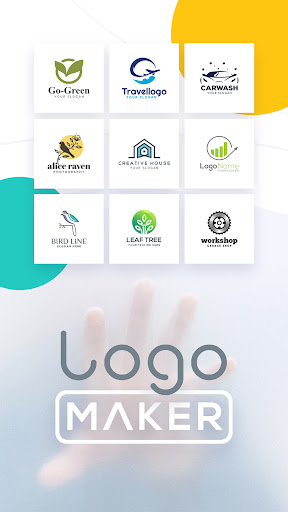
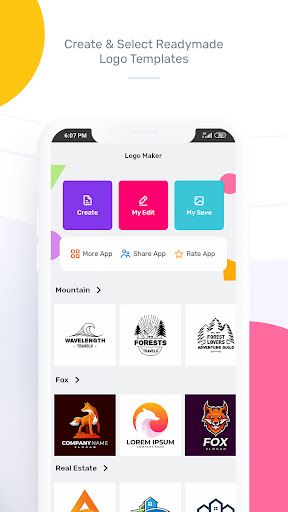
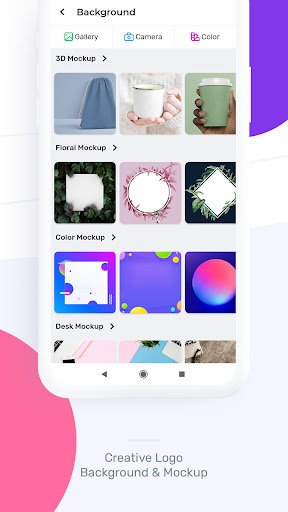
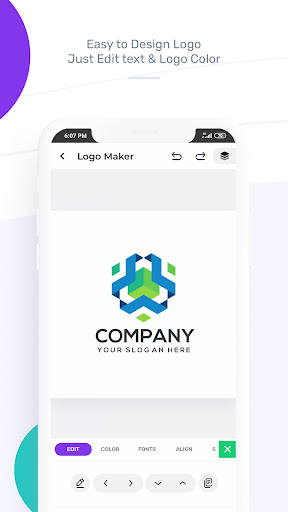
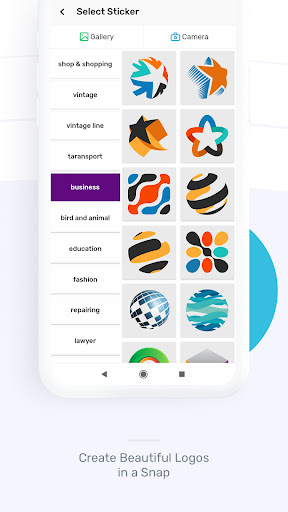
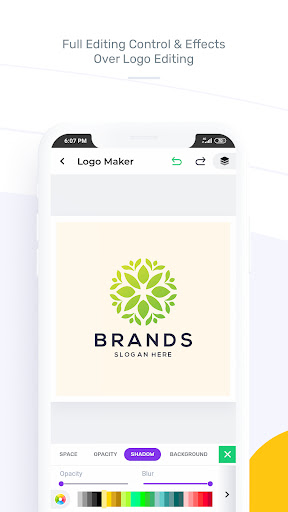
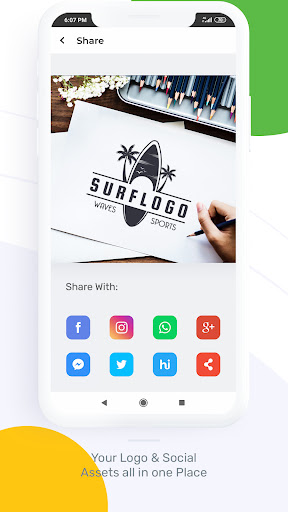
AI-assisted logo creator with drag-and-drop editing, large template/icon/font library, and high-quality exports (PNG/JPEG, with transparent backgrounds; SVG mentioned). Covers many niches (business, gaming, sports, fashion) with quick generation from name/industry and manual customization of colors, fonts, icons, and shapes.
Verdict
Verdict: A versatile, beginner-friendly logo maker with generous free tools, held back mainly by frequent ads and limited advanced typography controls.
Who is it for
Best for:
- Entrepreneurs, small businesses, and creators who need fast, polished logos
- Beginners who want templates and simple, drag‑and‑drop editing
- Social media, YouTube, and gaming users needing quick branding and transparent PNGs
Not ideal for:
- Designers needing advanced text-on-path/curve, precise vector workflows, or full brand systems
- Users who are highly sensitive to frequent ads
- Teams requiring detailed versioning, font management, or collaborative design
Real-world User Experience
Users like it:
Very easy to use; wide range of attractive templates across industries; strong font and icon selection; frequent content updates; ability to export with transparent background; fast results that are good enough for startups, social profiles, and mockups; free tier is genuinely useful.
Users complain about:
Ads are frequent and interrupt flow; limited typography features (no curved/round text, text shaping, or effects on all elements); font list labeling can be confusing; some users want better 3D/shadow controls, more fonts, vector/PDF exports, and clearer color tools.
Is it Worth Paying For?
The free plan is capable for most quick-use cases (including transparent PNGs), but the ad load is heavy. If you value an ad‑free workflow, broader asset access, and potentially higher‑quality/format exports, the in‑app purchase can be worth it. Casual users can likely stay free; frequent creators and small businesses may benefit from upgrading.
How it Compares to Alternatives
Compared to Canva or Adobe Express, this app is more focused on logos, feels quicker to get a usable result, and offers ample templates without forcing a paywall, but it lacks richer brand‑kit tools, collaboration, and advanced text/path editing. Versus dedicated logo generators like Looka or Shopify Hatchful, it provides more hands‑on editing and on‑device convenience, though professional vector control and brand package outputs may be more limited.
Summary
AI Logo Generator – Logo Maker delivers an accessible, template‑driven path to clean, modern logos in minutes. Its drag‑and‑drop editor, broad category coverage, and transparent‑background exports make it ideal for new businesses, content creators, and hobby projects. User feedback highlights a generous free experience and strong variety, with frequent ads and limited advanced typography as the main drawbacks. If you need quick results and minimal learning curve, it shines; if you require deep vector control, curved text, or collaborative brand management, you may outgrow it. Overall, it’s a highly rated, high‑value option for fast, attractive logo creation on mobile.
Ratings
Trending APP












Alternative to this app










