
Copyright 2026 © swekartor. All Rights Reserved.



App Feature
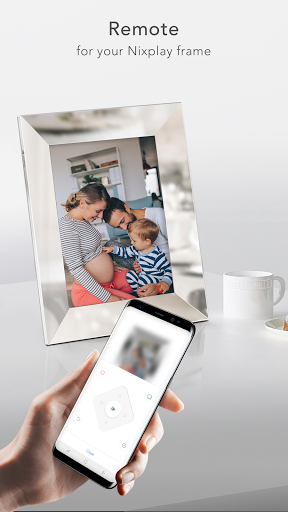
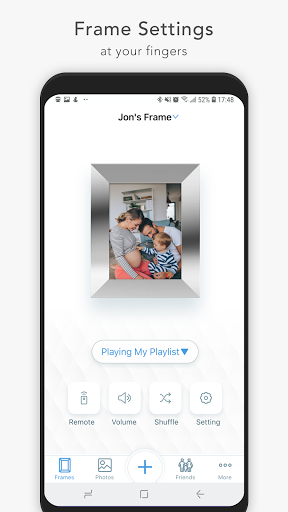
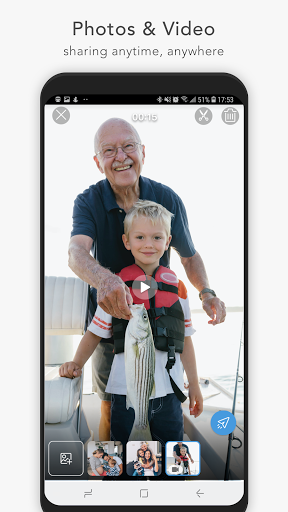
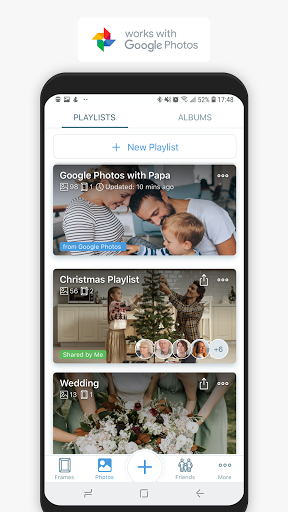
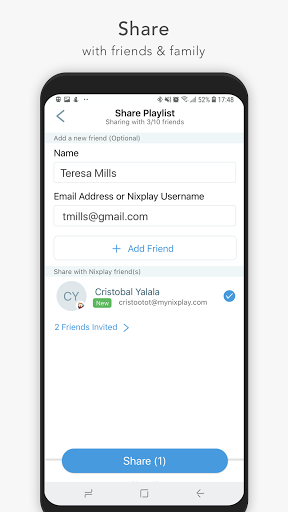
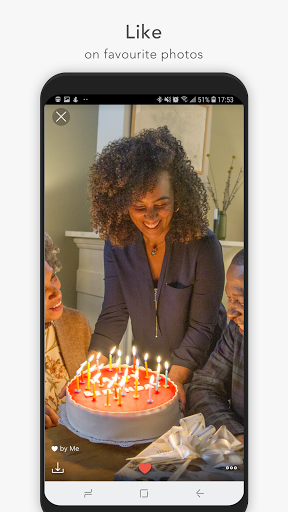
Nixplay App lets you send photos and videos directly to Nixplay WiFi frames, manage albums, caption and comment on shared moments, and remotely control display settings (brightness, transitions, playlists) from your phone. It supports real-time sharing with family and auto-detects frames on the same network for quick setup.
Verdict
Verdict: A convenient companion for Nixplay frames, but inconsistent reliability and setup friction hold it back.
Who is it for
Best for:
- Nixplay frame owners who want simple, remote photo sharing
- Families coordinating shared albums and comments across multiple frames
- Users who value granular frame controls (playlists, transitions, brightness)
Not ideal for:
- People without a Nixplay frame (limited utility)
- Users who demand flawless connectivity and zero-maintenance setup
- Shoppers seeking a free, ecosystem-agnostic photo display solution
Real-world User Experience
Users like it:
Quickly pushing photos to a frame, sharing albums with family, captioning and commenting, and having remote control over frame settings are commonly appreciated. The ability to send from other supported Android apps and discover frames on the same Wi‑Fi is convenient.
Users complain about:
Reviews frequently mention pairing/connectivity hiccups, sync delays, and app stability issues. Some report friction around account management and paid features, and inconsistent frame detection that makes initial setup or ongoing use frustrating.
Is it Worth Paying For?
The app is free and offers in‑app purchases tied to Nixplay’s cloud services. If you already own a Nixplay frame and plan to share a lot of content remotely, paid tiers can be worthwhile for expanded storage/features. If you don’t own the hardware—or only share occasionally—the free functionality may suffice and paid plans add limited value.
How it Compares to Alternatives
Compared with Aura or Skylight frame apps, Nixplay’s strength is robust remote control and real‑time sharing, but it trails some competitors on perceived reliability and onboarding polish. Versus Google Photos or Amazon Photos casting to smart displays, Nixplay offers tighter frame‑specific controls and family sharing workflows, but is more hardware‑dependent and less universally seamless.
Summary
Nixplay App is a purpose-built companion for Nixplay WiFi frames that streamlines sending, organizing, and displaying photos across households. Its real-time sharing, captions/comments, and granular display controls make it attractive for families who want a dedicated photo frame experience. However, user sentiment and ratings suggest recurring pain points with connectivity, stability, and setup. If you own a Nixplay frame and value remote sharing and control, the app delivers meaningful utility—potentially enhanced by paid cloud features. Those seeking a more universally reliable or hardware-agnostic solution may prefer alternatives like Aura, Skylight, or casting via Google/Amazon ecosystems.
Ratings
Trending APP












Alternative to this app










