
Copyright 2026 © swekartor. All Rights Reserved.



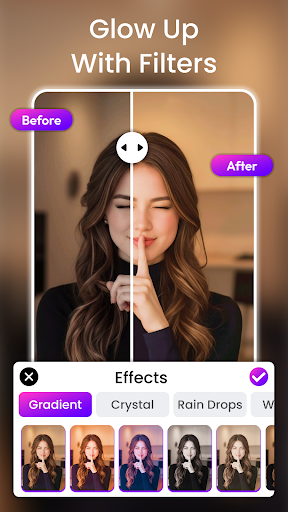
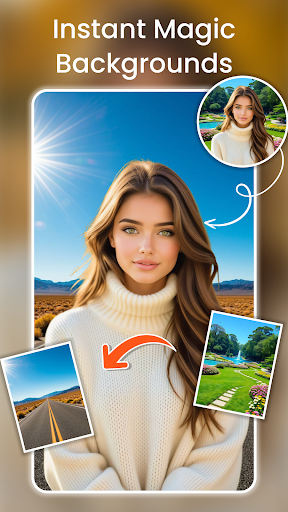
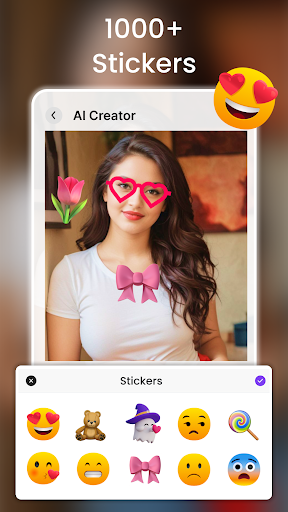
App Feature
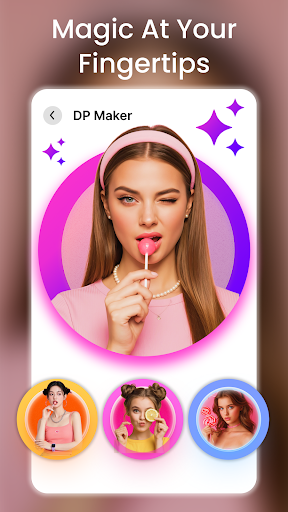
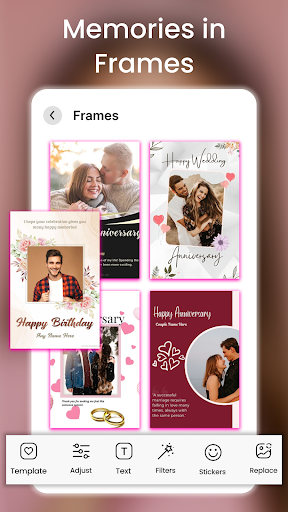
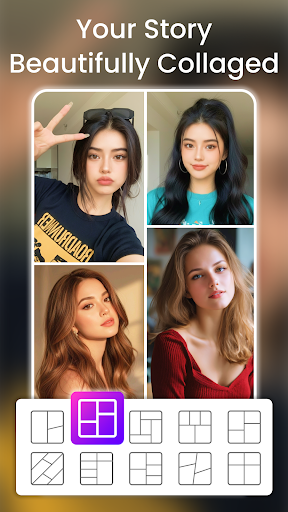
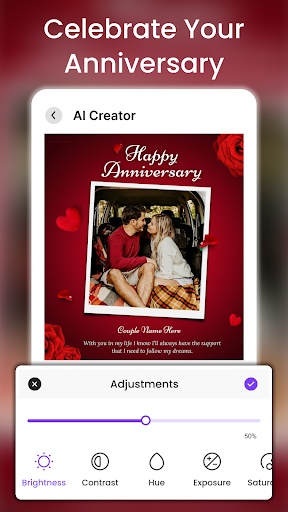
PhotoVerse AI Photo Editor is an all‑in‑one mobile photo and short‑video editor focused on fast, AI‑assisted creation. Core tools include AI background removal and replacement, ready‑made templates for collages/product shots, basic-to-advanced retouching and filters, and a photo‑to‑video generator for reels and stories.
Verdict
Verdict: A capable, beginner‑friendly AI editor for quick social visuals, but mixed reliability and monetization may frustrate demanding users.
Who is it for
Best for:
- Casual creators who want quick backgrounds, effects, and collages
- Social media users making stories/reels from photos in minutes
- Small sellers needing clean product cutouts without desktop tools
Not ideal for:
- Power users needing pro‑level masking, layers, and granular controls
- Anyone sensitive to ads, watermarks, or paywalled premium effects
- Users requiring consistently perfect edge detection on complex subjects
Real-world User Experience
Users like it:
Simple interface, fast workflow, and handy AI background remover; templates and effects make it easy to produce shareable images and short clips without a learning curve.
Users complain about:
Mixed overall rating suggests inconsistencies—expect occasional imprecise cutouts, performance hiccups on some devices, and interruptions from ads or paywalled features.
Is it Worth Paying For?
The free version covers most casual needs but includes ads and likely limits premium effects or exports. Paying may be worthwhile if you frequently remove backgrounds, need higher‑quality results, or want to avoid ads; otherwise, stick with the free tier and upgrade only if you hit limits.
How it Compares to Alternatives
Compared to Canva or Picsart, PhotoVerse is simpler and faster for background removal and quick collages but offers fewer advanced design tools and community assets. Against Adobe Photoshop Express, it trades pro tuning and ecosystem integration for ease and AI shortcuts. For pure background work, dedicated tools (e.g., remove.bg‑powered apps) can be more precise but lack PhotoVerse’s on‑device effects and video generation.
Summary
PhotoVerse AI Photo Editor aims to make stylish photos and short videos fast, combining AI background removal, one‑tap effects, templates, and a photo‑to‑video generator. It hits a sweet spot for casual creators and small sellers who value speed over pixel‑perfect control. The 3.4 rating signals trade‑offs: occasional cutout inaccuracies, ads, and IAP‑gated features. If you want a lightweight, friendly tool for everyday social content, the free tier is a good start; consider paying only if you need cleaner exports, more styles, or an ad‑free workflow. Power users seeking rigorous masking, layer workflows, and consistent pro results should look to more advanced editors.
Ratings
Trending APP












Alternative to this app










