
Copyright 2026 © swekartor. All Rights Reserved.



App Feature
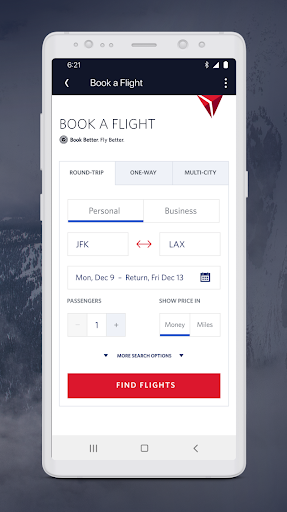
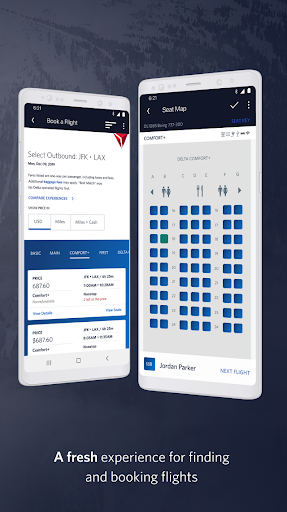
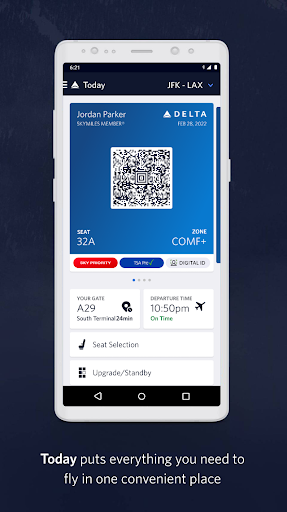
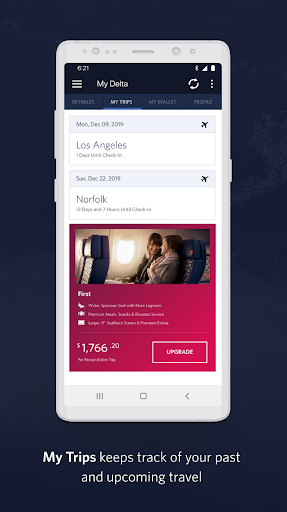
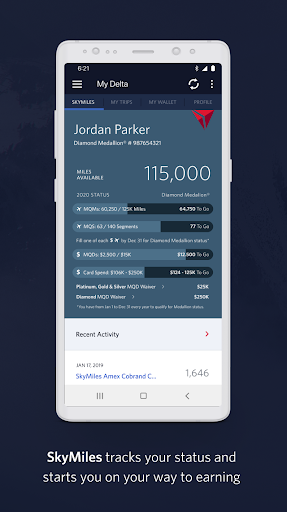
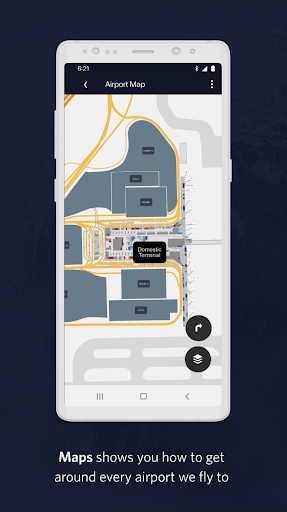
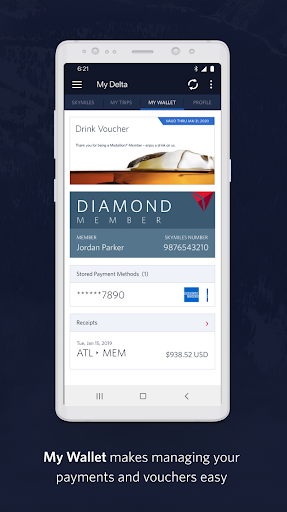
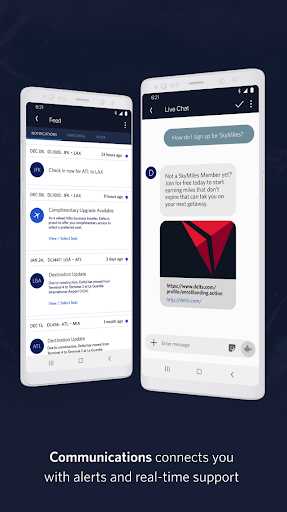
Fly Delta is Delta Air Lines’ official travel companion for booking and managing Delta trips end to end: search and book flights, check in and access offline mobile boarding passes, receive real-time notifications (gate changes, delays), track and pay for bags, manage seats and upgrades/standby position, use airport maps, chat with support, view SkyMiles details, and rebook disrupted itineraries.
Verdict
Verdict: A polished, reliable airline app that excels at day‑of‑travel management for Delta flyers.
Who is it for
Best for:
- Frequent Delta travelers who want seamless check‑in, boarding passes, and timely alerts
- Passengers who value real‑time baggage tracking and easy seat upgrades/changes
- Users who appreciate a clean UI with calendar integration and airport maps
Not ideal for:
- Travelers needing a multi‑airline booking aggregator or fare comparison across carriers
- Users who require landscape/tablet‑optimized layouts or advanced travel‑agent features
- People on very low‑end/older devices that may experience performance inconsistencies
Real-world User Experience
Users like it:
Consistently praised for reliability and ease of use: smooth check‑in, instantly available e‑boarding passes (even offline), accurate and timely gate/boarding/delay notifications, straightforward seat changes and upgrades, bag tracking, clear flight status, and helpful integrations like Google Calendar. Several users highlight it as best‑in‑class compared to other U.S. airline apps.
Users complain about:
Few complaints noted; some wish for a dedicated high‑brightness ‘ticket’ view and broader orientation support. One comment suggests occasional issues on lower‑end hardware, though not widely echoed in the sampled reviews.
Is it Worth Paying For?
The app is free with no ads or in‑app purchases, so there’s no cost barrier—definitely worth installing if you fly with Delta.
How it Compares to Alternatives
Against other U.S. airline apps (e.g., American and United), users call Fly Delta more polished with better, more dependable alerts and a richer set of day‑of‑travel tools. Compared to general travel apps (e.g., Google Flights/Expedia), Fly Delta isn’t for cross‑airline fare shopping, but it’s superior for managing Delta itineraries, upgrades, bags, and disruptions.
Summary
Fly Delta delivers a top‑tier, traveler‑centric experience focused on making Delta trips easier from booking to baggage claim. It streamlines check‑in, boarding passes, seat management, and upgrades, while its notifications and bag tracking reduce travel friction. Helpful touches—airport maps, rebooking options, SkyMiles integration, and Live Chat—round out a robust toolkit. With a high user rating and strong praise for reliability and UI, it stands out among airline apps. If you fly Delta, this is an essential, no‑cost download; if you need cross‑carrier shopping, pair it with a fare aggregator.
Ratings
Trending APP












Alternative to this app









