
Copyright 2026 © swekartor. All Rights Reserved.



App Feature
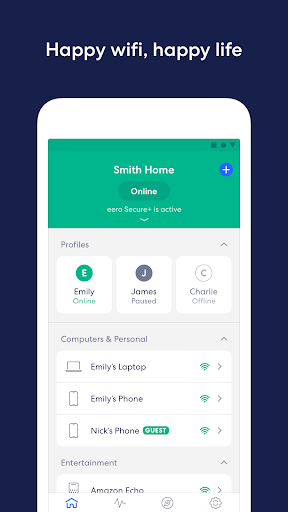
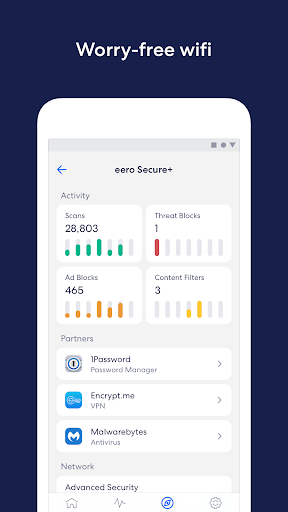
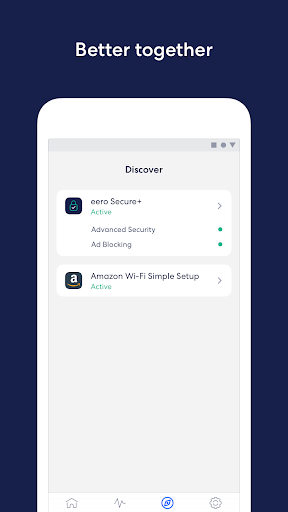
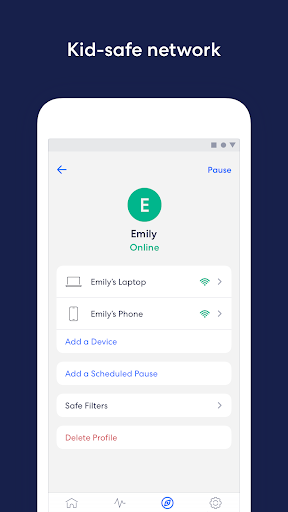
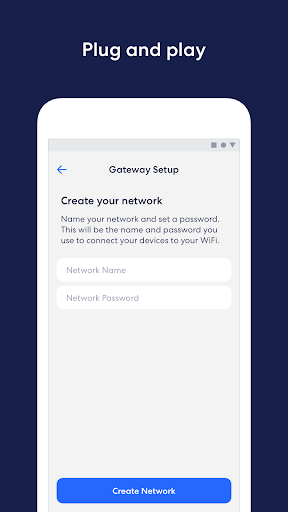
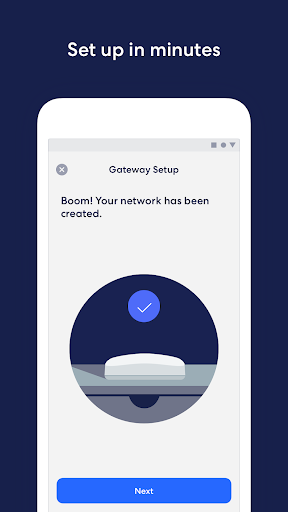
Companion app for eero mesh routers that streamlines setup, monitors and manages home Wi‑Fi from anywhere, enables guest access, device blocking, and scheduled/pause controls; optional eero Secure/Plus adds ad blocking, advanced parental controls, malware filtering, VPN, and a password manager.
Verdict
Verdict: An easy, polished Wi‑Fi management app, especially strong with its subscription security tools, but less compelling if you avoid paid add‑ons.
Who is it for
Best for:
- Households wanting painless mesh Wi‑Fi setup and remote management
- Parents seeking simple screen‑time schedules and content filtering
- Users who value integrated security (ad blocking, VPN, password manager)
Not ideal for:
- Power users needing deep, router‑grade tuning and advanced diagnostics
- Buyers who won’t pay for subscriptions yet want premium parental/security features
Real-world User Experience
Users like it:
Reportedly stabilizes flaky Wi‑Fi and reduces app/game slowdowns; ad blocking improves mobile game experience; overall setup and day‑to‑day use feel smooth.
Users complain about:
No notable negatives in the provided review sample; broader ratings suggest experiences may vary without specific complaints cited here.
Is it Worth Paying For?
Core app is free and sufficient for setup, monitoring, guest access, and basic controls. eero Secure/Plus is worth it for families or privacy‑minded users who’ll use ad blocking, content filters, malware protection, VPN, and a password manager; otherwise, you can skip the subscription.
How it Compares to Alternatives
Against Google Nest Wifi, TP‑Link Deco, and Netgear Orbi, eero’s app is among the simplest to set up and manage. Like Orbi and some Deco models, premium parental/security features sit behind a subscription. Nest offers solid basics with Google Home but fewer integrated security extras unless you add third‑party tools. eero stands out for frequent updates and a well‑integrated security suite, while power tweakers may find Orbi/Deco firmware more granular.
Summary
eero home wifi system is a clean, reliable companion to eero mesh hardware, making setup fast and ongoing management effortless. It handles guest access, device blocking, and access scheduling well, and its optional eero Secure/Plus layers on meaningful protections like ad blocking, content filtering, VPN, and password management. The experience skews toward simplicity over deep customization, which most households will appreciate. If you want an all‑in‑one, low‑friction app with optional security extras, it’s a strong choice; if you want extensive router tuning or refuse subscriptions, you may prefer alternatives.
Ratings
Trending APP












Alternative to this app










