
Copyright 2026 © swekartor. All Rights Reserved.




App Feature
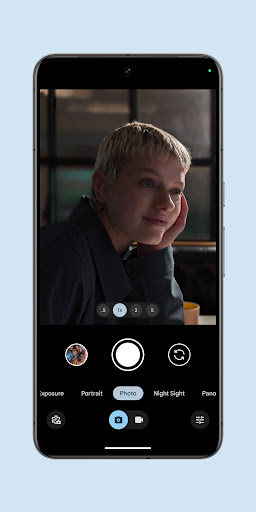
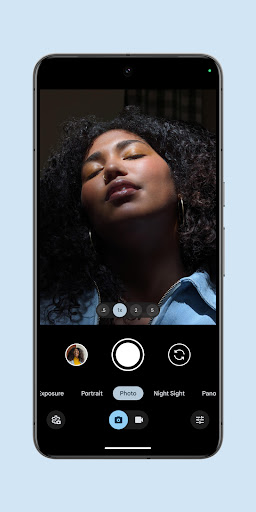
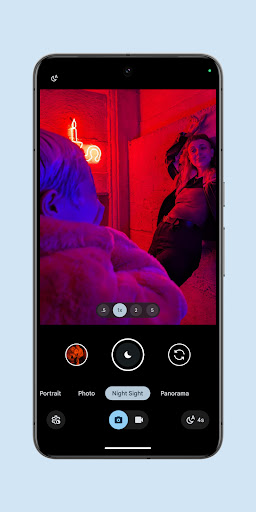
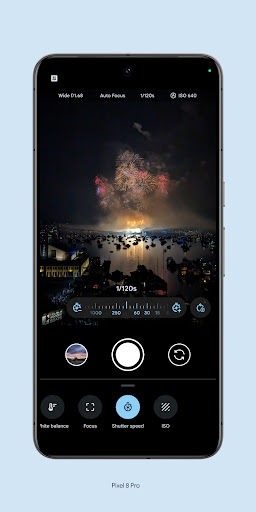
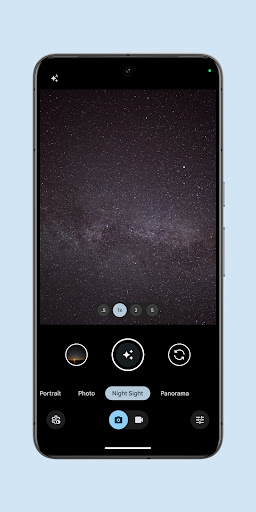
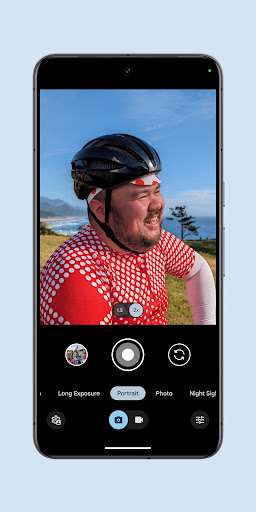
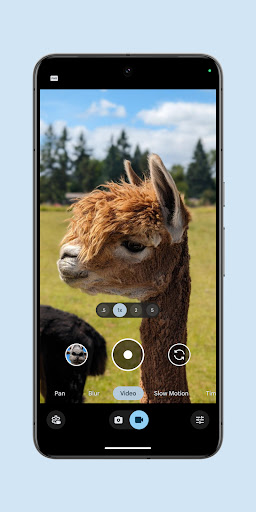
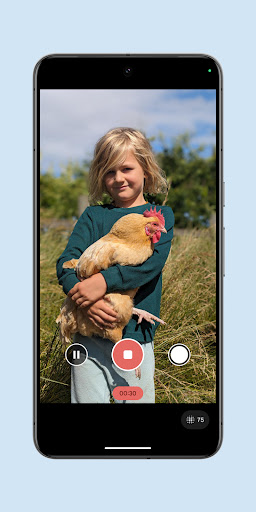
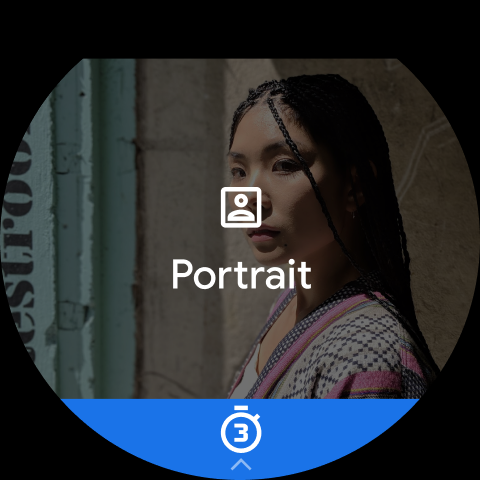
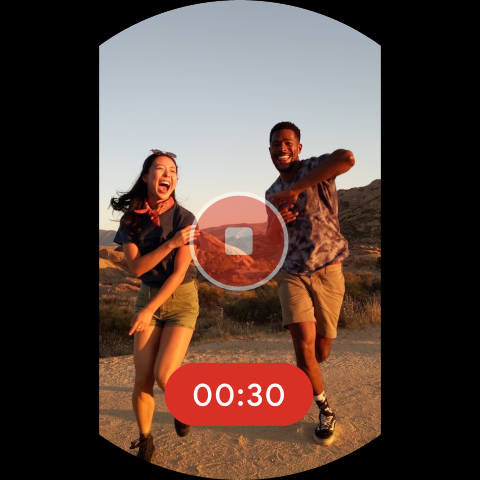
Pixel Camera is Google’s first‑party camera app for Pixel devices, focused on computational photography and video. Core features include HDR+ with exposure and white balance controls, Night Sight and Astrophotography, Super/Pro Res Zoom (up to 100x), Portrait with depth effects, Long Exposure and Action Pan, Macro Focus, Pro Controls (ISO, shutter, lens selection), and video tools like Night Sight Video, Cinematic Blur/Pan, Time Lapse, stabilization, and cloud-based Video Boost. Latest versions require Pixel on Android 16+ (and Wear OS 5.1+ for watch features).
Verdict
Verdict: A powerhouse camera app for Pixel owners who want effortless computational photography, but inconsistent updates and device limitations make it frustrating for some users.
Who is it for
Best for:
- Pixel users who want excellent point‑and‑shoot results in all lighting, especially night and astrophotography.
- Creators who value AI‑assisted features (Video Boost, Cinematic Blur) and solid stabilization without manual setup.
- Users who appreciate occasional pro controls (ISO/shutter) alongside a simple UI.
Not ideal for:
- Non‑Pixel or older Android users (official support is Pixel‑only, Android 16+).
- Photographers who want consistent, full manual control and stable UI/feature continuity.
- Anyone sensitive to heavy processing or skin/face detail rendering that can look overprocessed.
Real-world User Experience
Users like it:
Consistently great image quality on newer Pixels (e.g., 8 Pro), standout Night Sight and Astrophotography, effective Long Exposure/Action Pan, solid stabilization, and a generally simple, intuitive interface. Many appreciate having both quick auto results and access to ISO/shutter and lens selection when needed.
Users complain about:
Post‑processing can make faces look overly sharp/unnatural; some updates remove or change controls (e.g., white balance/shadows sliders), frustrating long‑time users. Occasional bugs reported after updates (black screen/crashes, lens zoom inconsistencies), HDR highlights and ultrawide distortion corrections can feel overdone, and watch/feature compatibility hiccups appear at times.
Is it Worth Paying For?
Free with no ads or in‑app purchases. There’s nothing to buy—value depends entirely on owning a supported Pixel. For eligible devices, it’s an easy yes on cost; the caveat is update stability and feature availability by model.
How it Compares to Alternatives
Against Samsung’s Camera (Galaxy devices), Pixel Camera typically delivers cleaner low‑light and more natural computational results with less tinkering, while Samsung offers richer manual/video profiles and more granular control. Versus third‑party apps like Open Camera or Adobe Lightroom’s camera, Pixel’s computational stack (HDR+, Night Sight, Super/Pro Res Zoom) generally outperforms for handheld shots, but third‑party options may offer broader manual control or cross‑device support. Apple’s Camera on iPhone rivals it for consistency and simplicity; Pixel often pulls ahead in night modes and AI tricks, while Apple emphasizes color consistency and video reliability. The key differentiator: Pixel Camera is tightly tuned to Pixel hardware/processing and not meant for non‑Pixel phones.
Summary
Pixel Camera showcases Google’s computational imaging at its best: Night Sight and Astrophotography produce striking low‑light shots, HDR+ manages dynamic scenes gracefully, and creative modes like Long Exposure, Action Pan, and Cinematic Blur make it easy to capture stylized photos and videos. Users praise the balance of point‑and‑shoot simplicity and selective pro controls, while advanced zoom and cloud‑aided video tools push capability further on modern Pixels. However, recurring complaints focus on heavy‑handed post‑processing on faces, UI/control changes that reduce manual flexibility, and occasional update‑related bugs or device‑specific limitations. If you own a supported Pixel, the app is a top‑tier, no‑cost camera experience; just be aware that major updates can alter behavior and controls, and some features vary by model and OS.
Ratings
Trending APP












Alternative to this app










