
Copyright 2026 © swekartor. All Rights Reserved.








App Feature
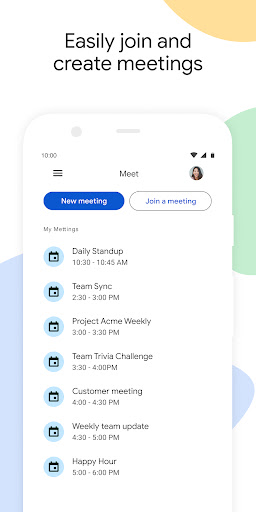
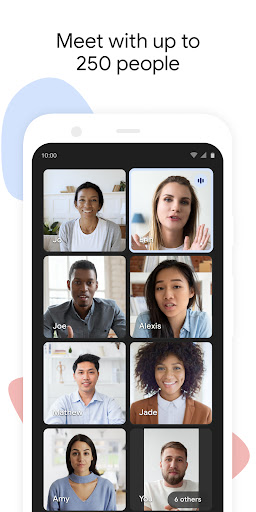
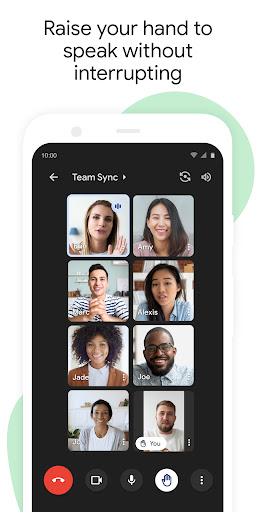
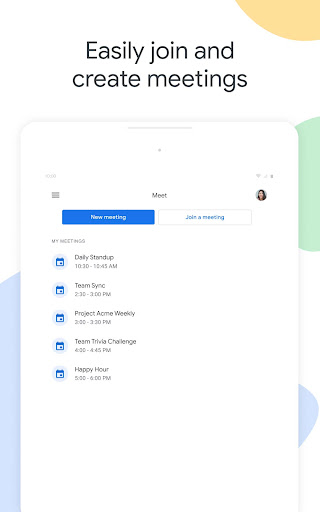
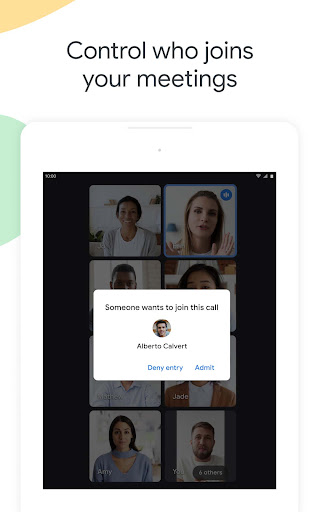
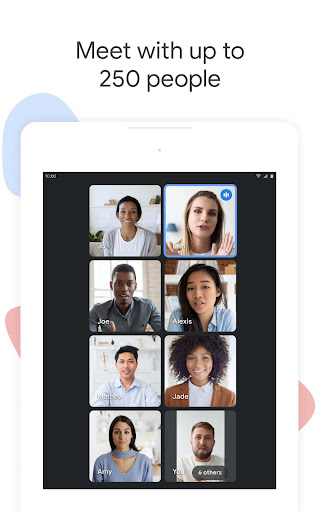
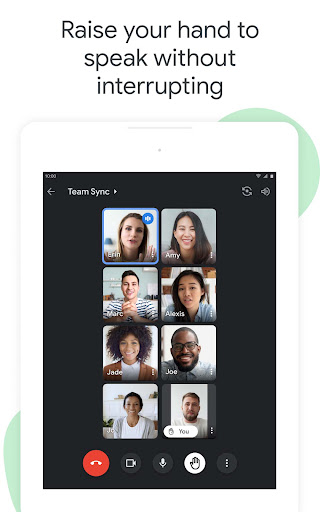
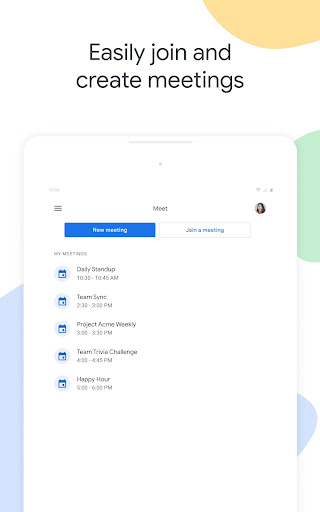
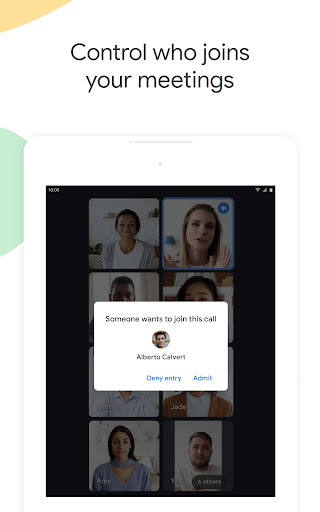
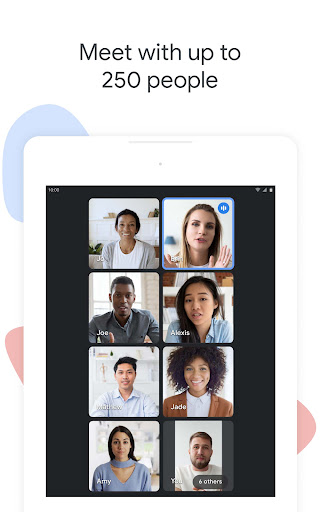
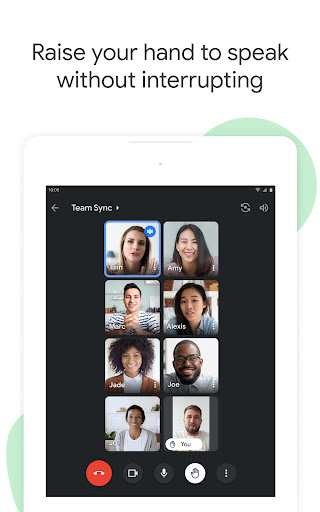
Google Meet (original) is a free, secure video conferencing app that enables individuals and teams to host or join meetings with up to 250 participants, offering interactive tools (Q&A, polls, hand raise), real-time captions powered by Google speech-to-text, and one-click screen sharing.
Verdict
Verdict: A dependable, easy-to-use video meeting app with strong core features, best for individuals and teams already in the Google ecosystem.
Who is it for
Best for:
- Teams needing secure, large group video calls (up to 250)
- Users who value live captions and simple screen sharing
- Organizations using Google Workspace tools and workflows
Not ideal for:
- Users who require advanced, niche meeting features locked behind subscriptions
- Teams expecting high customization beyond standard conferencing tools
- Situations with very poor internet where video quality may suffer
Real-world User Experience
Users like it:
Stable, high-quality video calls; smooth joining and sharing; useful interactive features (Q&A, polls, hand raise); and accessible real-time captions for multilingual or noisy environments.
Users complain about:
Some capabilities are paywalled; very large calls can feel crowded; optimal experience depends on a solid network connection.
Is it Worth Paying For?
Core functionality is strong and free. If you need premium or admin-level capabilities beyond the basics, a paid plan can be worthwhile; otherwise, most users will do well with the free tier.
How it Compares to Alternatives
Compared with Zoom and Microsoft Teams, Google Meet emphasizes simplicity, strong in-call captions, and tight Google ecosystem integration. Zoom often offers a broader range of meeting controls and add-ons, while Teams excels for organizations centered on Microsoft 365. Meet stands out for fast access, reliable core features, and low friction for Google users.
Summary
Google Meet (original) delivers secure, high-quality video conferencing with practical collaboration tools and real-time captions, making it a strong choice for everyday meetings, classes, and team syncs. It scales up to 250 participants, supports interactive engagement, and keeps sharing straightforward. While some advanced features require a subscription, the free tier covers the essentials well. For teams anchored in Google’s ecosystem—or anyone wanting a reliable, minimal-fuss meeting app—Meet offers a polished balance of usability, performance, and accessibility.
Ratings
Trending APP









Alternative to this app










