
Copyright 2026 © swekartor. All Rights Reserved.









App Feature
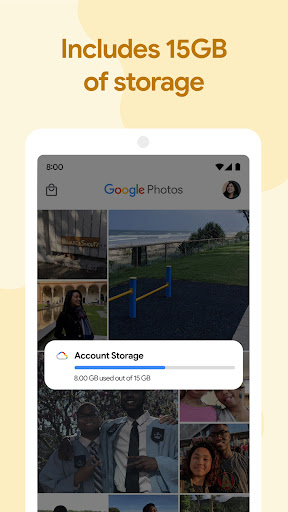
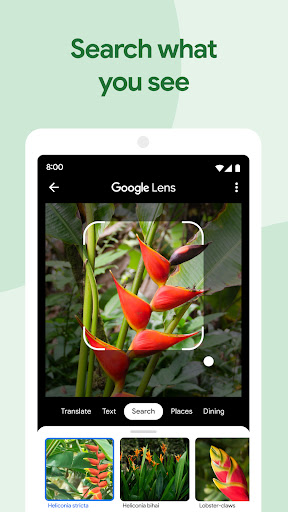
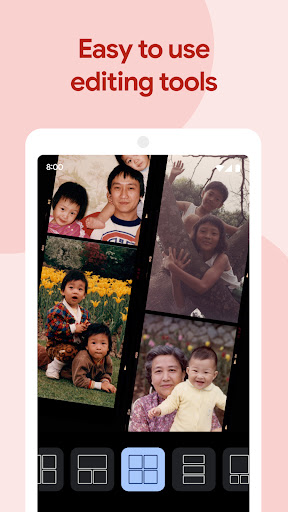
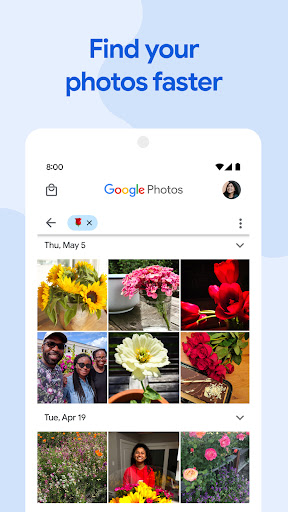
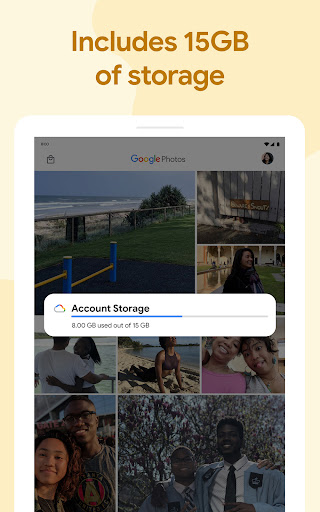
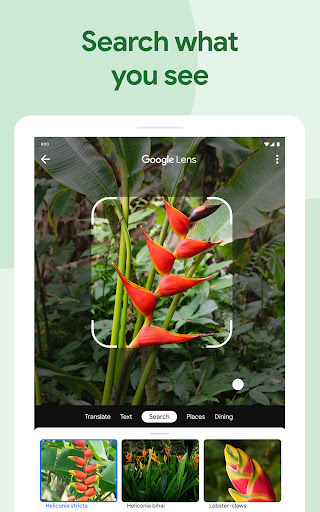
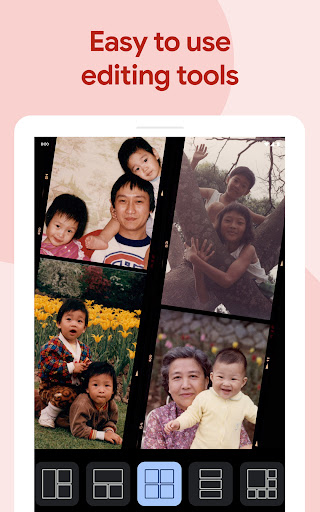
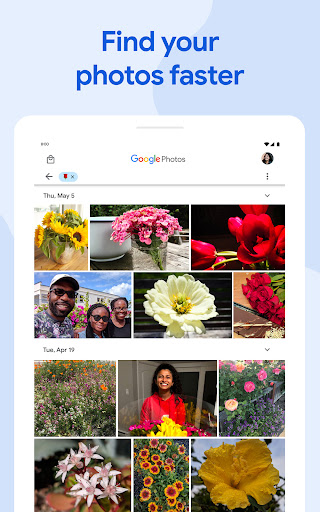
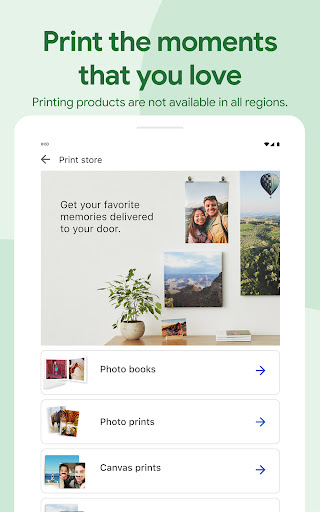
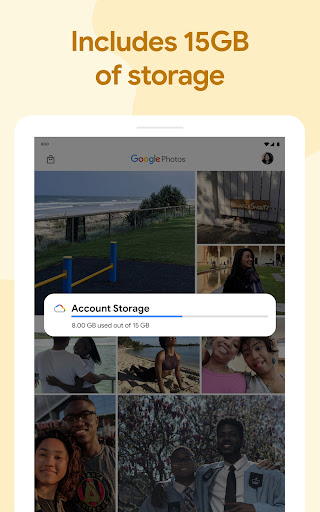
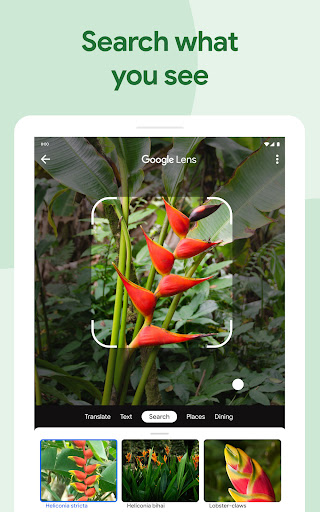
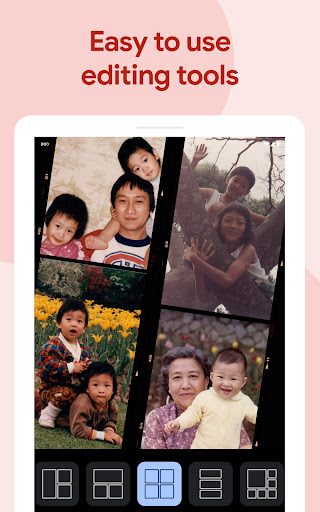
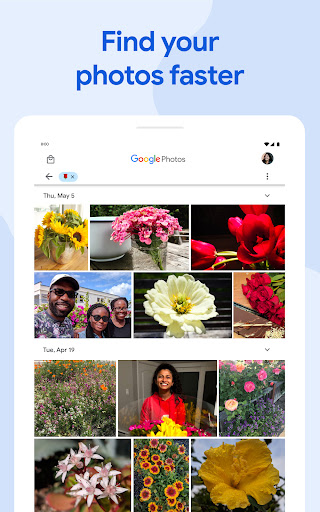
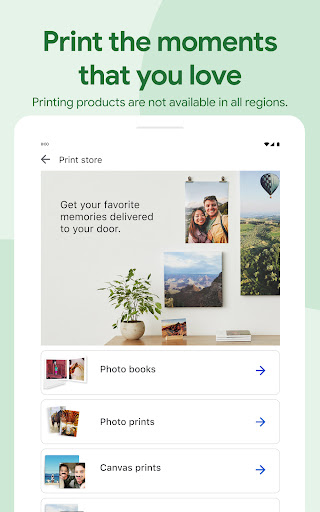
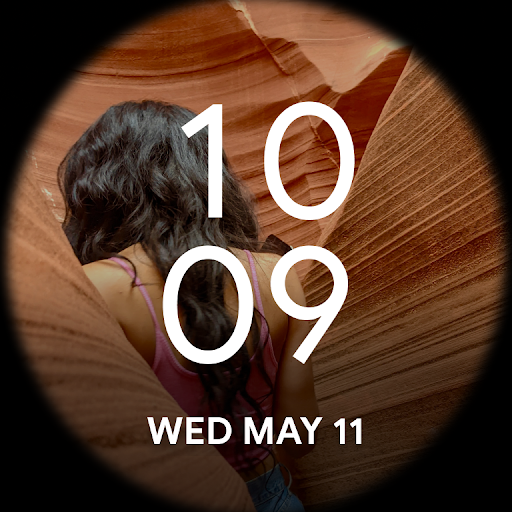
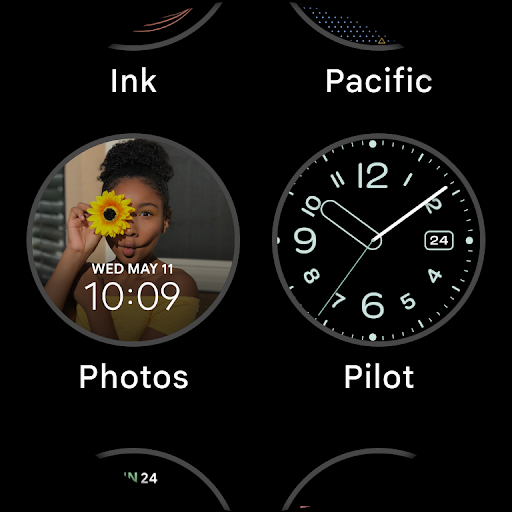
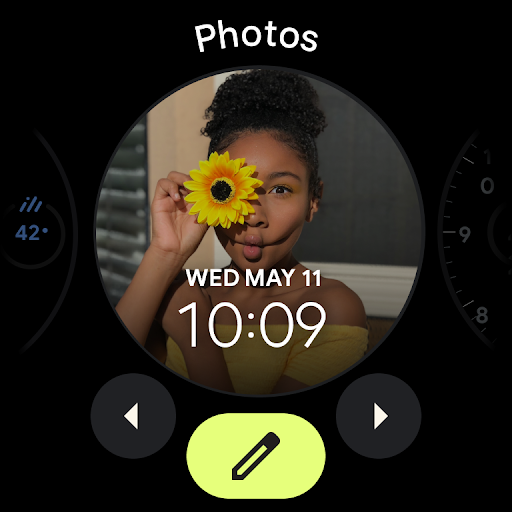
Google Photos is a cloud-first gallery that backs up, organizes, searches, and lightly edits your photos and videos across devices using Google AI. It offers 15 GB free storage (shared across Google services), intelligent search and face/place recognition, auto-organization (stacks, folders, locked folder), space-saving tools, sharing/collaboration, Memories, and convenient AI-powered edits like Magic Eraser and Unblur.
Verdict
Verdict: An excellent, AI-driven photo hub for reliable backup and effortless organization, though less ideal if you need offline control or pro-grade editing.
Who is it for
Best for:
- Users who want automatic backup, cross-device sync, and easy space-saving
- People with large, messy libraries who value powerful search and face/place recognition
- Casual editors who appreciate quick AI tools and auto-created memories
Not ideal for:
- Privacy purists or those avoiding cloud-based indexing of personal photos
- Users needing advanced, non-destructive pro editing and granular file management
- Anyone requiring offline-only galleries or direct external-drive/OTG backup workflows
Real-world User Experience
Users like it:
Fast, reliable backup across devices; superb AI search and face/place grouping; helpful auto-organization (stacks, documents/screenshots folders, locked folder); engaging Memories and video creations; simple but effective editing with tools like Magic Eraser and Portrait Light; ad‑free experience and a smooth Pixel integration.
Users complain about:
Editing often forces 'save copy' instead of overwrite; photo order can shift after edits; clunky date handling for imports/WhatsApp and no bulk date fixes; occasional backup waits on Wi‑Fi/hotspot quirks; some AI features feel slow or fail (e.g., Move); pet recognition regressions; missing power-user options (video compression, direct OTG/external-drive backup); some features tied to subscriptions outside the app.
Is it Worth Paying For?
The app is free and ad-free with 15 GB of storage and robust features, and the Play listing shows no in‑app purchases. For heavy users, optional Google One subscriptions (outside the app) expand storage and may unlock some premium edits—worth it if you need more space or advanced AI tools, but many will be satisfied with the free tier.
How it Compares to Alternatives
Compared to Apple Photos (iCloud), Google Photos is more platform-agnostic with stronger cross-device support on Android and excellent AI search; iCloud integrates deeper on Apple hardware but is less flexible off iOS/macOS. Against Amazon Photos, Google’s search and editing are stronger, while Amazon shines for Prime members’ photo storage. Versus OneDrive, Google Photos offers a better gallery and AI experience, while OneDrive favors general file sync. OEM galleries are faster offline and private-by-default but lack powerful cloud search, sharing, and AI edits.
Summary
Google Photos remains a top-tier, cross-platform photo manager that excels at painless backup, smart organization, and powerful AI search, wrapped in a clean, ad-free experience. Its editing tools are quick and approachable—especially Magic Eraser, Unblur, and Portrait Light—and Memories help resurface past moments without effort. While the free 15 GB tier and space-saving tools will suit many, power users may outgrow the storage cap or want more control over file management, dates, and video compression. Occasional friction—like forced save copies, ordering quirks after edits, and backup edge cases—shows up in reviews, and some advanced features may require a separate Google One subscription. If you’re comfortable with cloud-based management and want the most capable, “just works” photo hub on Android (and beyond), it’s an easy recommendation.
Ratings
Trending APP












Alternative to this app










