
Copyright 2026 © swekartor. All Rights Reserved.





App Feature
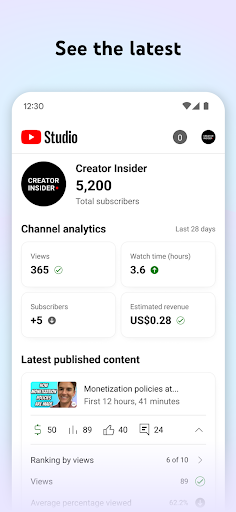
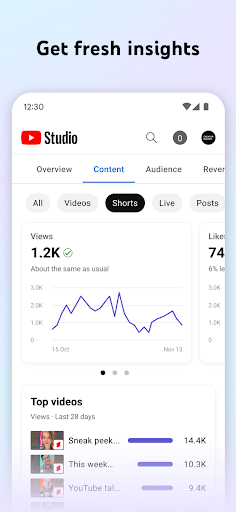
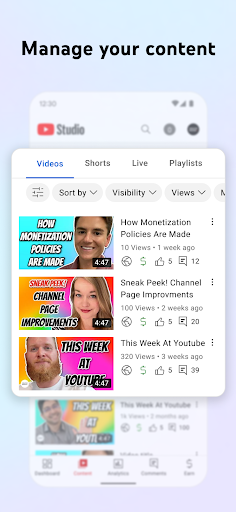
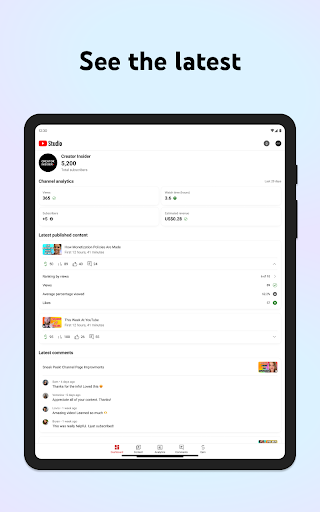
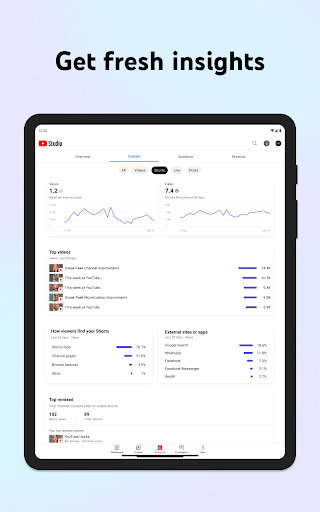
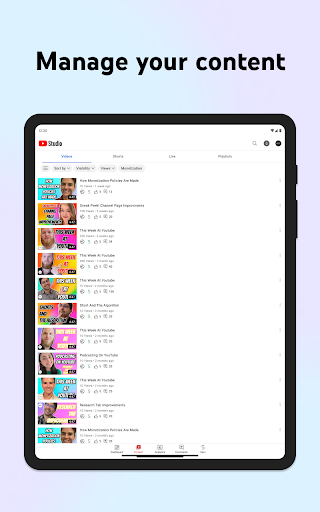
YouTube Studio is a free, official companion app for creators to manage channels on mobile—offering a Channel Dashboard, detailed Analytics (views, engagement, audience), metadata editing for videos/Shorts/livestreams, comment moderation with filters, branding/channel settings management, notifications, and access to monetization/partner program tools.
Verdict
Verdict: An essential, polished mobile hub for YouTube creators, though still lighter than the desktop Studio for advanced workflows.
Who is it for
Best for:
- Creators who need on‑the‑go analytics, comment moderation, and quick metadata edits
- Small to mid‑size channels optimizing content with core insights and alerts
- Anyone managing uploads in the main YouTube app but updating details in a focused creator app
Not ideal for:
- Power users who rely on deep, desktop‑level analytics and bulk operations
- Creators needing keyword research, A/B testing, or advanced SEO tooling (e.g., TubeBuddy/vidIQ)
- Workflows that require full playlist search/management or comprehensive comment history editing on mobile
Real-world User Experience
Users like it:
Fast, lightweight, and intuitive for tracking performance, responding to comments, editing titles/descriptions/thumbnails, scheduling, and monitoring revenue. Dark mode, clearer mobile navigation than desktop for quick checks, and frequent fixes (e.g., save button issue resolved) are appreciated. Recent add-backs like sorting by publish date improved usability.
Users complain about:
Intermittent bugs (verification SMS not sending, country of residence picker, occasional save-state glitches), missing or removed features (playlist search, limited custom thumbnail edit options for some, incomplete comment history tools), and navigation quirks (moving between comments/analytics). Some desktop-only analytics and editing capabilities are still absent, and uploads must start in the main YouTube app.
Is it Worth Paying For?
The app is free with no ads and no in‑app purchases; there is nothing to pay for and it delivers strong value as an official companion.
How it Compares to Alternatives
Compared to third‑party tools like TubeBuddy or vidIQ, YouTube Studio lacks advanced SEO features, bulk A/B testing, and keyword recommendations but offers the most reliable, first‑party data, tighter integration, and zero ads/cost. Versus the desktop Studio, the app is faster for quick actions but misses some advanced analytics and management. Compared to the main YouTube app, it focuses on creator workflows, not viewing/uploading (uploads are better initiated in the YouTube app, then refined here).
Summary
YouTube Studio condenses the most important creator tools into a clean, responsive mobile experience: performance dashboards, granular analytics, comment moderation, metadata edits, and monetization access. It shines for day‑to‑day channel upkeep and rapid responses, with dependable first‑party data and notifications. While it still trails the desktop Studio for deep analysis and bulk operations—and occasional bugs or feature gaps (playlist search, comment history tools, some thumbnail/edit limitations) can frustrate—its convenience and zero cost make it a must‑have for any YouTube creator. Use it alongside the desktop Studio and, if needed, third‑party SEO suites for a complete workflow.
Ratings
Trending APP

Alternative to this app










