Copyright 2026 © swekartor. All Rights Reserved.



Information about CapCut - Video Editor
App Feature
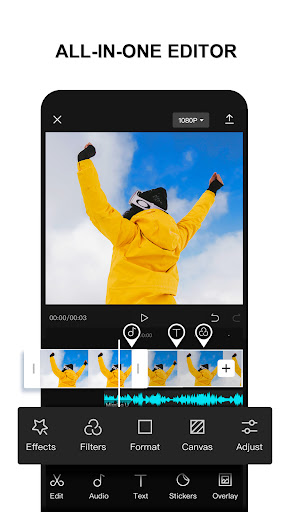
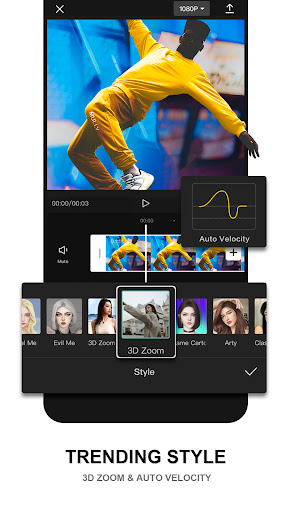
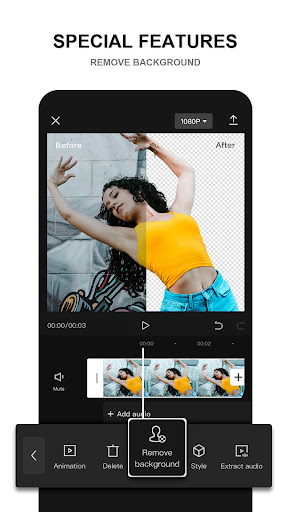
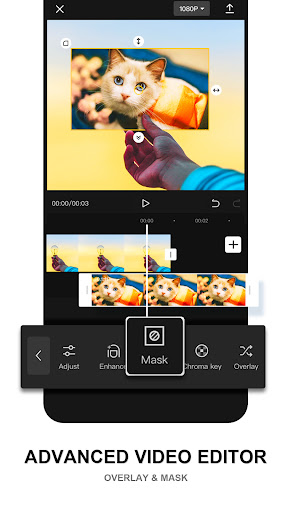
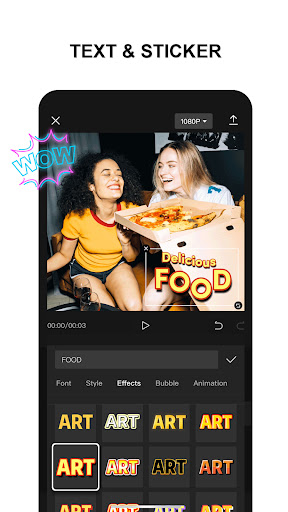
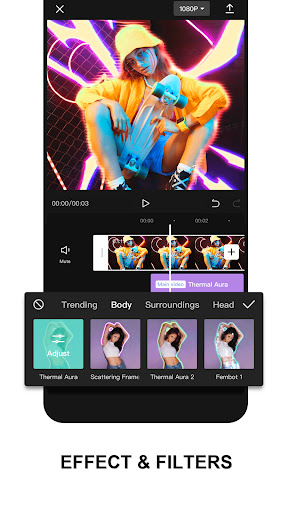
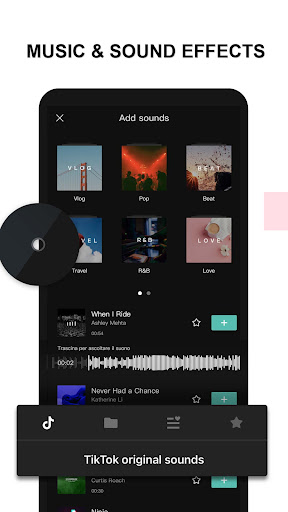
CapCut is a free, all‑in‑one mobile video editor focused on social content creation, offering trimming, multi‑track timelines, keyframe animation, speed ramping/optical flow slow‑mo, chroma key, stabilization, auto‑captions, text‑to‑speech, motion tracking, background removal, extensive effects/filters/stickers, a large music/SFX library, and customizable exports up to 4K/60fps with HDR.
Verdict
Verdict: A powerful, social-first editor with generous free tools, but increasingly paywalled advanced features and occasional performance hiccups.
Who is it for
Best for:
- Creators making TikTok/Reels/YouTube Shorts who want quick templates and trendy effects
- Beginners who need intuitive editing with smart assists like auto‑captions and TTS
- Mobile editors who want 4K exports, overlays, and keyframes without a desktop
Not ideal for:
- Users wanting fully free access to all effects and assets without subscriptions
- Editors requiring rock‑solid stability on low‑end devices or certain Chromebooks
- Projects with complex audio licensing needs (exporting some tracks may be restricted)
Real-world User Experience
Users like it:
Ease of use for beginners and near‑pro results for creators; rich feature set (overlays, keyframes, smooth slow motion, effects, templates, captions/TTS); strong export options including 4K; frequent feature updates; widely used for gaming/Roblox and social edits; no intrusive ads.
Users complain about:
More features moving behind Pro/paywalls; occasional lag, crashes, and heavy storage usage on some devices; export restrictions for certain music/assets; compatibility issues reported on some Chromebooks; AI/video marks (e.g., Sora label) visible on certain generations.
Is it Worth Paying For?
If you edit often or want the full library of effects, premium templates, and advanced tools, the Pro plan offers strong value and is reported as relatively affordable. Casual users can stick to the free version—it's capable for core editing, overlays, captions, and many effects—though you’ll encounter Pro locks and possible asset/export limitations.
How it Compares to Alternatives
Compared to InShot and VN, CapCut offers deeper keyframing, AI assists (auto‑captions/TTS), and tighter alignment with TikTok trends and templates. Versus KineMaster and Adobe Premiere Rush, it’s more approachable with broader free features but pushes Pro for premium effects. It’s not as robust as LumaFusion/Descript on advanced workflows, yet it outperforms most mobile editors for social‑ready results and 4K/HDR exports without ads.
Summary
CapCut marries beginner‑friendly design with a surprisingly advanced toolkit—multi‑track timelines, keyframes, chroma key, stabilization, AI captions/TTS, and a huge effect/music library—to help creators produce polished, trend‑aware videos quickly. It’s especially strong for TikTok, Reels, and Shorts thanks to templates and fast exports up to 4K/60fps. The trade‑offs: more premium gates on effects/assets, occasional lag or crashes on some devices, and music/export constraints that can disrupt workflows. If you’re a frequent mobile editor or content creator, Pro can be worth it; if you’re casual, the free tier still delivers excellent results with some limits. Overall, it’s a top pick for social video editing at scale, reflected by its massive install base despite a middling average rating driven by paywall and performance complaints.
Ratings
Trending APP












Alternative to this app