
Copyright 2026 © swekartor. All Rights Reserved.


App Feature
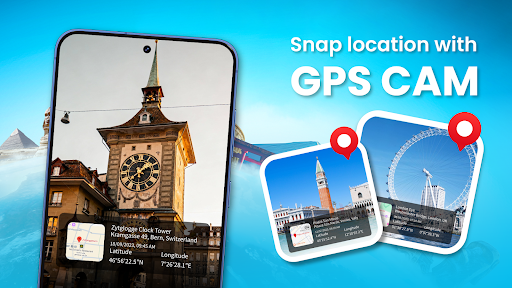
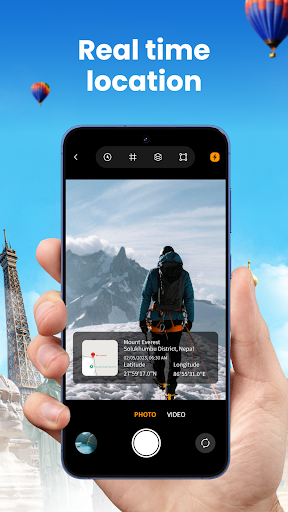
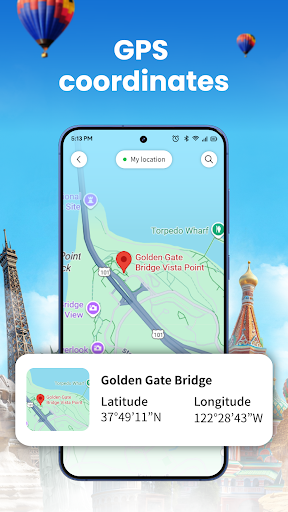
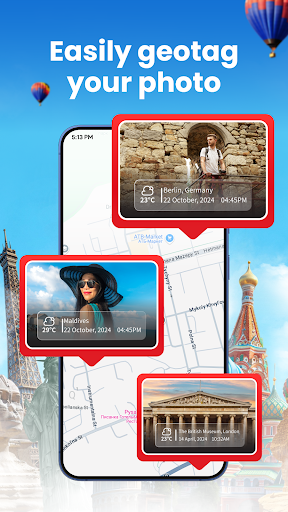
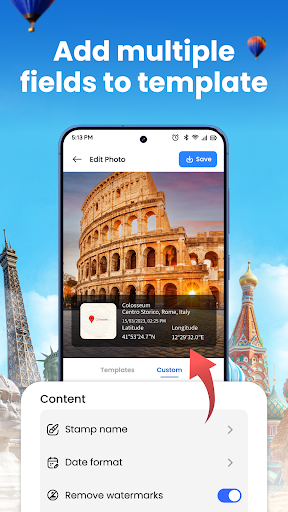
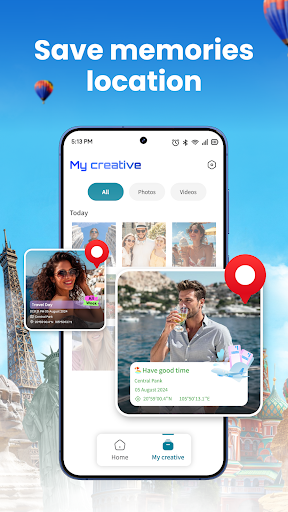
Photo Location: GPS Map Camera adds precise GPS coordinates, date, and time to photos and videos, offers a live camera overlay with location/compass/altitude, and organizes media on a map for easy browsing and navigation.
Verdict
Verdict: A capable geotag camera for travelers and field work, but ad-heavy if you want a cleaner shooting experience.
Who is it for
Best for:
- Travelers, hikers, and explorers who want automatic GPS tags on photos/videos
- Professionals needing verifiable, location-stamped documentation (surveys, inspections, reports)
- Users who prefer map-based browsing and simple navigation back to shot locations
Not ideal for:
- Users sensitive to frequent ads during capture and review
- Photographers seeking advanced manual camera controls or RAW-focused workflows
- Privacy-conscious users who avoid embedding precise location data
Real-world User Experience
Users like it:
Praised as excellent and handy for adding location details to media, with straightforward results that do what they promise.
Users complain about:
Complaints about too many ads interrupting the experience.
Is it Worth Paying For?
The app is free with ads and no in-app purchases; there’s no paid upgrade to remove ads, so value is strong if you can tolerate advertising, but there’s no path to an ad-free experience within this app.
How it Compares to Alternatives
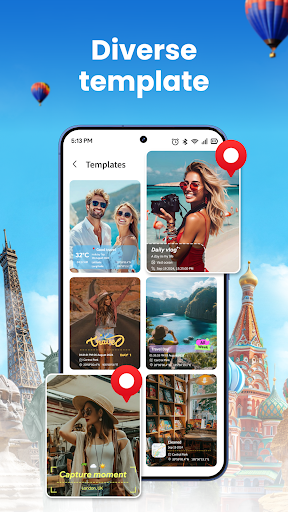
Compared to generic camera apps (e.g., Google Camera, Samsung Camera) that can embed GPS in EXIF but lack robust map browsing or overlays, this app adds template control, visible coordinates, and dedicated map view. Versus Google Photos, which helps organize but doesn’t stamp overlays at capture, it offers immediate, on-image tagging and field-ready exports. Alternatives like “GPS Map Camera” or “Open Camera” (with location tagging) may offer fewer ads or more manual controls; this app’s strengths are its simple geotag workflow and map-centric gallery, while its weakness is the ad load.
Summary
Photo Location: GPS Map Camera focuses squarely on reliable geotagging: it stamps photos and videos with precise coordinates and time, provides a live overlay with accuracy/altitude/compass, and lets you revisit memories via a clean map gallery. With a 4.3 rating and 500K+ installs, it appears dependable for travelers and professionals who need location-verified media. The trade-off is advertising, which some users find intrusive, and camera controls that are more practical than pro-grade. If your priority is clear, location-rich documentation and easy map review, it delivers; if you want an ad-free, advanced camera toolset, you may prefer an alternative.
Ratings
Trending APP












Alternative to this app










