
Copyright 2026 © swekartor. All Rights Reserved.



App Feature
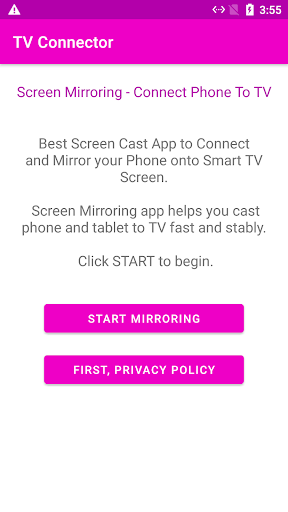
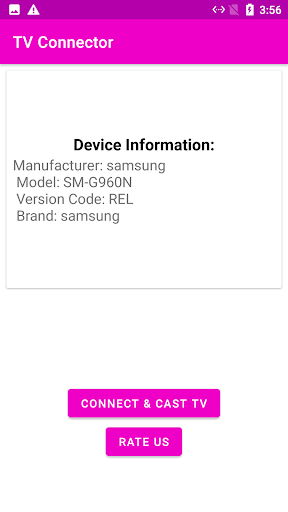
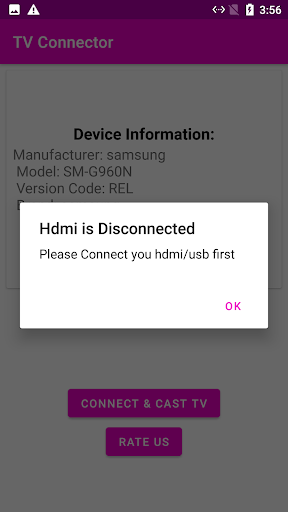
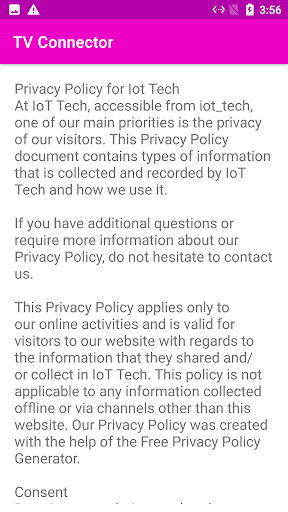
A wired screen-mirroring helper that checks HDMI/MHL/USB‑C (DP Alt Mode) compatibility, provides step-by-step guides for connecting a phone to a TV via HDMI adapters or MHL, and includes troubleshooting tips for No Signal and setup issues.
Verdict
Verdict: A useful compatibility and how‑to guide for wired phone‑to‑TV connections, but unreliable results and frequent ads limit its real-world value.
Who is it for
Best for:
- Users unsure if their phone supports HDMI/MHL who want a quick compatibility check
- People who prefer wired mirroring without Wi‑Fi and need basic setup guidance
Not ideal for:
- Anyone expecting the app to add HDMI output to unsupported devices
- Users who want seamless wireless casting (Chromecast, AirPlay, Miracast) or ad‑free experiences
Real-world User Experience
Users like it:
Straightforward instructions for USB‑C to HDMI and MHL, basic compatibility checks, and practical troubleshooting steps that help some users confirm the right cable/adapter before buying.
Users complain about:
Mixed reliability of the compatibility checker, frequent/interruptive ads, confusion that the app cannot enable HDMI on unsupported phones, and reports of it not working as advertised on many devices.
Is it Worth Paying For?
The app is free and ad‑supported with no in‑app purchases; there’s nothing to buy. Given the 2.9 rating and mixed reliability, it’s fine to try for guidance, but not worth spending money on related hardware solely based on the app’s check—verify with your phone’s specs or manufacturer first.
How it Compares to Alternatives
Compared to wireless options like Google Home (Chromecast), Miracast/OEM Smart View, or third‑party casting apps, this focuses on wired HDMI with zero‑lag benefits but depends entirely on hardware support. Alternatives often offer smoother, more consistent casting if you have Wi‑Fi, while OEM settings or manufacturer documentation provide more authoritative compatibility info. As a guide app, it’s simpler than full casting suites but less dependable than official device support pages.
Summary
Mobile Connect to TV USB HDMI aims to make wired mirroring simple by checking HDMI/MHL support and walking you through USB‑C to HDMI or MHL setups without Wi‑Fi. It’s helpful as a primer on what cables you need and how to connect, and the troubleshooting tips can save time if your TV shows No Signal. However, the app cannot create HDMI output on phones that lack it, and user feedback points to inconsistent compatibility results and heavy ads. Treat it as an instructional companion rather than a capability‑unlocking tool, and confirm hardware support with your phone’s specs before buying adapters.
Ratings
Trending APP









Alternative to this app










