
Copyright 2026 © swekartor. All Rights Reserved.



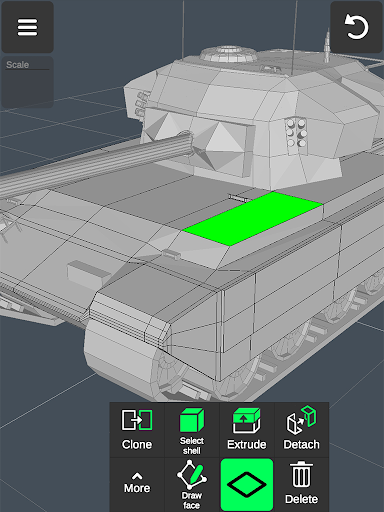
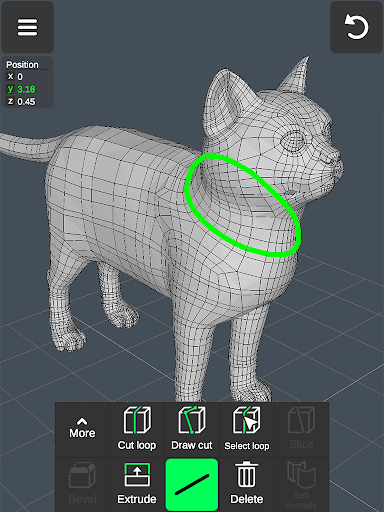
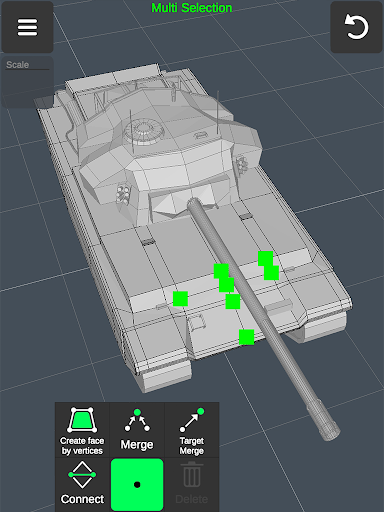
App Feature
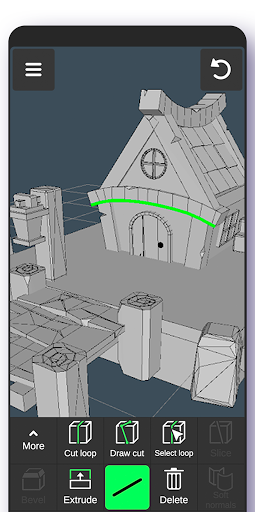
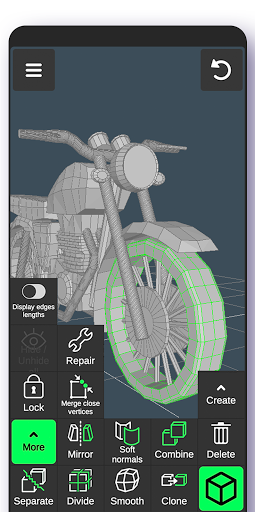
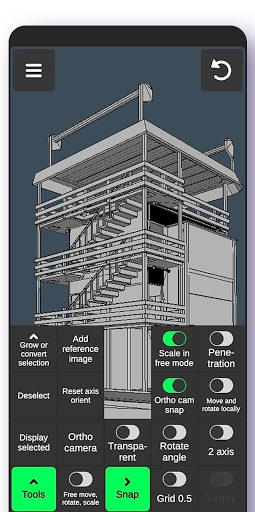
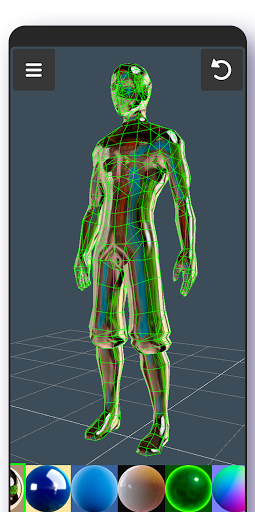
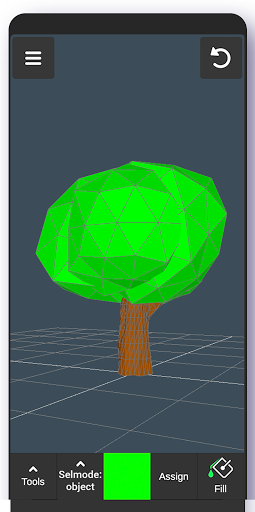
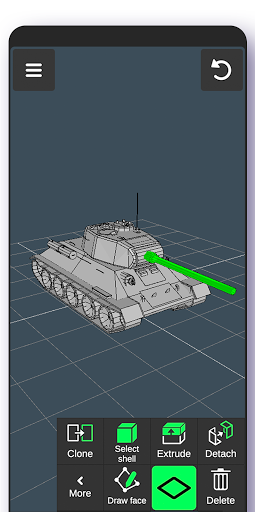
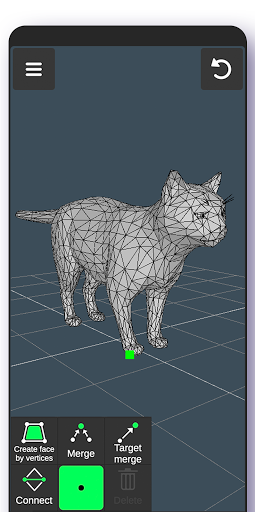
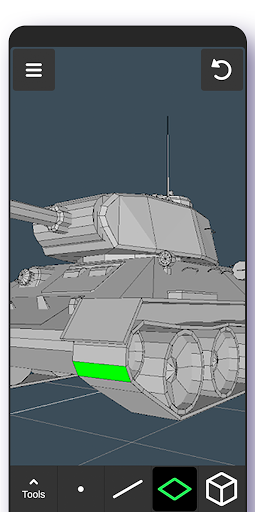
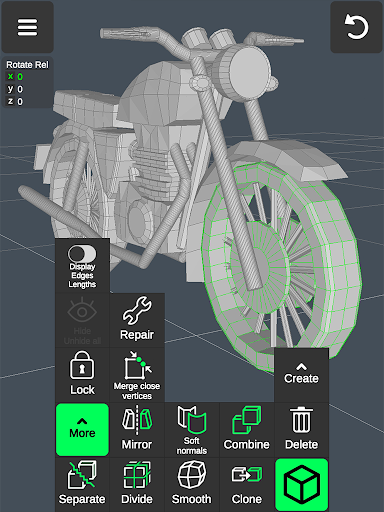
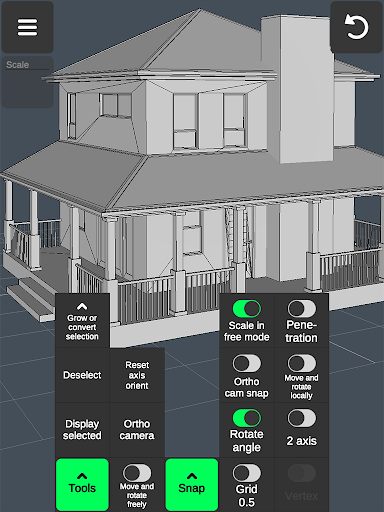
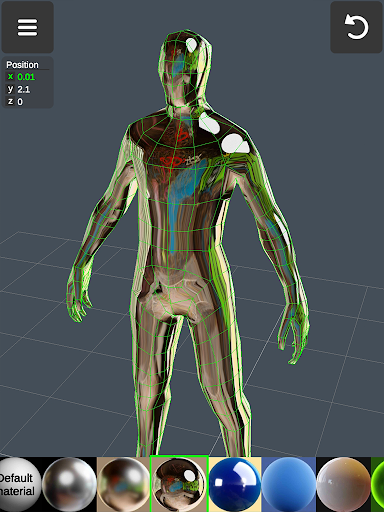
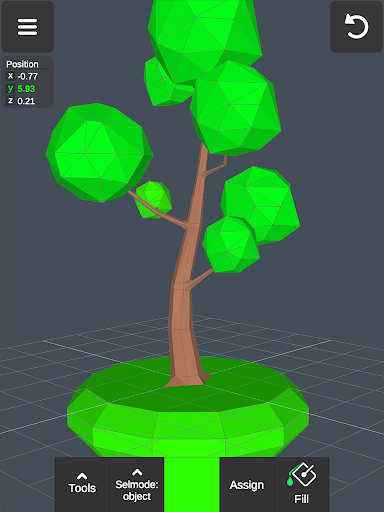
A mobile 3D modeling, sculpting, and painting tool that lets you create, edit, and texture 3D objects with gesture-based controls, mesh editing (vertices/edges/faces), sculpt brushes, materials, vertex painting, snapping/grid, and precise transform inputs—all on a phone or tablet.
Verdict
Verdict: A surprisingly capable mobile 3D modeler that’s beginner-friendly yet powerful, though occasional bugs and pro limitations may frustrate advanced workflows.
Who is it for
Best for:
- Beginners and hobbyists wanting an intuitive on-the-go 3D tool
- Concept artists/prototypers sketching shapes, props, and simple characters
- Makers/designers needing quick edits or references away from a desktop
Not ideal for:
- Professionals needing desktop-grade precision, heavy scenes, or advanced UV/rigging
- Users who require flawless texture merging and robust tutorial stability
- Those averse to ads or paywalled features
Real-world User Experience
Users like it:
Beginner-friendly onboarding with solid tutorials; intuitive gestures for move/scale/rotate; broad toolset for a free mobile app (sculpting, extrude, loop cuts, mirroring, multiple materials); smooth performance and small footprint; helpful for fast prototyping and learning 3D basics.
Users complain about:
Occasional bugs (tutorial navigation glitches, objects disappearing); texture painting artifacts when combining objects (smearing/bleed); learning curve for precise controls like angles; risk of losing work if navigation or camera goes off into 'void' without easy reset; premium plan affordability concerns.
Is it Worth Paying For?
The free tier is strong for learning, sketching, and light modeling. If you rely on it for frequent mobile work, the IAP/premium can be worthwhile to remove limits/ads and unlock extras—but price sensitivity appears in reviews. Try free first, then upgrade if you hit feature caps.
How it Compares to Alternatives
Compared to Nomad Sculpt (paid, strong sculpting) this offers broader mesh modeling tools at a lower barrier but less polish in texturing and stability. Versus Prisma3D (animation-focused), it’s better for modeling/editing meshes. Against desktop Blender or Shapr3D/Onshape (CAD), it’s far lighter and more accessible but lacks advanced precision, UV/rigging, and pro pipelines. For Android, it sits among the most feature-complete free options, trading occasional bugs for impressive capability.
Summary
3D Modeling App: Sculpt & Draw delivers an unusually rich set of modeling, sculpting, and painting tools in a mobile package with an approachable interface. It supports vertex/edge/face editing, sculpt brushes, multi-materials, snapping, and precise transforms, making it great for beginners and on-the-go concepting. Users praise its ease of use and power for a free app, while noting occasional bugs (tutorial glitches, camera/viewport issues) and texture merge artifacts. The free version suits most casual needs; upgrading is sensible if you use it regularly and want fewer limits. It won’t replace desktop-grade software for complex, production-level work, but as a portable 3D sandbox and prototyping tool, it’s one of the stronger choices on Android.
Ratings
Trending APP












Alternative to this app










