
Copyright 2026 © swekartor. All Rights Reserved.




App Feature
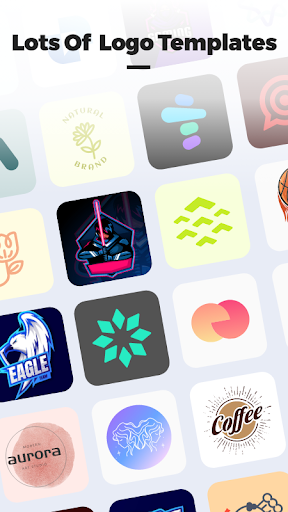
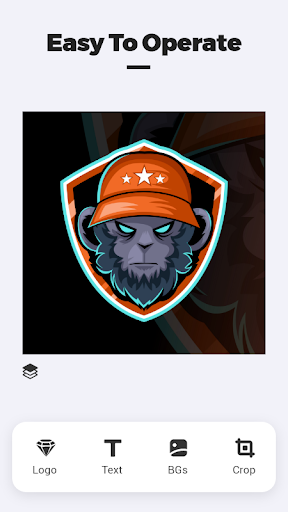
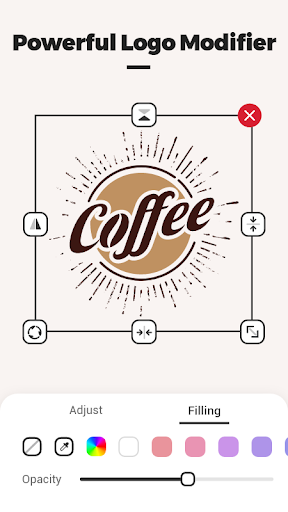
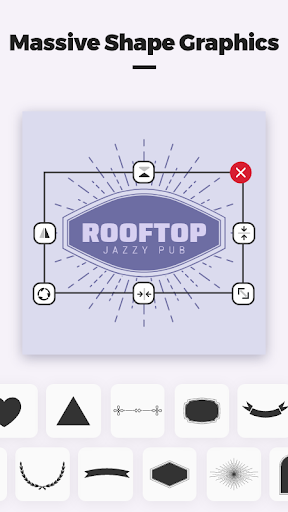
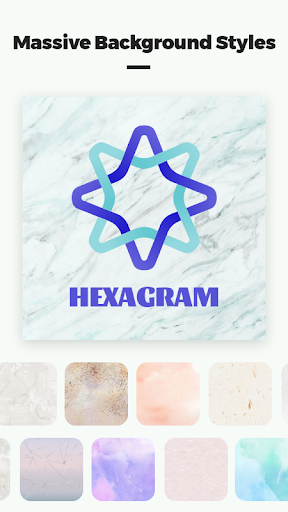
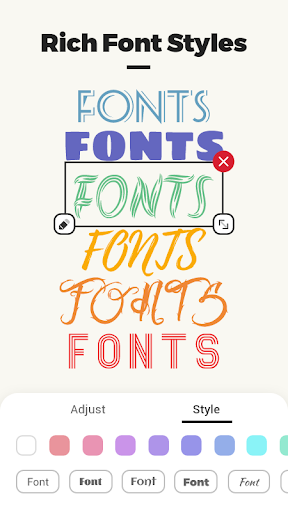
Logo Master - Design & Maker is a free mobile logo creator focused on fast, customizable design. It pairs a large built‑in library of backgrounds, shapes, and graphic elements with practical editing tools like color changes, layering multiple logos, background swaps, shape tweaks, and flexible text controls, plus HD export and built‑in sharing.
Verdict
Verdict: A capable, beginner‑friendly logo maker with ample assets, best for quick, polished results on mobile rather than deep vector work.
Who is it for
Best for:
- Small businesses, creators, and students needing quick, decent logos on mobile
- Beginners who want rich assets and simple editing without a steep learning curve
- Social media managers producing lightweight brand marks and graphics on the go
Not ideal for:
- Professional designers requiring advanced vector features, brand kits, or CMYK workflows
- Teams needing collaboration, cloud libraries, or desktop‑grade typography controls
- Users who must export complex, fully scalable SVGs for extensive print use
Real-world User Experience
Users like it:
Overall satisfaction is high (4.5 rating, 1M+ downloads). Users typically appreciate the extensive built‑in library, straightforward color/size/text adjustments, layering, and the ability to export in HD and share quickly.
Users complain about:
Some may find mobile editing limiting for intricate, multi‑artboard or vector‑heavy projects, and advanced professional features (e.g., precision path editing, brand systems) are likely lean compared to desktop tools.
Is it Worth Paying For?
The app is free, and the included library plus editing tools offer strong value without payment. If optional paid features exist, most casual users will be satisfied with the free offering; professionals may still prefer premium desktop suites.
How it Compares to Alternatives
Compared to Canva or Adobe Express, Logo Master focuses more tightly on logo creation with a large on‑device asset set and simple controls, but offers fewer multi‑page design, collaboration, and brand‑management tools. Versus dedicated logo apps, it’s strong on accessible editing and quick HD export, while high‑end alternatives and desktop vector editors (e.g., Illustrator, Affinity Designer) surpass it for precise vector workflows, typography depth, and print‑ready features.
Summary
Logo Master - Design & Maker delivers an approachable, mobile‑first way to create logos quickly using a generous built‑in library and a practical editing toolkit. You can layer elements, adjust colors and shapes, add text, and export in HD with minimal friction, making it well suited to small businesses and creators who need polished results fast. While it doesn’t replace professional vector suites for complex brand systems or print‑critical workflows, its strong rating and wide adoption suggest it succeeds at what it aims to do: make logo design accessible and efficient on a phone.
Ratings
Trending APP












Alternative to this app










