
Copyright 2026 © swekartor. All Rights Reserved.



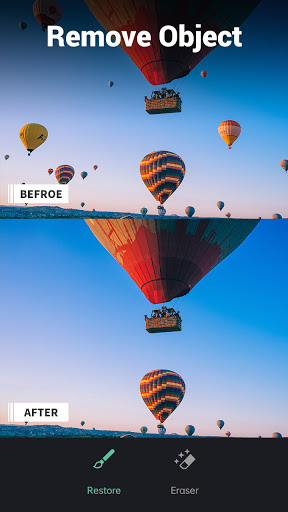
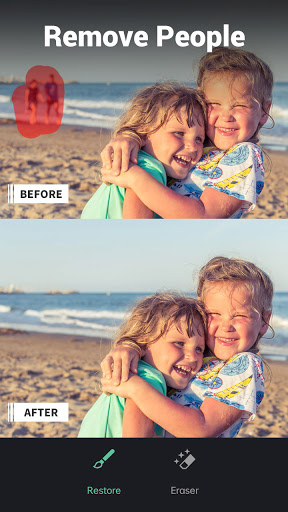
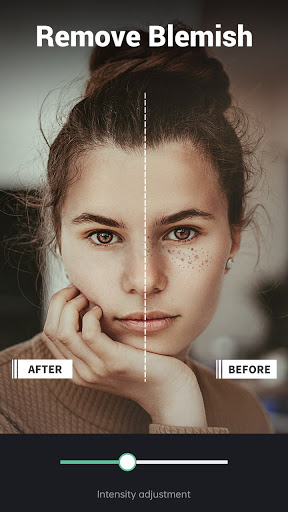
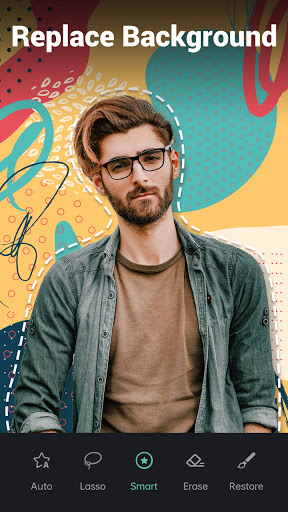
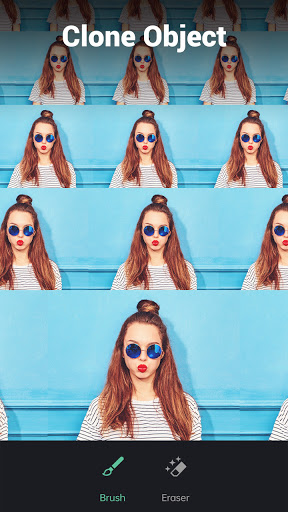
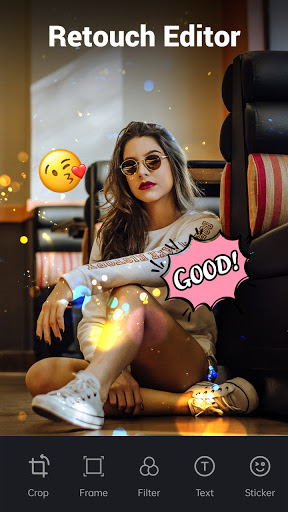
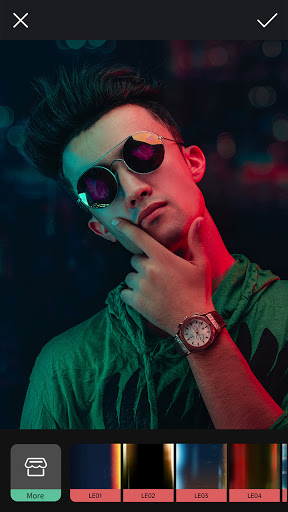
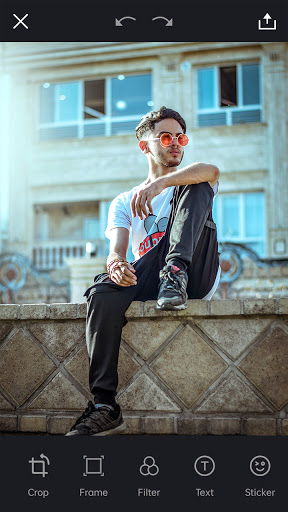
App Feature
AI-powered photo and video retouching that removes objects/people, erases watermarks and blemishes, performs background cutouts and replacements, and offers basic edits (crop, filters, color) plus cloning, cutout-to-sticker, and AI expand/refill tools.
Verdict
Verdict: A powerful, beginner-friendly AI retouching suite that excels at object removal and background edits, though free usage caps and occasional workflow quirks may frustrate heavy editors.
Who is it for
Best for:
- Quick object/people removal and blemish cleanup with minimal learning curve
- Social media creators needing background removal, replace, and AI expand/refill
- Casual-to-serious users wanting a one-stop mobile retouch app with video support
Not ideal for:
- Professionals needing granular, desktop-grade control layers and masking
- Heavy daily editors who dislike usage limits, ads, or subscription upsells
Real-world User Experience
Users like it:
Consistently strong object removal that blends naturally without distortion; easy, intuitive tools; high-quality results for restorations and portraits; versatile features (cutout-to-sticker, clone, filters, color adjust); exports retain good resolution; reliable for time-sensitive projects; many users call it the best among similar apps.
Users complain about:
Free tier limits (reported as ~3 edits/day or ~6/week) and ads; a past update briefly forced filters/undoed removals (later fixed); save flow can be non-obvious (needs manual download rather than auto-save); subscription required for full, unrestricted use.
Is it Worth Paying For?
If you edit frequently or need video watermark/object removal, the paid plan offers strong value given the quality of AI erasing and the all-in-one toolkit; for occasional fixes, the free tier is adequate but capped and ad-supported. The 3‑day trial helps assess whether the subscription fits your workflow.
How it Compares to Alternatives
Compared to PicsArt, it’s faster and more accurate for one-tap removals but offers fewer pro-level layer/mask controls. Versus Remini (known for enhancement/restoration), this app focuses more on removal/cutout/cleanup and adds video erasing, giving it broader versatility for compositing and background work. Against generic “magic eraser” apps, it stands out for consistent, natural fills, sticker cutouts, and integrated editor tools.
Summary
Retouch Remove Objects Editor is a high-rated, widely installed AI retouch app that delivers impressively clean object/people removal, intelligent background cutouts, and useful extras like cloning, stickers from cutouts, and video watermark/object removal. User feedback highlights its ease of use and professional-looking results, with some complaints about the free tier limits, ads, and save flow. If you regularly need quick, natural removals or background edits—especially across both photos and videos—the subscription is easy to justify. Casual users can still get strong results within the free quota, making it a standout choice among mobile retouching apps.
Ratings
Trending APP












Alternative to this app










