
Copyright 2026 © swekartor. All Rights Reserved.


App Feature
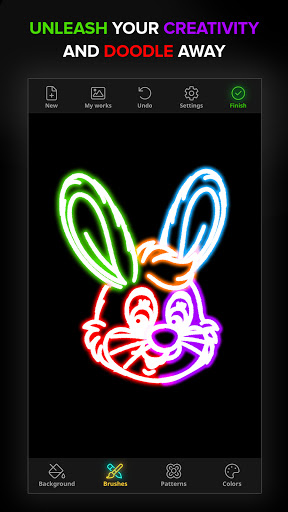
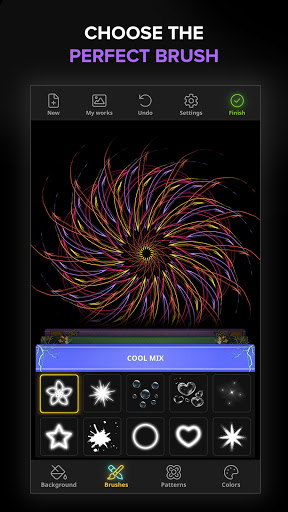
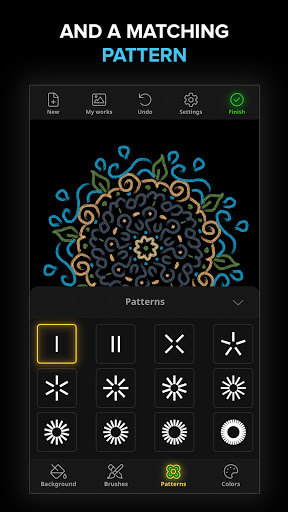
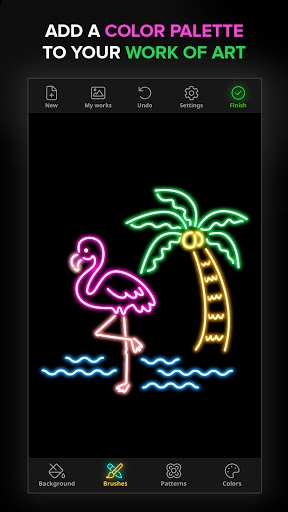
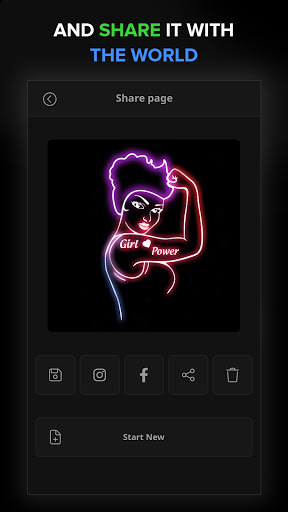
A beginner-friendly doodle and glow-art app focused on quick creative play. It offers multiple brushes with adjustable thickness, vibrant color palettes (including custom colors), symmetry/spirograph patterns, stickers, text tools, backgrounds, undo/eraser, an animation replay, gallery saving, wallpaper export, and easy sharing.
Verdict
Verdict: A relaxing, kid-friendly glow-doodle app great for quick creativity, but too simple for serious illustration work.
Who is it for
Best for:
- Kids and casual creators who want instant, colorful doodles
- People seeking a soothing, low-effort art/relaxation experience
- Anyone who likes symmetry, mandalas, and spirograph-style effects
Not ideal for:
- Artists needing pro features like layers, vectors, or pressure support
- Users who dislike ads or gated content via IAP
- Those wanting precise drawing control and advanced editing tools
Real-world User Experience
Users like it:
Parents and kids find it fun, calming, and easy to make beautiful patterns; users praise the variety of brushes, colors, glow effects, gentle background music, and the ability to create wallpapers and share art quickly.
Users complain about:
Some confusion around changing brushes and accessing patterns; requests for more background color options; occasional friction from ads or paywalls for certain assets; a few users note community review language issues (not app functionality).
Is it Worth Paying For?
Core features are free with ads; in-app purchases likely unlock additional brushes, stickers, backgrounds, or remove ads. If you or your child use it often for relaxation or wallpapers, a small IAP to remove ads/unlock packs offers good value. Otherwise, the free tier is sufficient for casual doodling.
How it Compares to Alternatives
Compared to complex drawing suites (Ibis Paint X, Procreate Pocket), Doodle Art is far simpler and more generative, prioritizing symmetry and glow effects over precision tools and layers. Versus other generative doodle apps (e.g., Silk-style web toys), it adds mobile-friendly extras like stickers, text, animation replay, and easy sharing but remains less flexible than pro apps.
Summary
Doodle Art: Magic Drawing App delivers an accessible, colorful canvas for instant mandalas, spirograph patterns, and glow doodles. Its adjustable brushes, rich palettes, stickers, text, backgrounds, and animation replay make it engaging for kids and relaxing for adults, with quick saves and wallpaper export encouraging frequent use. While casual creators will love the effortless, mesmerizing results, artists needing layers, precision, or professional export will find it limited. The ad-supported free tier is generous, and optional IAPs can enhance the experience. For stress-free creativity and shareable glow art in minutes, it’s a strong pick.
Ratings
Trending APP












Alternative to this app










