
Copyright 2026 © swekartor. All Rights Reserved.



App Feature
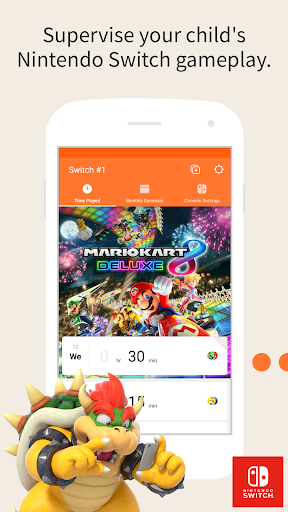
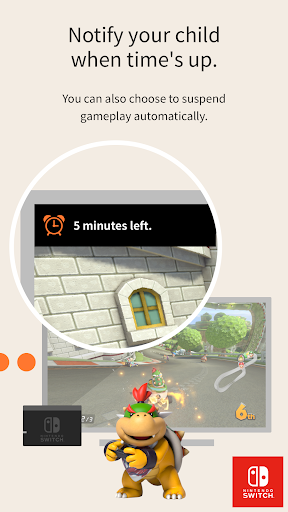
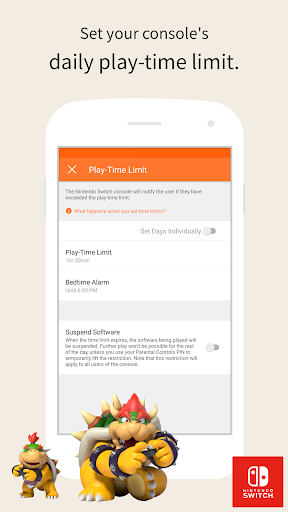
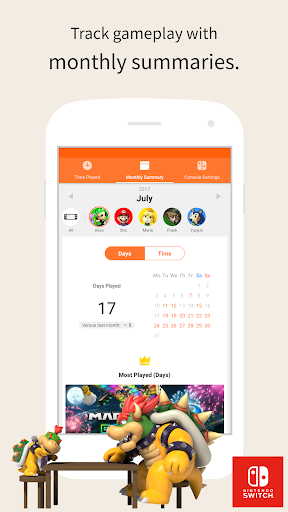
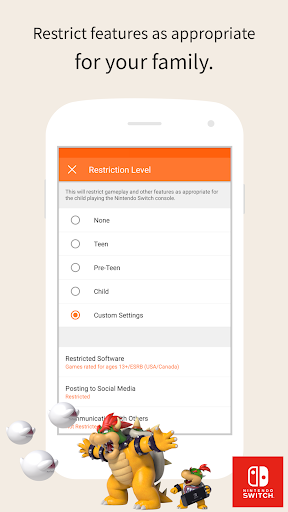
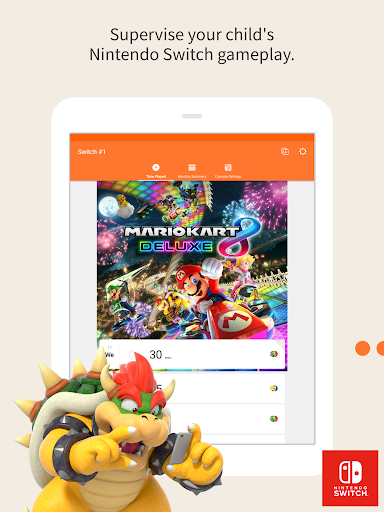
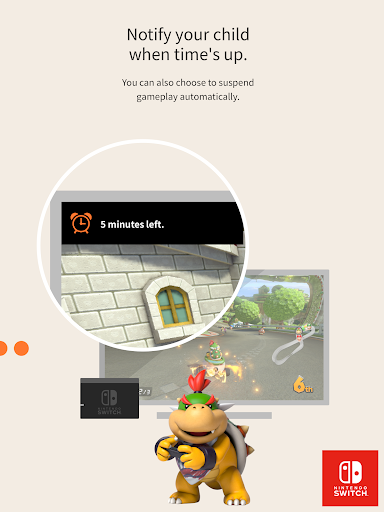
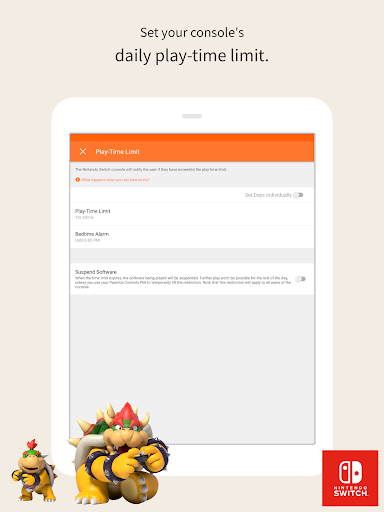
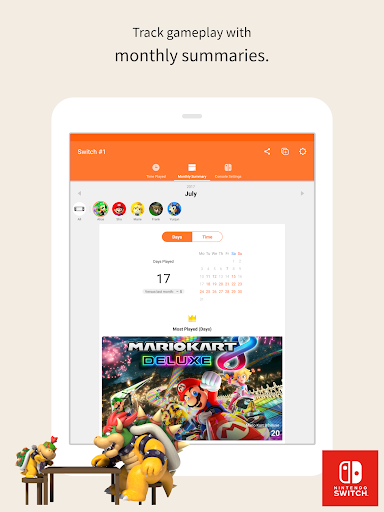
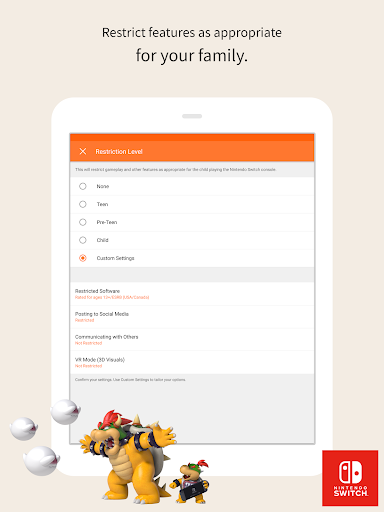
A free companion app for supervising Nintendo Switch usage: set daily play-time limits (with optional auto-suspend), apply age-based restrictions, review daily and monthly play activity, manage GameChat permissions on Nintendo Switch 2, and receive notifications—all tied to a parent’s Nintendo Account.
Verdict
Verdict: A polished, reliable parental control companion for Nintendo Switch families, though it lacks a few convenient on-demand controls.
Who is it for
Best for:
- Parents and guardians in the Nintendo ecosystem who want time limits and age-based restrictions
- Families who value clear play-time reports and monthly summaries
- Self-regulating players seeking a simple way to curb their own Switch time
Not ideal for:
- Households needing cross-platform controls beyond Nintendo hardware
- Parents wanting granular, on-the-fly actions (e.g., instant lock, quick time extensions) from the app
- Users expecting device-location features like 'find my console' or comprehensive purchase controls in-app
Real-world User Experience
Users like it:
Consistently praised for effective time-limit enforcement, stable performance, straightforward setup, age-rating controls, and clear daily/monthly usage insights; push notifications for summaries are helpful, and some even use it for self-discipline.
Users complain about:
Common requests include an instant 'lock now' button, quick temporary time extensions without editing schedules, and a 'find my Switch' sound trigger; initial confusion can occur if the console isn’t online to sync changes.
Is it Worth Paying For?
It’s free with no ads or in-app purchases; excellent value as an official, fully functional parental control tool for Nintendo Switch with no ongoing cost.
How it Compares to Alternatives
Compared to platform-native tools like Xbox Family Settings or PlayStation’s parental controls, this is similarly integrated and reliable within its ecosystem, with standout monthly summaries and auto-suspend. Unlike cross-platform screen-time apps, it doesn’t manage non-Nintendo devices. Purchase restrictions live in Nintendo Account settings, not directly in-app, and it lacks extras like device location or instant lock that some competitors offer.
Summary
Nintendo Switch Parental Controls delivers a dependable, easy-to-use way to manage how and when a Switch is used. Parents can set daily limits (even auto-suspend), gate content by age rating, and view clear daily and monthly activity summaries. The app is stable, well-regarded, and free of ads and fees. Its scope is intentionally focused on Nintendo hardware, and while it covers the essentials very well, power users may miss convenience features such as instant lock, quick time extensions, and a console-finder sound. If your household plays primarily on Nintendo systems, this is a top-tier, no-cost solution for balancing playtime and safety.
Ratings
Trending APP












Alternative to this app










