
Copyright 2026 © swekartor. All Rights Reserved.


App Feature
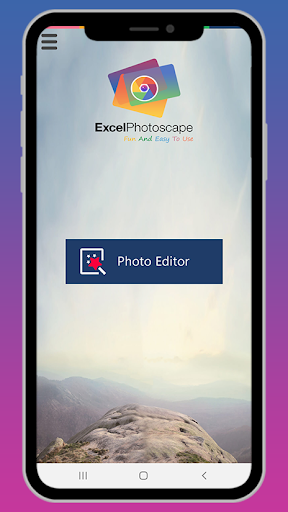
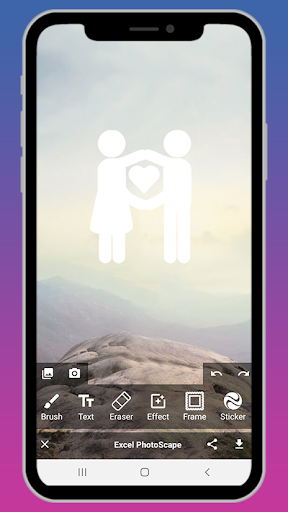
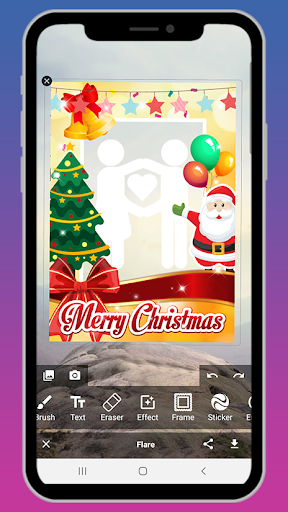
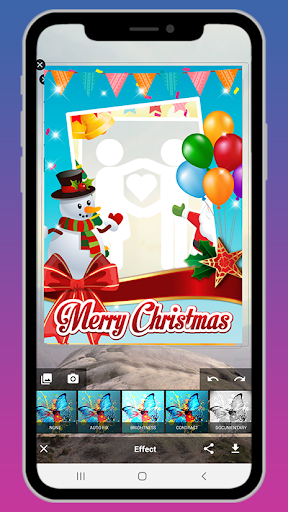
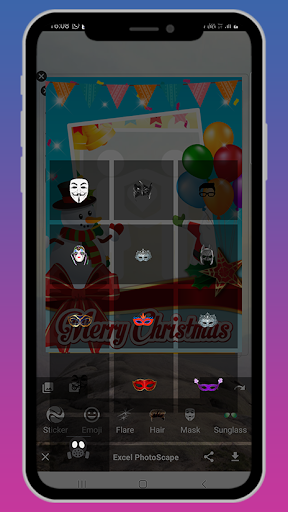
Photoscape Photo Editing App is a free, ad-supported mobile editor offering quick filters, blur effects, crop/rotate/resize, text and sticker overlays, drawing and mosaic tools, and a simple collage maker with shareable, high-quality exports. Promotional materials also highlight presets and templates for fast social posts.
Verdict
Verdict: A capable basic photo editor for quick social edits, but mixed quality and limited polish make it less compelling for serious retouching.
Who is it for
Best for:
- Casual users who need fast filters, blur, and simple crops
- Social media posts and quick collages without a learning curve
Not ideal for:
- Photographers needing pro-grade tools like curves, layers, or RAW
- Users sensitive to ads or seeking highly refined UX
Real-world User Experience
Users like it:
Simple, beginner-friendly editing with one-tap effects and a handy collage maker; saves and shares at acceptable quality.
Users complain about:
Overall 3.0 rating and few written reviews suggest mixed satisfaction, with likely concerns around ads, depth of tools, and general polish.
Is it Worth Paying For?
The app is free with ads and has no in‑app purchases, so there’s nothing to pay for. Value is fair if you’re comfortable with ads and only need basic edits.
How it Compares to Alternatives
Compared to Snapseed and Adobe Lightroom Mobile, Photoscape is simpler but far less powerful (no robust curves/RAW/local adjustments). Against PicsArt, it offers fewer creative effects and community features but a lower barrier to quick edits. It’s closer to lightweight editors focused on filters/collages than to pro-grade apps.
Summary
Photoscape Photo Editing App focuses on fast, approachable tools—filters, blur, crop/rotate, stickers/text, drawing, mosaic, and a straightforward collage maker—suited to quick social-ready edits. It’s free and easy to use, but the average 3.0 rating and small review base indicate a mixed experience, likely due to ads and limited depth versus more established editors. If you want no-fuss tweaks and quick collages at no cost, it’s serviceable; if you need advanced controls, refined UI, or pro workflows, alternatives like Snapseed, Lightroom, or PicsArt will serve you better.
Ratings
Trending APP












Alternative to this app










