
Copyright 2026 © swekartor. All Rights Reserved.



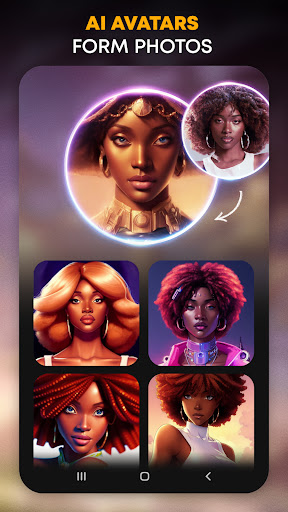
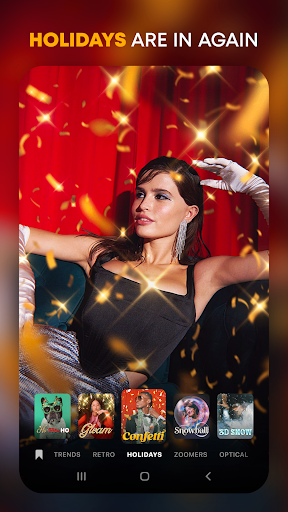
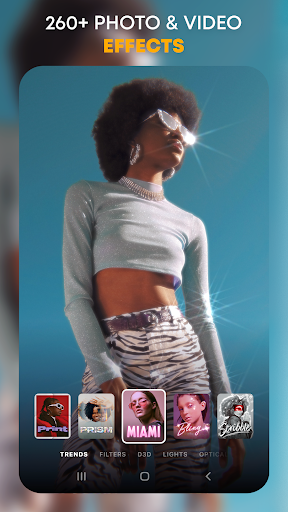
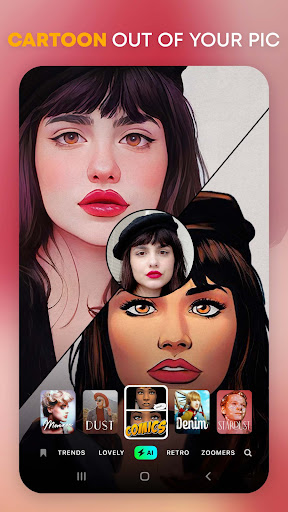
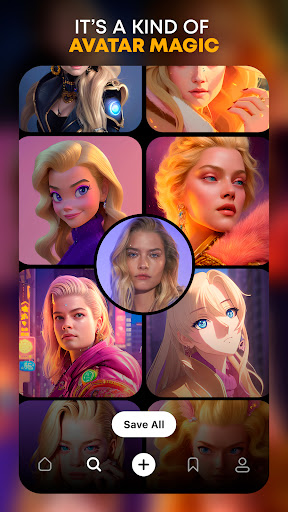
App Feature
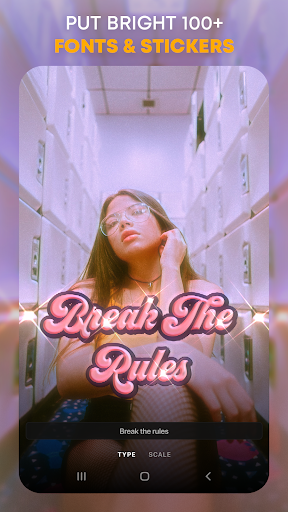
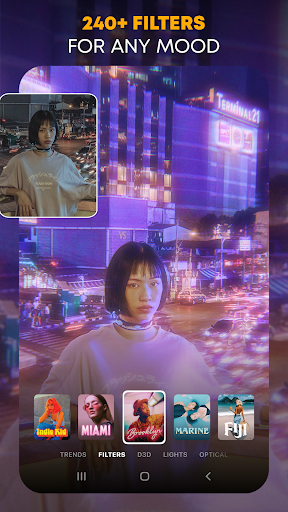
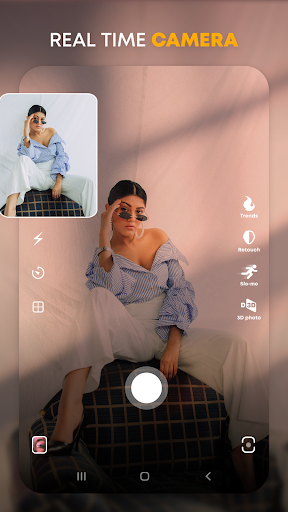
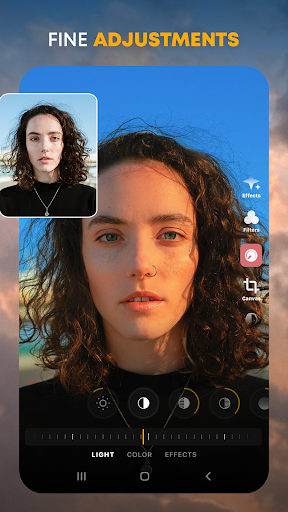
An all-in-one photo/video editor focused on trendy, AI-powered filters (cartoon/anime, VHS, vintage), Hollywood-style effects, adjustments, text/stickers/overlays, background replacement, batch editing, and customizable avatars—built for one-tap aesthetic results and quick social sharing.
Verdict
Verdict: A powerhouse trend-focused editor delivering standout AI filters, best for creators chasing stylish social-ready visuals despite occasional lag and platform feature gaps.
Who is it for
Best for:
- Creators who want modern, cinematic, and retro looks with minimal effort
- Users who need both photo and video effects, plus batch workflows
- Social-first editors who value AI-driven cartoon/anime transformations
Not ideal for:
- Android users expecting full feature parity with iOS today
- Editors who need granular pro-grade color workflows over curated presets
- Anyone intolerant of occasional lag, long exports, or rare crashes on some devices
Real-world User Experience
Users like it:
High-quality filters and effects (especially AI cartoon/anime), frequent updates, strong variety, easy one-tap elevation of photos and videos, decent free tier, and improved stability over time; batch tools and canvas controls earn praise.
Users complain about:
Occasional lag while previewing effects and longer export times; sporadic crashes on some Android phones; perceived feature disparity vs. iOS; some premium presets locked behind subscription; past auto-cropping annoyed users (now adjustable).
Is it Worth Paying For?
Yes for frequent creators: the Gold subscription unlocks a broad set of premium effects, fonts, and tools that many users feel justify the price for consistent social content. Casual users can do plenty on the free tier but will run into paywalled presets and styles; try the free version first to gauge your workflow and device performance.
How it Compares to Alternatives
Compared to VSCO, Prequel is more effect-forward and AI-heavy, less about subtle filmic grading. Versus PicsArt, it trades breadth of creative tools for deeper, trend-led filters and video parity. Against CapCut, Prequel’s strengths are aesthetic filters and AI looks rather than timeline editing. Compared to Lensa or Remini, it offers more comprehensive photo+video styling (not just portraits or enhancement) with strong AI cartoon/anime options.
Summary
PREQUEL AI Filter Photo Editor excels at turning everyday photos and videos into scroll-stopping content using rich, trendy presets and AI transformations. Its catalog spans vintage film, VHS, cinematic tones, anime/cartoon looks, and creative overlays—with batch editing, background replacement, and robust text/sticker options for social posts. Users praise the quality and variety, while noting occasional lag, longer exports, and intermittent Android instability plus some iOS–Android feature gaps. The free tier is generous, and the Gold subscription is a worthwhile upgrade for active creators who want the full library and consistent styling. If your priority is stylish results fast, especially AI-driven aesthetics for Reels/Stories, Prequel is a standout choice.
Ratings
Trending APP












Alternative to this app










