
Copyright 2026 © swekartor. All Rights Reserved.




App Feature
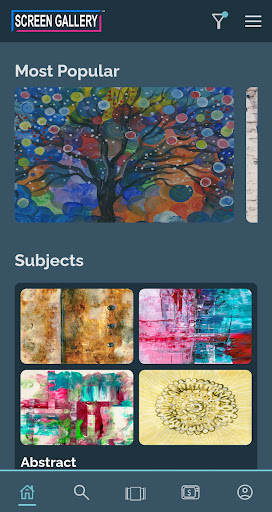
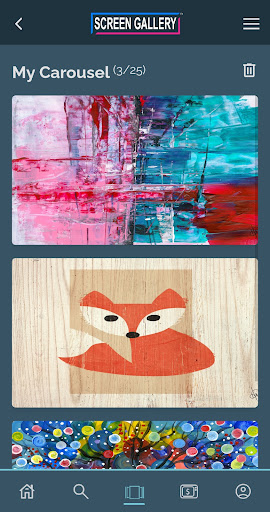
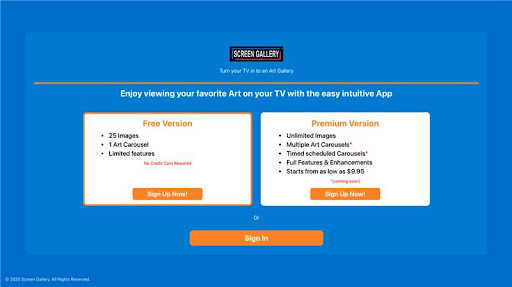
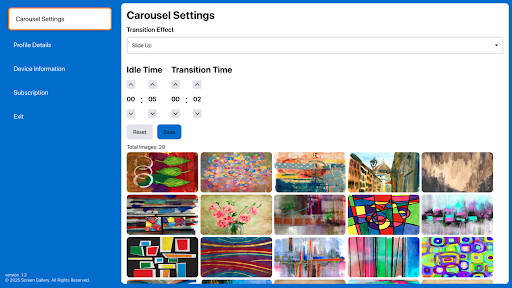
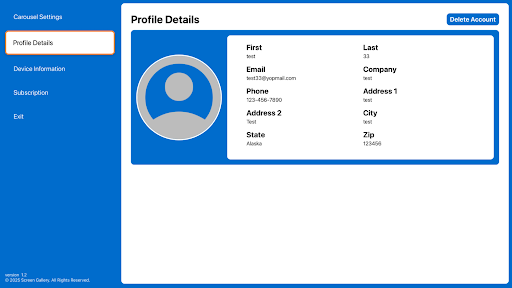
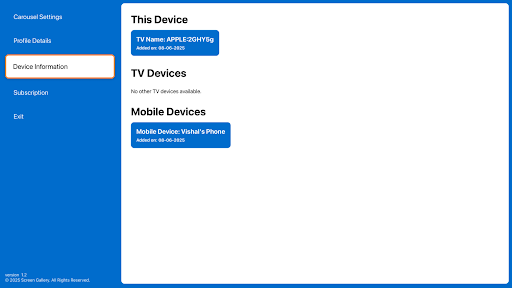
Screen Gallery turns a TV or device into an art-focused screen saver and rotating gallery. It offers curated, on-trend art collections, timed/condition-based wallpaper cycling, themed galleries with simple editing tools, optional interactive widgets, and privacy-conscious local storage with an encrypted cloud backup/sync option. You can export high‑resolution wallpapers, share galleries, and import popular image formats.
Verdict
A promising art screensaver and wallpaper curator for TVs and phones, but early-stage adoption means value and polish are still unproven.
Who is it for
Best for:
- Users who want their TV or device to double as a curated digital art display
- People who like automated wallpaper rotation with themeable galleries and simple editing
- Privacy-minded users who prefer local-only images with optional encrypted backup
Not ideal for:
- Shoppers who need a mature app with abundant reviews and proven reliability
- Those seeking fully free premium art catalogs with no IAP
- Users who don’t care about customization or widget-driven interactions
Real-world User Experience
Users like it:
No public rating or reviews yet; based on the description, users will likely appreciate the curated art selection, easy setup, and flexible wallpaper scheduling.
Users complain about:
With no reviews, concerns are speculative: potential pain points could include limited free content behind IAP, early-stage bugs, or inconsistent performance on different TVs/devices.
Is it Worth Paying For?
The app is free with optional IAP and no ads. Without ratings, it’s difficult to judge long-term value, but if the paid tier unlocks a large, high-quality catalog and reliable cloud sync, light art enthusiasts may find it worthwhile. Cautious buyers should trial the free features first to verify device compatibility, art variety, and rotation behavior.
How it Compares to Alternatives
Compared to Muzei (Android live wallpaper) and Google Arts & Culture (broad, educational art access), Screen Gallery emphasizes a lean, TV-friendly art screensaver with curated, on-trend sets and simple editing/widgets. Services like Artcast or Ambient art apps on smart TVs often focus on subscription galleries—Screen Gallery’s pitch of encrypted backup, local-first control, and flexible rotation rules could appeal to privacy-focused users, though its smaller footprint and lack of reviews make maturity and content depth uncertain.
Summary
Screen Gallery aims to transform your TV or device into an elegant digital art display, combining curated galleries with robust rotation rules, basic editing, and optional widgets. Its privacy-forward stance (local-only mode with encrypted backup), export/sharing options, and import tools suggest thoughtful design. However, with minimal adoption data and no public ratings, it’s hard to gauge polish, content breadth, and performance across devices. If you want a tasteful, on-trend art screensaver and value customization plus privacy controls, try the free features first; if the catalog and experience impress, consider the IAP for expanded content and sync.
Ratings
Trending APP












Alternative to this app










