
Copyright 2026 © swekartor. All Rights Reserved.





App Feature
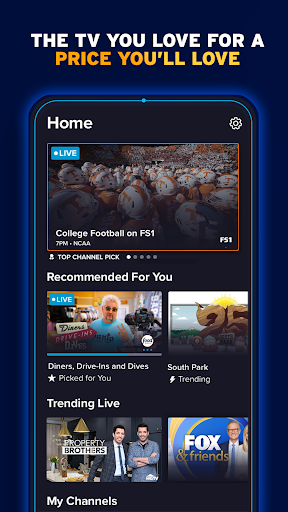
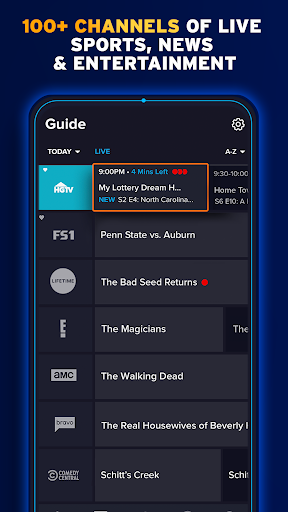
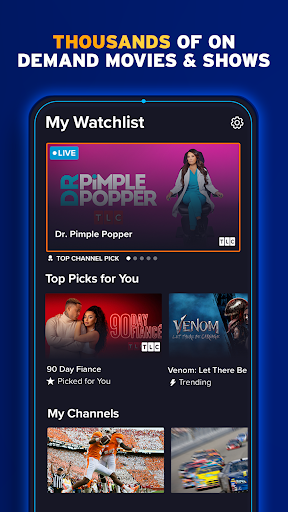
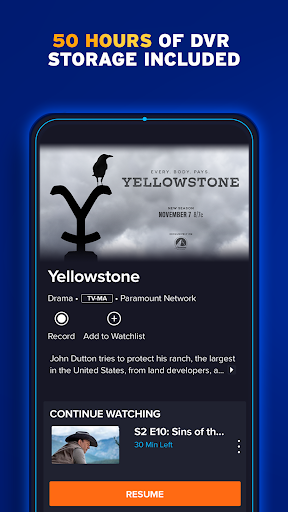
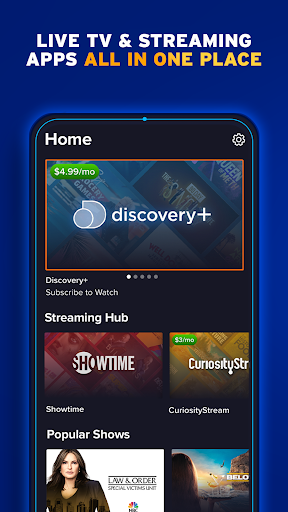
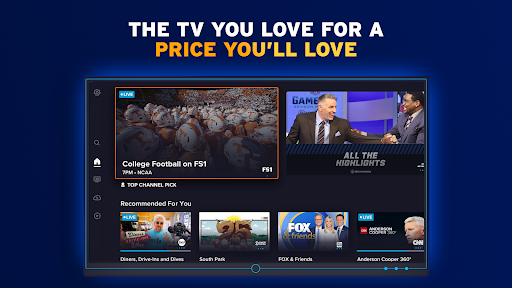
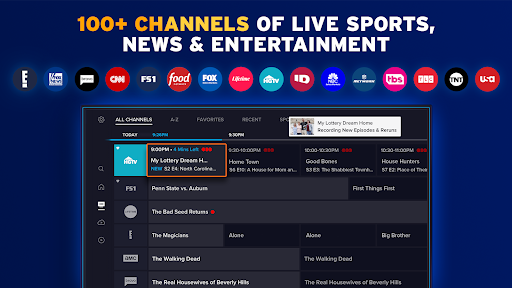
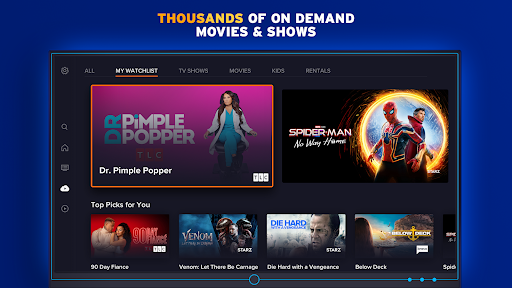
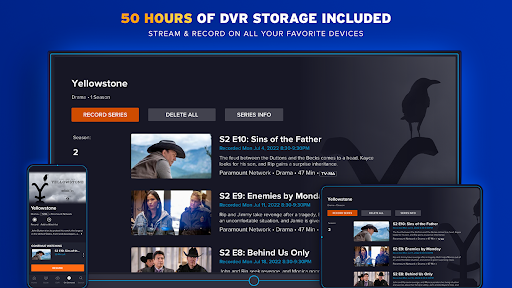
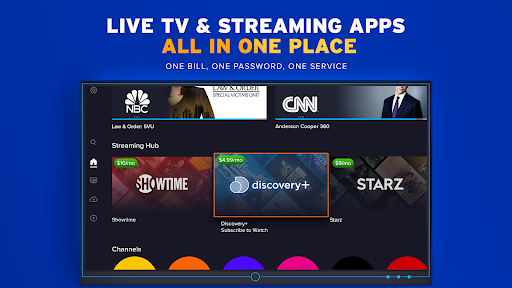
Sling is a live TV and on‑demand streaming service with customizable paid channel packages plus a free tier (Freestream). It focuses on live sports, news, and entertainment, offers 120K+ on‑demand titles, built‑in DVR (50 hours included; optional Unlimited DVR add‑on), PPV rentals, and wide device support without long‑term contracts.
Verdict
Verdict: A flexible, budget-friendly live TV option with strong sports/news coverage, but reliability and support concerns may frustrate some viewers.
Who is it for
Best for:
- Cord-cutters seeking lower-cost live TV with customizable channel add-ons
- Sports and news watchers who value live channels plus DVR
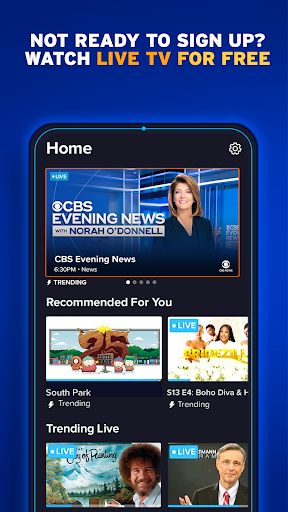
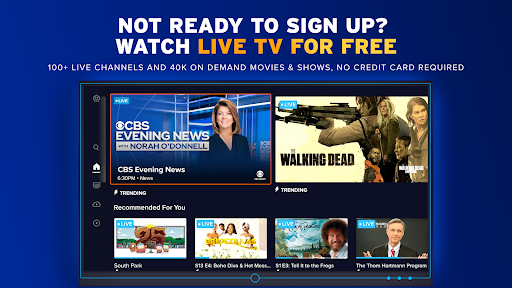
- Viewers wanting a free, no‑login preview via Freestream before paying
Not ideal for:
- Users sensitive to buffering/pixelation or inconsistent stream reliability
- People who expect robust, easily reachable phone support
- Viewers who want a simple, all‑inclusive bundle without add‑on management
Real-world User Experience
Users like it:
Affordable compared to cable; broad live sports/news/entertainment selection; Freestream access improved and easy to find; DVR value (Unlimited DVR add‑on is inexpensive) and recent updates resolved prior DVR issues; smooth playback for many with strong connections; familiar, cable‑style guide; multi‑device convenience and quick app load times.
Users complain about:
Occasional buffering, pixelation/blurry picture—especially on live sports for some; intermittent playback stops or inability to resume; earlier difficulty finding the free tier (now improved); confusion or friction around contacting customer support by phone; sporadic app timeouts and rare offline events.
Is it Worth Paying For?
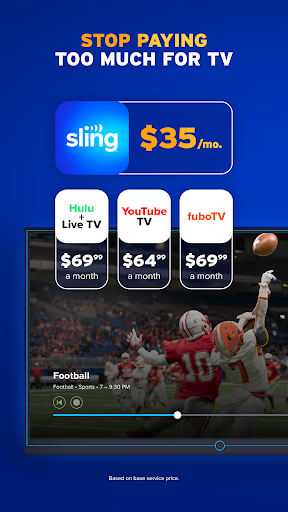
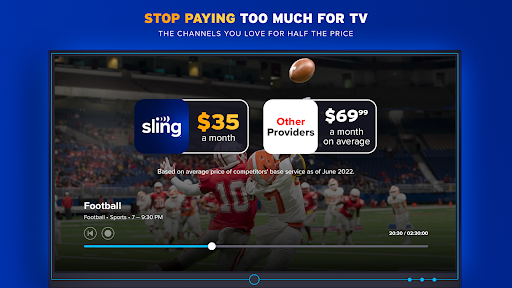
For many cord-cutters, yes. The base packages (from the FAQ: $40/mo for Orange or Blue; $55/mo combined) deliver key sports, news, and entertainment at a lower price than many full-stack live TV competitors. The included 50‑hour DVR and optional low‑cost Unlimited DVR add value. However, if you’re highly sensitive to stream stability or want white‑glove support, consider testing Freestream first to gauge performance on your setup.
How it Compares to Alternatives
Compared to full bundles like YouTube TV or Hulu + Live TV, Sling is usually cheaper and more modular but may include fewer channels out of the gate and relies more on add‑ons. Versus Fubo (sports-heavy), Sling is more budget-oriented with flexible builds but can’t match some of Fubo’s breadth for niche sports. Against free FAST apps (Pluto TV, Tubi), Sling’s Freestream competes well for free content, while paid Sling tiers add true live cable networks, DVR, and sports coverage those free services lack.
Summary
Sling: Live TV + Freestream balances cost and control, pairing a meaningful free tier with flexible paid channel packages, strong sports/news coverage, and a sizeable on‑demand library. Users highlight good value, a familiar guide, and improved DVR performance, though some still encounter buffering or blurry streams—most noticeable during live sports—and note difficulty reaching phone support. If price flexibility and custom lineups matter more than having an all‑inclusive bundle and rock‑solid reliability, Sling is a compelling pick. Start with Freestream to test performance, then add paid tiers and Unlimited DVR if the experience fits your needs.
Ratings
Trending APP












Alternative to this app










