
Copyright 2026 © swekartor. All Rights Reserved.



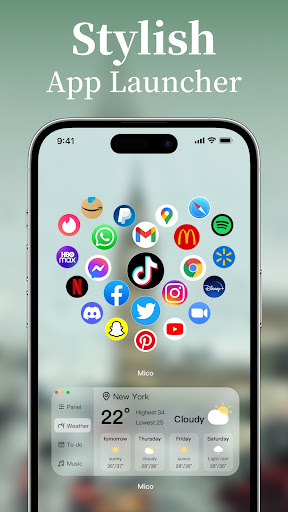
App Feature
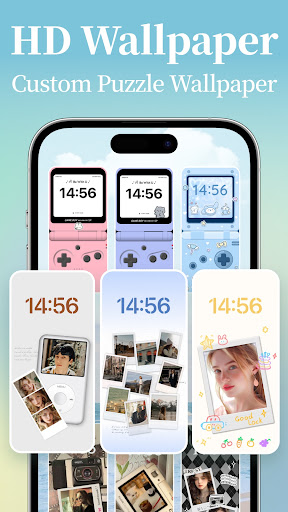
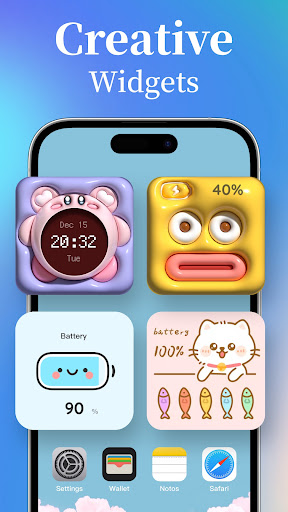
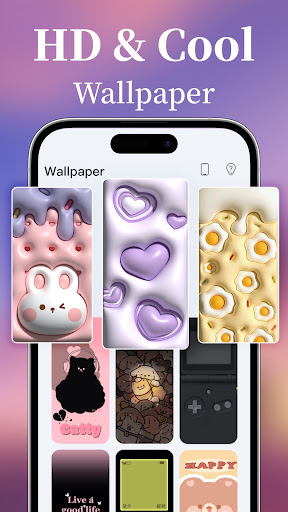
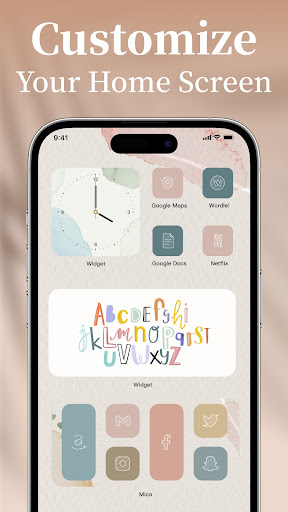
Mico is a personalization suite combining customizable widgets (clocks, photos, music, battery, health, quotes), live/4K wallpapers with DIY/video options, themes/icon packs, and lock screen tools. It emphasizes easy, aesthetic home-screen customization with daily content updates, AI effects, and simple DIY builders.
Verdict
Verdict: A feature-rich, beginner-friendly widget and wallpaper toolkit with generous free options, tempered by frequent ads and occasional Android quirks.
Who is it for
Best for:
- Users who want quick, aesthetic home-screen makeovers without complex setup
- Fans of live/DIY wallpapers and playful, highly customizable widgets
- Budget-conscious users willing to watch ads instead of paying upfront
Not ideal for:
- Power users who need granular, pro-grade widget scripting (e.g., KWGT-level control)
- Ad-averse users who don’t want interruptions or unlock-by-ad flows
- Those expecting full feature parity with iOS-style lock-screen widgets on all Android versions
Real-world User Experience
Users like it:
Easy to use with fast, reliable setup; broad widget variety (photo, music/audio-on-widget, health, battery, couple widgets), rich customization (colors, stickers, frames), and high-quality wallpapers. Many features are free, Pro/VIP is inexpensive, and content feels modern and creative.
Users complain about:
Ads can be excessive, sometimes even after unlocking items; occasional bugs with animated/live widgets (dim video, wallpaper not setting, widgets turning invisible) and alignment quirks; Android features feel slightly behind iOS; requests for accounts/sync and more templates.
Is it Worth Paying For?
Yes for frequent customizers: the free tier is generous but ad-heavy; the low-cost VIP/Pro removes friction and unlocks more assets/widgets. Casual users can stick with free and tolerate ads or use an ad blocker; enthusiasts will find the upgrade good value.
How it Compares to Alternatives
Compared to Zedge (great wallpapers, weaker widgets), Mico offers stronger widget depth and DIY. Versus KWGT/KLWP, Mico trades raw power and complexity for one-tap simplicity and a bigger template library. Against iOS-centric apps like Top Widgets/Widgetsmith on Android, Mico provides more free options and a cheaper upgrade, though iOS-style lock-screen features may be limited on some Android devices.
Summary
Mico - Widget & Live Wallpaper delivers an all-in-one personalization toolkit that makes creating a unique, cohesive home screen fast and fun. Its standout strengths are an extensive library of stylish widgets, easy DIY tools for photos/video/live elements, and constant content updates, all wrapped in a friendly interface. While frequent ads and occasional Android-specific glitches can frustrate, the overall value—especially with an inexpensive Pro tier—makes it a top pick for users who want expressive, aesthetic customization without the learning curve of power tools.
Ratings
Trending APP












Alternative to this app










