
Copyright 2026 © swekartor. All Rights Reserved.



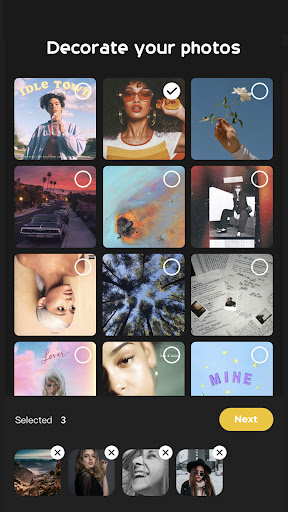
App Feature
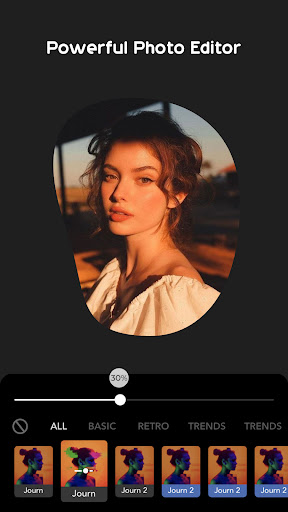
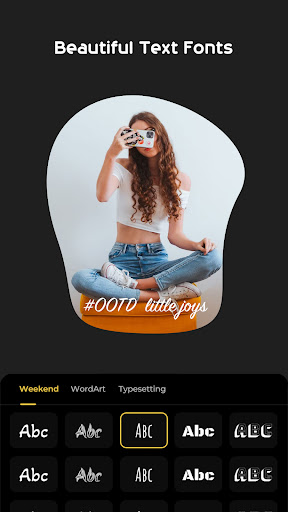
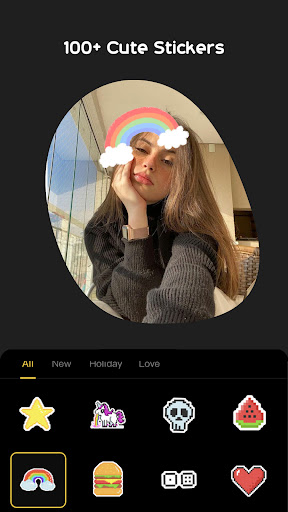
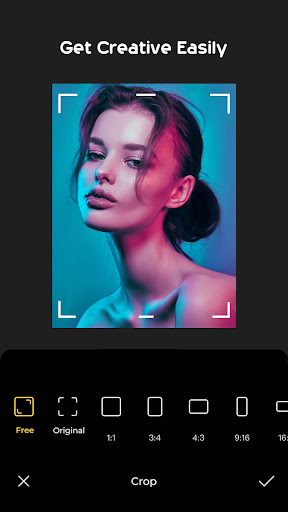
Textify- Art Font Photo Editor is a free photo-editing app focused on creative text overlays. It offers a broad font library, color and style controls, plus stickers, filters, and effects in an intuitive interface to quickly produce eye-catching social posts, invites, and personal designs.
Verdict
Verdict: A fun, capable text-on-photo editor for everyday creators, but not a full replacement for pro-grade design tools.
Who is it for
Best for:
- Social media users who want quick, stylish text edits
- Beginners who prefer a simple, intuitive editor
- Anyone making invites, posters, or story visuals on the go
Not ideal for:
- Professionals needing advanced layer control and typography tools
- Users requiring precision desktop-like editing workflows
- Heavy batch editors or those needing complex export options
Real-world User Experience
Users like it:
Generally praised for its easy-to-use interface, diverse font choices, and handy extras (stickers, filters, effects) that make fast, attractive edits possible—reflected in its solid 4.3 rating and broad adoption (500K+ downloads).
Users complain about:
Some users may find limitations around pro features such as fine-grained layer management, advanced typography controls, or highly customizable export settings; occasional performance hiccups are typical in this category.
Is it Worth Paying For?
The app is free. If optional in-app purchases exist (e.g., premium fonts/effects), they’re only necessary if you want a larger asset library—most casual users should be satisfied with the free feature set.
How it Compares to Alternatives
Compared with Canva or PicsArt, Textify is lighter and faster for text-on-photo tasks, with less learning curve but fewer pro tools and templates. Versus Phonto (text-focused), Textify adds more visual flair with stickers/filters, though Phonto may edge it on typographic precision and niche font options.
Summary
Textify- Art Font Photo Editor streamlines adding stylish text to photos with an accessible UI, plentiful fonts, and helpful extras like stickers and filters. It’s well-suited to quick social media graphics, stories, and invitations without wading through complex menus. While power users may miss pro-tier features such as advanced layering and precise typographic controls, the app’s strong rating and sizeable user base suggest it delivers reliable results for everyday needs. For most, the free version offers ample value; consider any premium add-ons only if you need more specialized fonts or effects.
Ratings
Trending APP












Alternative to this app










