
Copyright 2026 © swekartor. All Rights Reserved.


App Feature
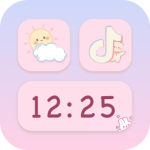
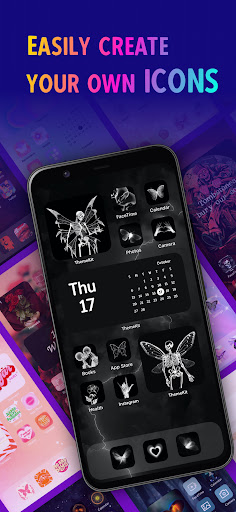
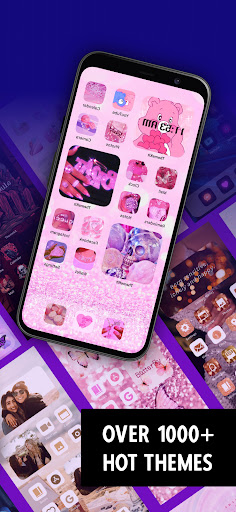
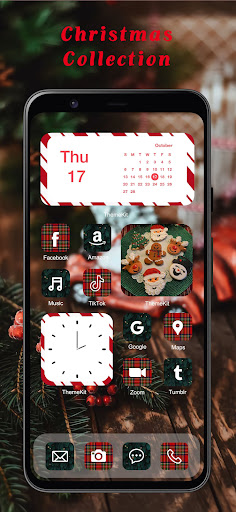
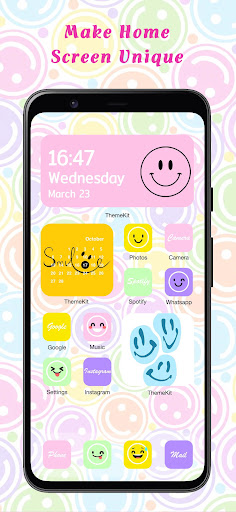
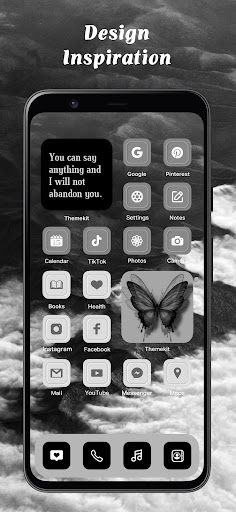
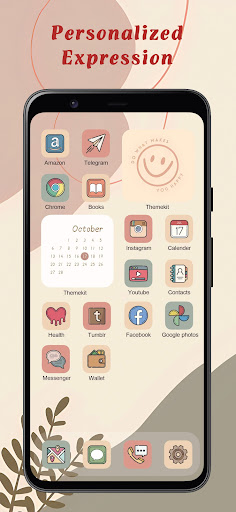
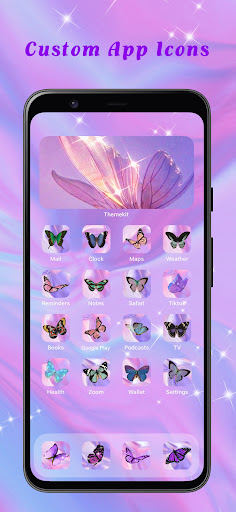
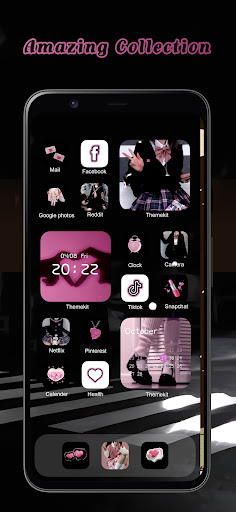
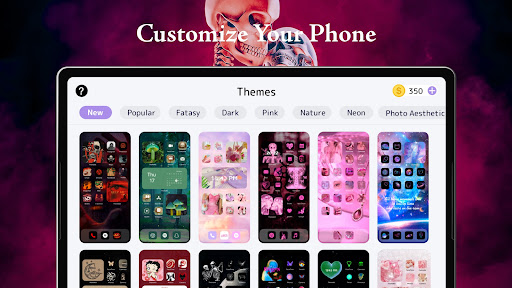
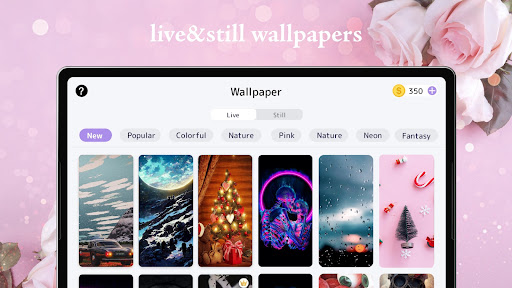
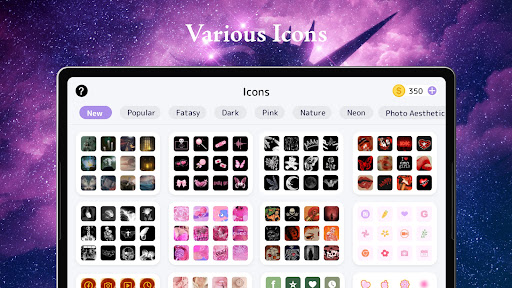
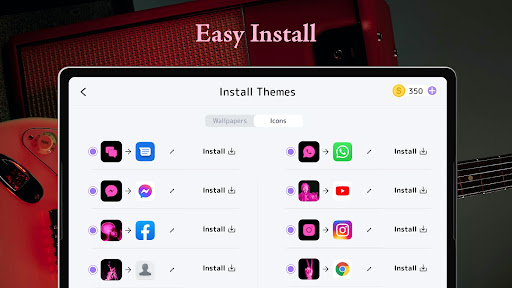
ThemeKit is an Android personalization suite that lets you redesign your home screen with thousands of themes, icon packs, widgets, and 4K wallpapers. It includes an icon changer (via shortcuts, no launcher required), dynamic widgets (clock, weather, calendar, countdown, photo), a DIY editor for custom icons/widgets using your own images, frequent seasonal updates, and broad device/language support.
Verdict
Verdict: A rich, beginner‑friendly theming app with tons of content, best if you’re okay with ads and shortcut-based icons.
Who is it for
Best for:
- Users who want quick, aesthetic themes, icons, and widgets with minimal setup
- People who enjoy DIY customization and regularly refreshing their phone’s look
- Free users willing to watch ads to unlock content
Not ideal for:
- Power users wanting deep, granular widget logic or launcher-level control
- Those who dislike ads or coin systems and want fully ad-free use by default
- Users bothered by the brief white flash/shortcut behavior of custom icons
Real-world User Experience
Users like it:
Large, frequently updated library; easy setup; flexible mix-and-match of themes, widgets, and wallpapers; DIY options; reasonable coin system where a few ads unlock full icon sets; reliable performance across devices; strong aesthetics across many styles.
Users complain about:
Frequent ads and pop-ups even while earning coins; shortcut-based icons can cause a brief white screen before opening apps; search can miss specific terms; some widgets default to 24-hour time; occasional gaps in niche categories (e.g., more K‑pop themes).
Is it Worth Paying For?
Core features are free with ads and a coin system; in-app purchases likely speed up access and reduce ad-watching. If you plan to customize often or dislike ads, paying for coins or ad removal can be worth it. Casual users can get excellent results without spending.
How it Compares to Alternatives
Compared to Zedge, ThemeKit emphasizes cohesive themes and widgets rather than just wallpapers/ringtones. Against KWGT/KLWP, ThemeKit is far simpler, trading deep custom logic for instant, curated designs. Versus launcher icon packs (e.g., Nova-compatible packs), ThemeKit’s shortcut method works without a specific launcher but introduces the brief white-flash behavior. It’s closest to all-in-one theming kits on Android, offering more plug-and-play breadth than most.
Summary
ThemeKit – Themes & Widgets delivers an expansive, regularly updated catalog of themes, widgets, icons, and 4K wallpapers, plus a DIY editor that makes personalizing your phone fast and fun. Reviews highlight both the breadth of styles and smooth setup, with users praising how easily they can mix elements or apply full themes. The trade-off is an ad- and coin-based unlock system and the inherent shortcut behavior for custom icons, which can cause a brief white flash on launch. If you want a polished, low-effort route to an aesthetic, on-trend home screen—and don’t mind ads—ThemeKit is one of the strongest options on Android; power users needing precision control may prefer KWGT/KLWP or launcher-based setups.
Ratings
Trending APP












Alternative to this app










