
Copyright 2026 © swekartor. All Rights Reserved.


App Feature
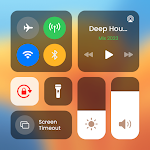
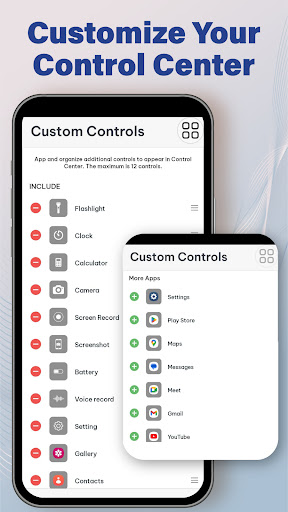
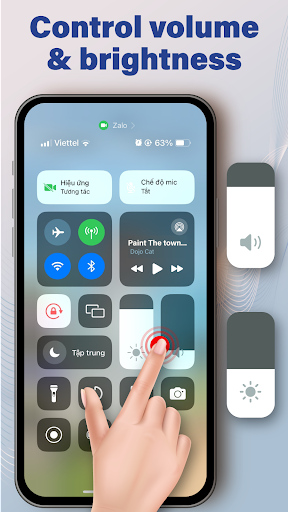
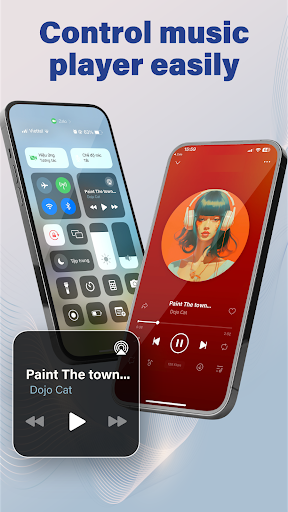
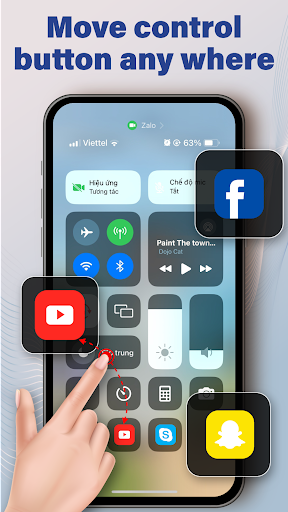
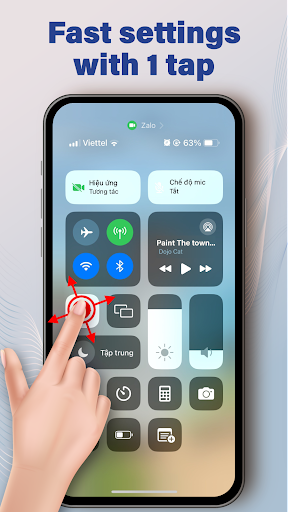
Control Center Simple is an Android utility that adds a swipe-down (or floating) control panel for instant access to core settings and tools—brightness, volume, Wi‑Fi, Bluetooth, flashlight, rotation, data, airplane mode—and a floating toolbox for app shortcuts and multitasking.
Verdict
Verdict: A fast, lightweight control panel for quick toggles and shortcuts, best if you value simplicity over deep customization.
Who is it for
Best for:
- Users who want one-swipe access to settings and utilities
- People who multitask and need a floating toolbox for favorite apps
- Anyone seeking a lightweight, iOS-style control center on Android
Not ideal for:
- Power users wanting advanced automation, theming, or granular profiles
- Minimalists who prefer sticking to Android’s default Quick Settings
- Privacy-conscious users wary of overlay permissions and background services
Real-world User Experience
Users like it:
The high 4.7 rating with 50M+ installs suggests users appreciate its reliability, ease of access to toggles, smooth floating toolbox, and the time saved when adjusting brightness, volume, and connectivity without digging through menus.
Users complain about:
Common pain points for overlay utilities may apply: occasional accidental triggers, potential battery or RAM impact on some devices, ads in the free version, and rare conflicts with gesture navigation or other overlays.
Is it Worth Paying For?
The app is free and no paid plan is indicated. As a no-cost utility delivering quick access to essential controls, it offers strong value without requiring purchases.
How it Compares to Alternatives
Compared to Android’s built-in Quick Settings, Control Center Simple is quicker to reach and adds a persistent floating toolbox, but it lacks the deep integration and stability of system toggles. Versus alternatives like MI Control Center or Control Center iOS-style clones, it leans lighter and simpler rather than heavy theming. Power-user tools (e.g., Power Shade, Tasker) offer far more customization and automation but at the cost of complexity and setup time.
Summary
Control Center Simple distills everyday device controls into a fast, swipeable panel with an always-available floating toolbox for app shortcuts. Its straightforward toggles for brightness, volume, Wi‑Fi, Bluetooth, rotation, and more make daily adjustments effortless, while the overlay toolbox speeds multitasking. With an excellent rating and massive install base, it strikes a practical balance of convenience and performance, though users sensitive to overlays, ads, or system-level quirks may prefer built-in Quick Settings or more advanced tools. If you want instant access without fuss, this is a polished, lightweight pick.
Ratings
Trending APP












Alternative to this app










