
Copyright 2026 © swekartor. All Rights Reserved.


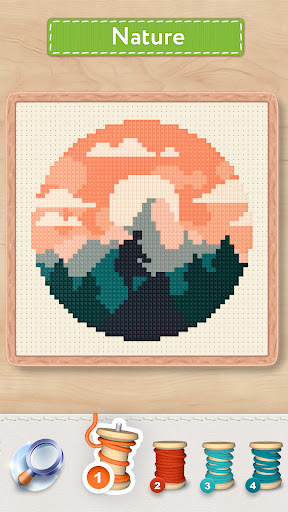
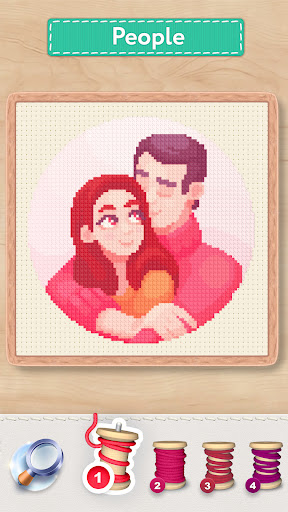
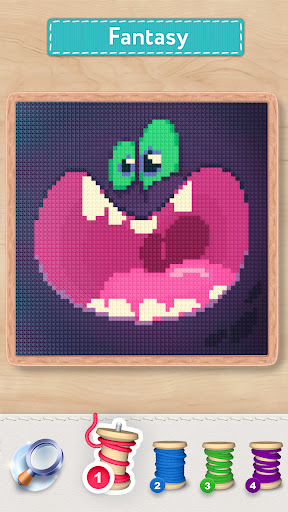
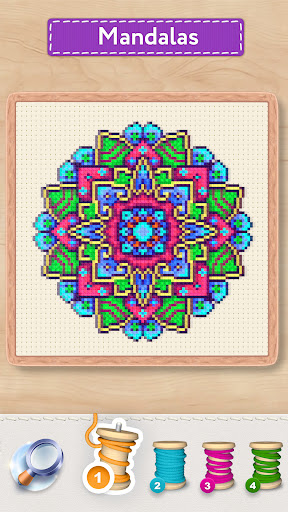
App Feature
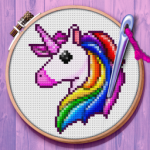
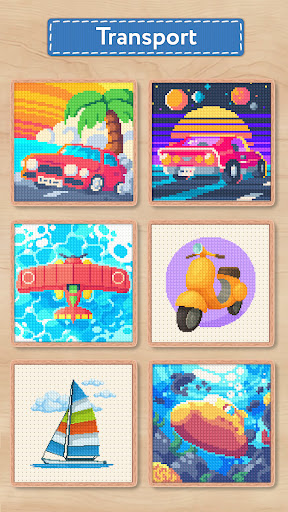
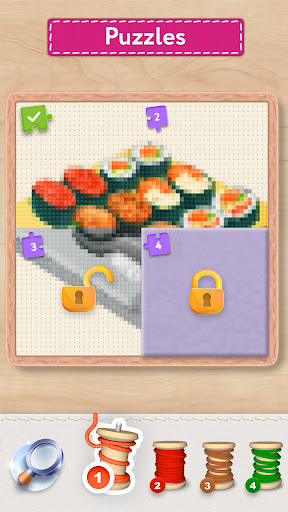
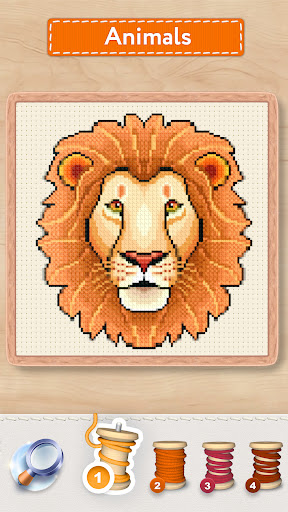
A free, embroidery‑style color‑by‑number app that blends pixel art and cross-stitch. It offers large themed galleries (animals, fantasy, florals, etc.), daily rewards and challenges, story sets, difficulty tiers, boosters, and the ability to import your own photos into stitchable pixel patterns, decorate with stickers, and share.
Verdict
A polished, relaxing cross‑stitch coloring app with standout variety and import tools, held back slightly by ads, occasional glitches, and limited quality‑of‑life options.
Who is it for
Best for:
- Fans of color‑by‑number, cross‑stitch aesthetics, and chill, low‑stress creativity
- Players who want lots of free images, daily tasks, and photo‑to‑pattern imports
- People who appreciate swipe‑to‑fill with locked highlights and smooth controls
Not ideal for:
- Users who are very sensitive to ads or repetitive background music
- Those needing flawless stability and robust device/stylus support
- Collectors who want advanced gallery controls (hide completed, deep zoom on finished) or cloud sync
Real-world User Experience
Users like it:
Relaxing gameplay with many pictures and clear difficulty options; smooth glide‑and‑color with locked highlight squares; engaging daily tasks, story sets, and rewards; relatively short/minimal ads for some; photo import that auto‑creates stitch patterns; helpful boosters; offline play works for many.
Users complain about:
Canvas occasionally jumps or moves when scrubbing; intermittent crashes can lose progress; ad prompts/bubbles can feel intrusive and ads may still trigger even when declining bonuses; looping music is repetitive; missing features like hiding completed images, sign‑in/cloud sync, better S Pen support, saving stickers to final gallery, and deep zoom on finished works.
Is it Worth Paying For?
Yes for frequent players: the inexpensive IAP reportedly removes most ads and unlocks helpful tools (e.g., magnifier), improving flow and navigation on large pieces. Casual users can comfortably stay free, but should expect periodic ads and prompts.
How it Compares to Alternatives
Compared to generic color‑by‑number apps, Magic Cross Stitch’s embroidery look, locked highlights, and photo‑to‑pattern import stand out. Versus other cross‑stitch titles, users praise its smoother swipe‑to‑fill and fewer, shorter ads, though stability quirks and missing QoL (hide completed, sync) trail some premium competitors. Overall it’s often cited as the best blend of variety, feel, and accessibility in the cross‑stitch niche.
Summary
Magic Cross Stitch: Pixel Art delivers a cozy, satisfying take on color‑by‑number with a unique stitch aesthetic, tons of content, daily events, and an excellent photo import that turns your images into patterns. Reviews highlight smooth, locked‑highlight controls that make swiping pleasant and precise, plus engaging sets and rewards that keep you returning. The trade‑offs are typical free‑to‑play friction (ad prompts and repetitive music), occasional instability (canvas ‘jumping’, some crashes), and a few missing niceties like hiding completed images, cross‑device sync, and stylus optimizations. If you enjoy relaxing creative apps and want both curated images and your own photo patterns, it’s an easy recommendation; the optional IAP meaningfully reduces ads and adds useful tools for regular players.
Ratings
Trending APP












Alternative to this app










