
Copyright 2026 © swekartor. All Rights Reserved.



App Feature
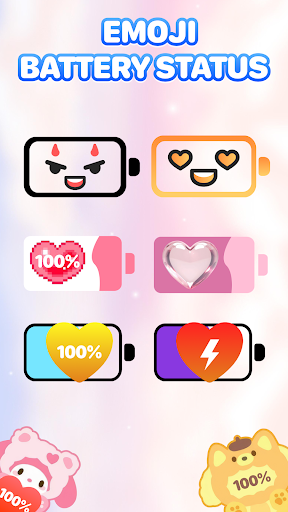
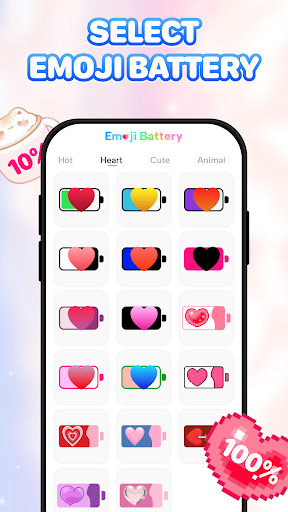
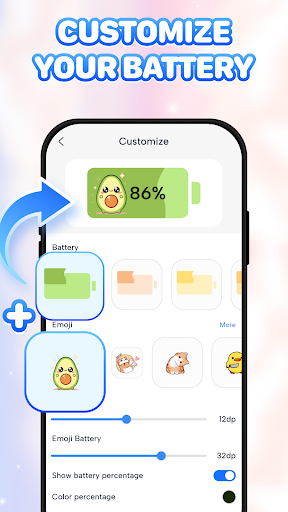
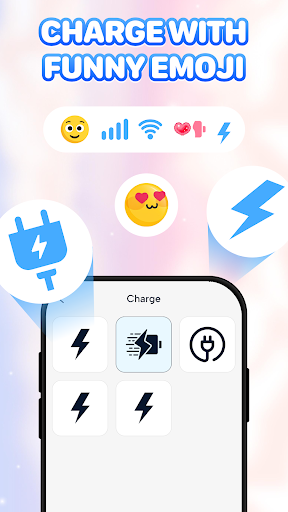
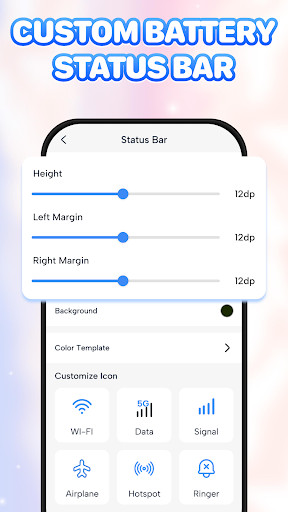
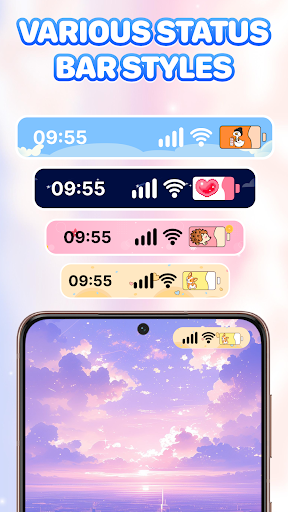
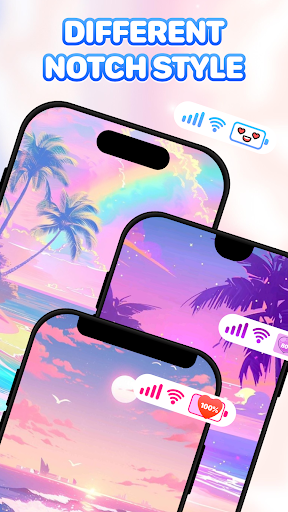
Emoji Battery - Battery Icon personalizes your device’s battery indicator with emoji-themed icons, offers real-time battery level monitoring with low-battery alerts, and keeps controls simple with an intuitive interface.
Verdict
Verdict: A fun, lightweight battery customizer that adds personality without sacrificing basic battery awareness.
Who is it for
Best for:
- Users who want playful, emoji-style battery icons
- People who prefer simple, real-time battery monitoring
- Customization fans seeking quick, low-effort tweaks
Not ideal for:
- Power users needing advanced analytics or charge history
- Minimalists who prefer stock, unobtrusive indicators
- Users on systems where status bar customization is restricted
Real-world User Experience
Users like it:
The aesthetic customization of battery icons, straightforward setup, and clear battery percentage/alerts align with the strong 4.3 rating and broad adoption.
Users complain about:
As with many battery icon apps, some devices/OS versions may limit status bar customization, and persistent notifications required for real-time updates can feel intrusive to some.
Is it Worth Paying For?
The app is free; with no paid plan indicated, it delivers solid value for anyone wanting visual customization and basic monitoring at no cost.
How it Compares to Alternatives
Compared to utility-first monitors (e.g., Battery Widget Reborn) and visual overlays (e.g., Energy Ring), Emoji Battery prioritizes playful iconography over deep stats or unique charge animations. It’s stronger on personalization than analytics, and sits between full widgets and simple stock indicators for everyday awareness.
Summary
Emoji Battery - Battery Icon brings personality to a routine system element by replacing standard battery visuals with emoji designs while keeping essential, real-time battery information accessible. Its simple interface and low-battery alerts make it easy to use daily, and the free price makes it an attractive cosmetic upgrade. It won’t satisfy users who need charge cycle history, app-level drain insights, or granular analytics, and certain Android restrictions can affect how battery icons appear. For most users seeking a cheerful, lightweight way to monitor battery status, it’s an enjoyable, no-risk download.
Ratings
Trending APP












Alternative to this app










