
Copyright 2026 © swekartor. All Rights Reserved.



App Feature
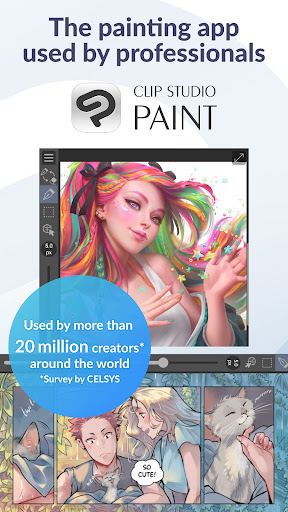
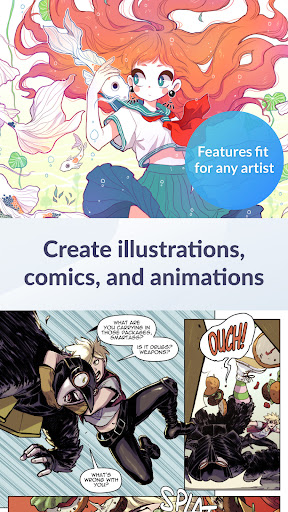
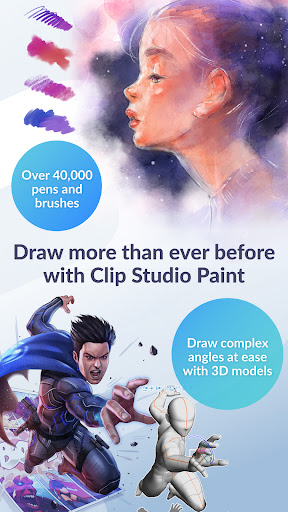
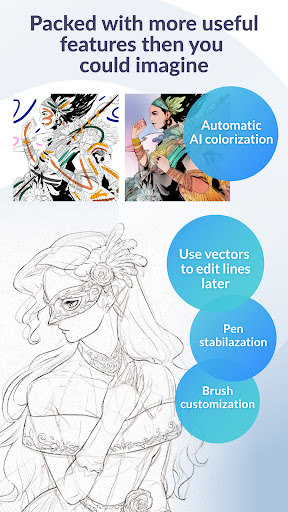
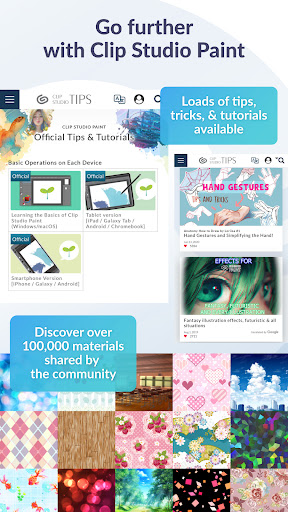
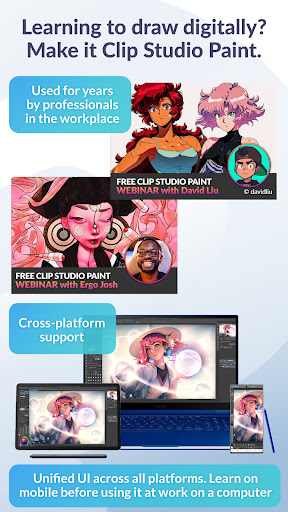
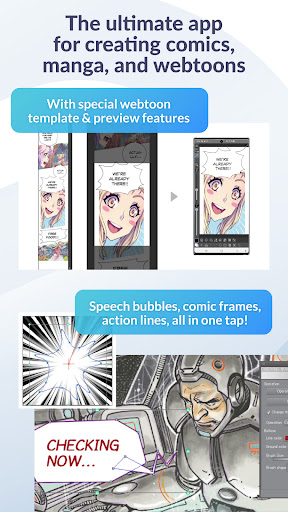
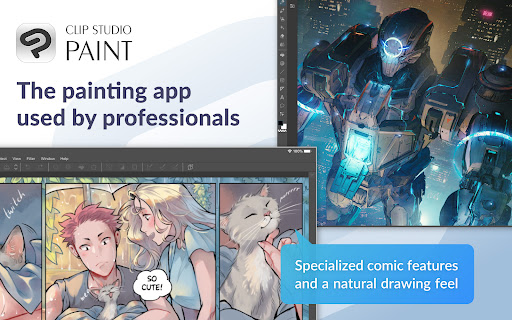
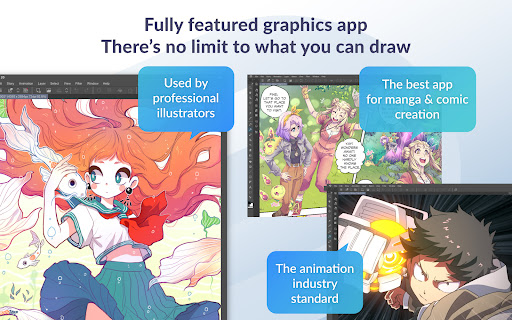
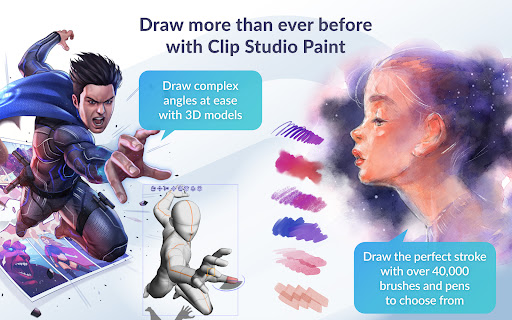
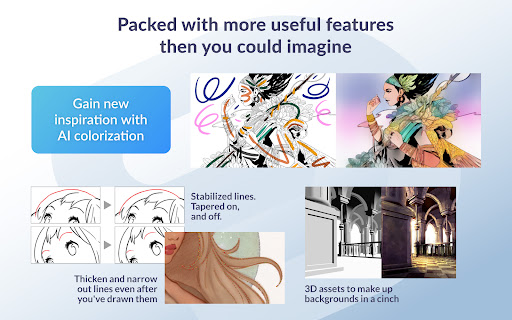
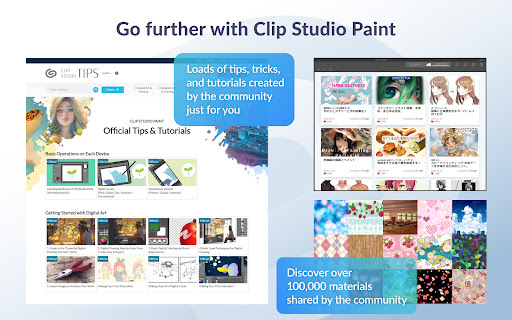
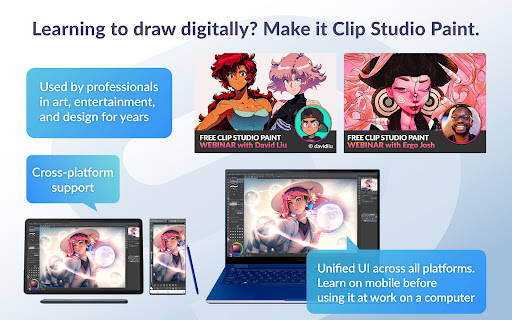
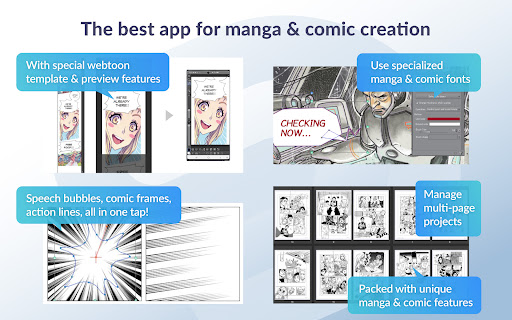
Clip Studio Paint is a pro-grade digital art suite focused on illustration, comics/manga, and painting. It offers a powerful brush engine, vector layers, advanced stabilization, perspective rulers, 3D models/pose tools, gradient maps, liquify/puppet warp, timelapse, and access to a massive online asset library for brushes and materials. Mobile includes a 30‑hour monthly free trial on phones and a 30‑day trial; ongoing use requires a subscription (tablet needs a plan to save/export).
Verdict
Verdict: A feature-dense, desktop-class art app that excels for serious creators, but its subscription model and learning curve won’t suit everyone.
Who is it for
Best for:
- Illustrators, comic/manga/webtoon artists needing pro tools and vector workflows
- Artists who value a superior brush engine, massive asset library, and desktop parity
- Users willing to learn a complex UI for long-term gains
Not ideal for:
- Casual doodlers seeking a free, simple app without time limits
- Users who strongly prefer one-time purchases on Android
- Lower-powered devices using heavy 3D or large canvases
Real-world User Experience
Users like it:
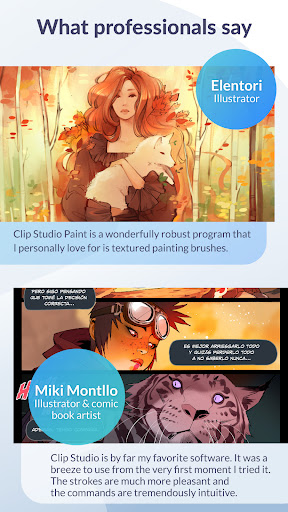
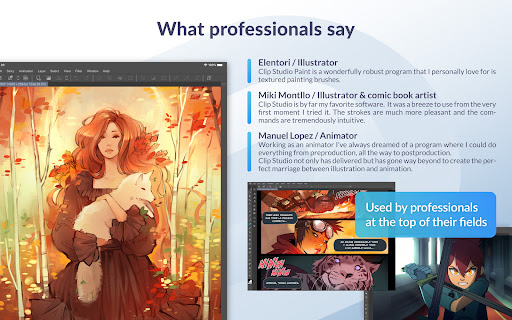
Exceptionally smooth, responsive brush engine; parity with the desktop version; rich, customizable tools and a huge community asset library; effective for professional-quality illustration and comics; simple mode available for quicker starts; solid value for many subscribers.
Users complain about:
Subscription-only mobile model and limits without a plan; steep learning curve and dense interface; occasional performance issues (lag with large brushes, 3D posing on some Android tablets); sporadic glitches (e.g., not responding prompts, display flicker tied to device changes); desire for Android one-time purchase.
Is it Worth Paying For?
For dedicated artists, yes: the subscription (often cited around $4–6/month or ~$/year in reviews) unlocks a desktop-class toolset, premium features, and an enormous materials ecosystem—good value if you use it regularly. For casual users, the recurring cost and time-limited free use may feel unnecessary compared to simpler or one-time-purchase apps.
How it Compares to Alternatives
Compared to ibisPaint X, CSP is more powerful and professional but less beginner-friendly and not free/ad-supported. Versus Procreate (iPad), CSP is often more feature-rich for comics and vectors; Procreate has a simpler one-time purchase and smoother learning curve. Against Adobe Photoshop/Fresco, CSP is praised for consumer-friendly pricing and specialized comic tools, though Adobe integrates better with Creative Cloud. Alternatives like Infinite Painter or MediBang feel lighter and cheaper but lack CSP’s depth and asset ecosystem.
Summary
Clip Studio Paint brings a desktop-grade art workflow to mobile with an industry-respected brush engine, vector layers, advanced tools for comics/manga, and a vast community-driven asset library. It rewards time invested with exceptional control and output quality, and the smartphone/tablet trials help you test fit—though ongoing use requires a subscription, and some users report performance hiccups and a steep learning curve. If you’re a committed illustrator or comic artist, CSP’s depth and ecosystem can significantly elevate your work; if you want something free, simple, or one-and-done on Android, better-suited options exist.
Ratings
Trending APP












Alternative to this app










