
Copyright 2026 © swekartor. All Rights Reserved.



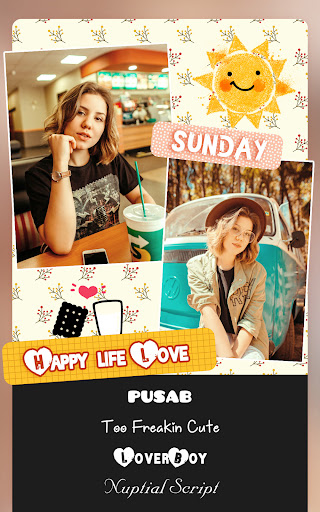
App Feature
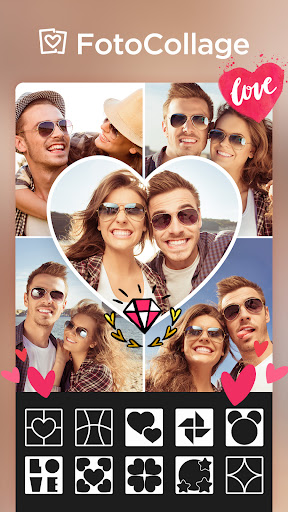
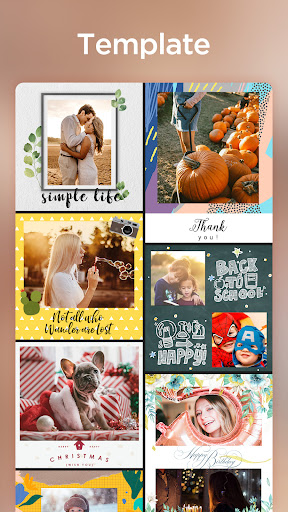
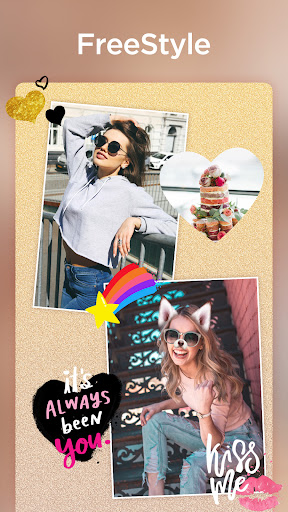
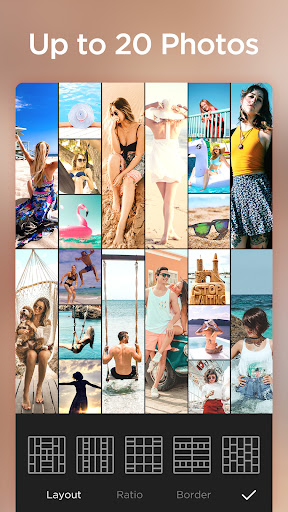
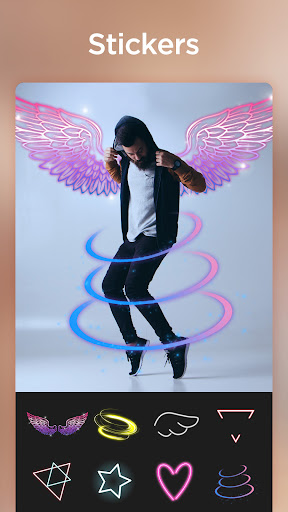
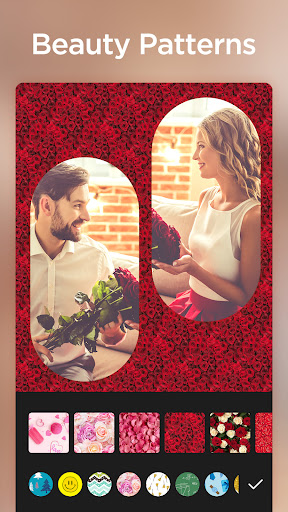
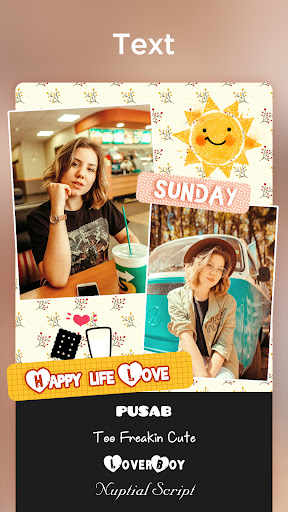
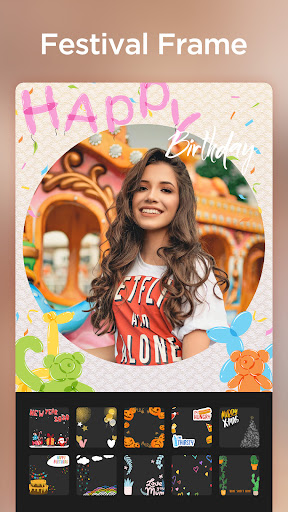
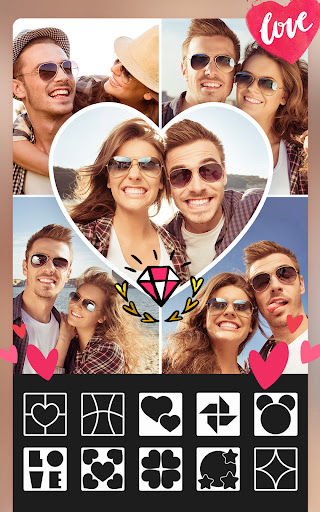
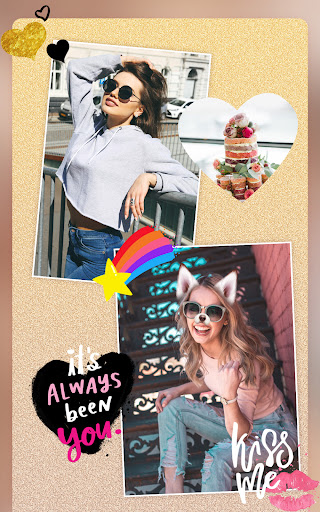
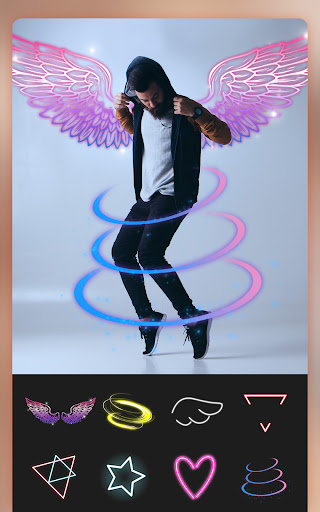
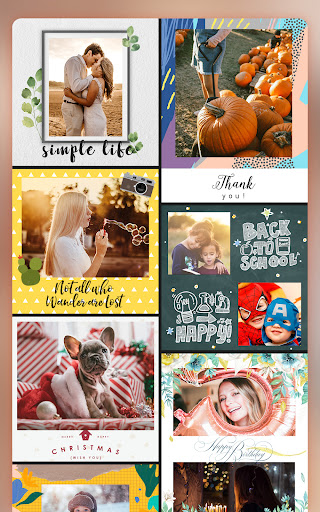
Pic Collage Maker Photo Editor is a free collage and photo-editing app focused on fast, intuitive creation of multi-photo collages. It offers 500+ layouts (including shaped grids), supports up to 100 photos per collage, and includes backgrounds, frames, stickers/emojis, text tools (fonts, colors, gradients, shadows), filters and effects, basic adjustments (crop, brightness, contrast, sharpness, warmth), and handy gestures (drag, swap, rotate, flip, pinch zoom).
Verdict
Verdict: A feature-rich, beginner‑friendly collage maker with generous free tools and light ads, great for quick, stylish creations.
Who is it for
Best for:
- Casual creators who want quick, attractive collages without a steep learning curve
- Social sharers making birthday, holiday, or promo images with text, stickers, and frames
- Users needing large collages (up to 100 photos) and lots of layout variety
Not ideal for:
- Power editors seeking pro-grade retouching, masking, or layer-based workflows
- Users who dislike any ads or gated content (some items require ads or IAP)
- Those needing advanced typography packs or extensive font libraries
Real-world User Experience
Users like it:
Abundant free layouts, frames, and stickers; intuitive drag‑and‑drop; easy text and filters; minimal, short ads; can collage many photos; reliable saving/sharing; capable of producing professional-looking results without prior skills.
Users complain about:
Some premium themes/stickers locked behind IAP; occasional ads (often after export); sporadic bugs like draft preview glitches or rare crashes; a few users want more fonts and deeper editing tools.
Is it Worth Paying For?
Yes—given the strong free tier, most users won’t need to pay. If you frequently want premium themes/stickers or to remove ads, the in‑app purchases (reportedly including an affordable lifetime option) can be good value. Otherwise, watching short ads unlocks plenty.
How it Compares to Alternatives
Compared to Canva and PicsArt, this app is simpler and faster for pure collage work, with more ready-made collage layouts and a lighter ad footprint than many free competitors. Versus Instagram Layout or PhotoGrid, it offers far more templates, stickers, and text styling, plus supports up to 100 photos—making it better for high-volume or decorative collages, though it lacks the advanced editing depth of full creative suites.
Summary
Pic Collage Maker Photo Editor excels at fast, polished collages with minimal friction. Its standout strengths are the large layout library, ability to combine up to 100 images, and plentiful free backgrounds, stickers, and text effects—enough for birthdays, promos, cards, and social posts. While some premium content is paywalled and occasional glitches are reported, users overwhelmingly praise the smooth workflow, short ads, and quality results. If you want an easy, powerful collage tool without committing to a pro editor, this is one of the best options on Android.
Ratings
Trending APP












Alternative to this app










