
Copyright 2026 © swekartor. All Rights Reserved.



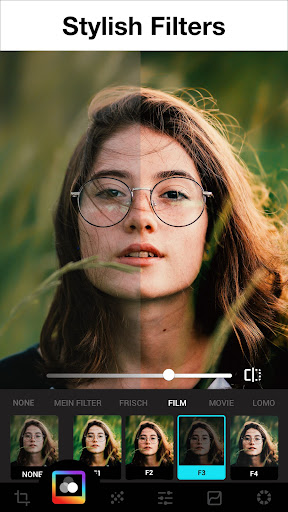
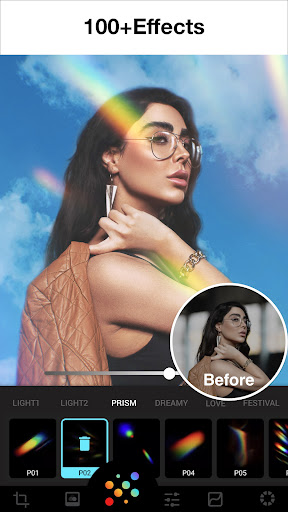
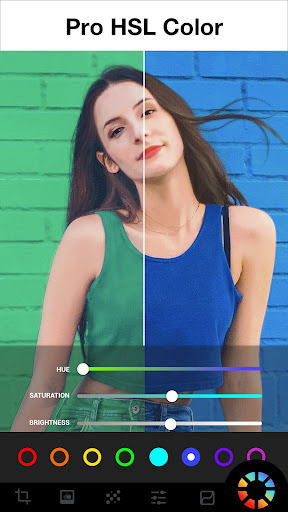

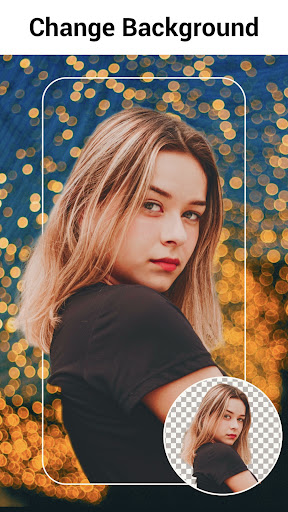

App Feature
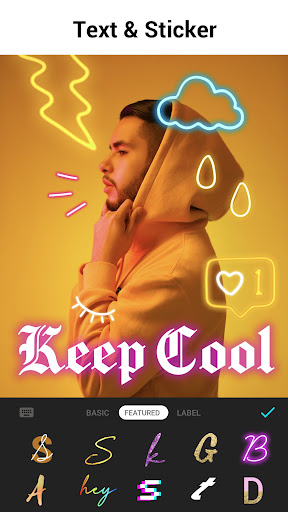
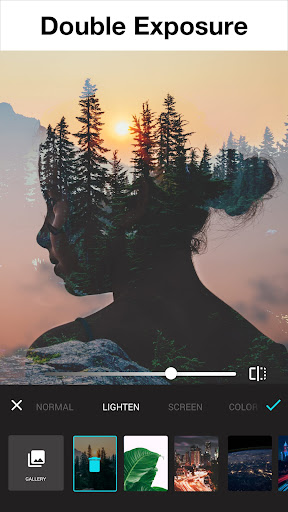
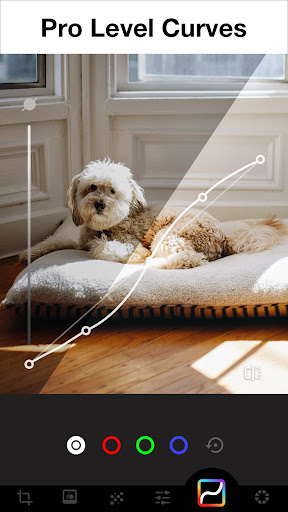
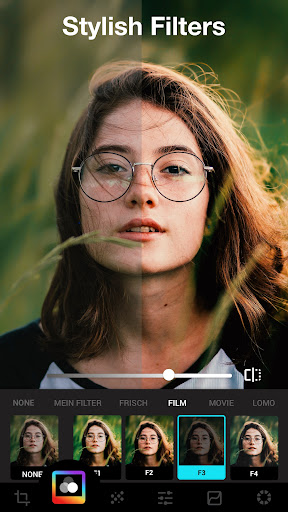
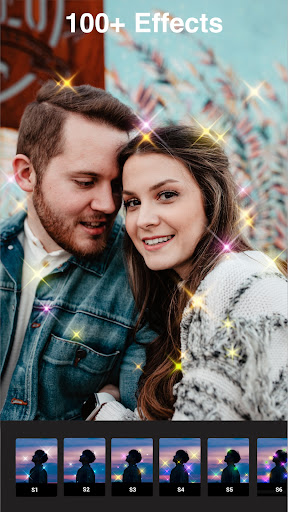
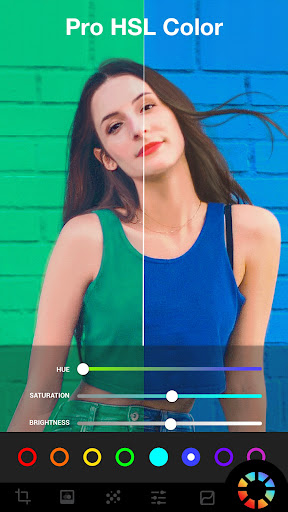
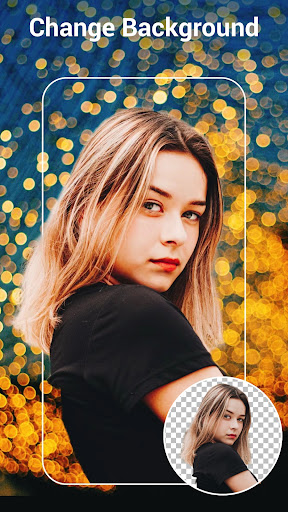
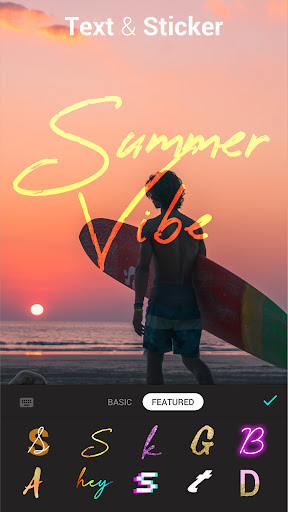
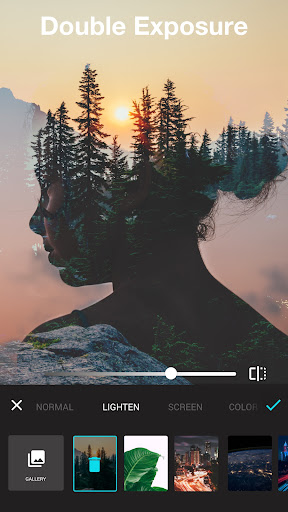
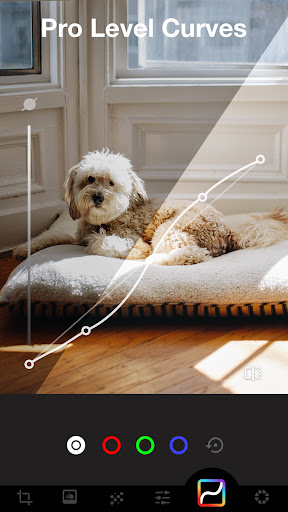
AI-powered photo editor focused on fast, high-quality enhancements: background remover, AI upscaling/unblur, object removal, auto retouch, 100+ filters/effects (glitch, light leak, double exposure), precise controls (HSL, curves), blur/bokeh/mosaic, text/stickers, crop/rotate, and blend tools — all in an intuitive, ad-free-while-editing workspace.
Verdict
Verdict: A feature-rich, beginner-friendly yet capable photo editor that delivers polished results quickly, with strong value even before paying.
Who is it for
Best for:
- Casual to intermediate editors who want quick, high-quality results
- Social media creators needing trendy filters/effects and easy background tools
- Users who value AI enhancement, object removal, and a clean, intuitive UI
Not ideal for:
- Professionals needing RAW workflows, layer-based editing, or desktop-class control
- iOS-only users (Android-focused; requests for other platforms appear in reviews)
- Those who dislike seeing locked/paid options mixed with free tools
Real-world User Experience
Users like it:
Fast, light, and intuitive; significant improvements over time; excellent AI background remover and enhancer; broad, stylish filter/effect library; outputs look clean and sharp; strong free tier with optional ad unlocks; good value Pro with meaningful extras; reliable for everyday edits, collages/templates for social content, and rescuing low-quality photos.
Users complain about:
Free version surfaces paid/locked items causing clutter; occasional lag on heavier effects on older/full devices; missing or desired features called out (e.g., collage in older reviews, save-to-SD setting); concern from some about potential future paywalls; limited platform availability (requests for iOS/desktop).
Is it Worth Paying For?
Yes. The free plan is generous (no ads while editing, ad-unlock for some items), making it easy to evaluate. Reviews consistently say Pro is fairly priced and unlocks the best functions, with some opting for lifetime. If you frequently use background/object removal, advanced effects, and templates, the upgrade offers strong value.
How it Compares to Alternatives
Compared to Snapseed, Lumii feels more approachable and trend-oriented, trading Snapseed’s granular pro tools for faster AI helpers and stylish effects. Versus Adobe Lightroom Mobile, Lumii lacks RAW-centric workflows and ecosystem sync, but beats it on one-tap cutouts, overlays, and social-ready templates. Against PicsArt or Canva, Lumii is lighter and less commercialized, with fewer community/graphic design features but superior photo-focused controls (HSL, curves) and an excellent background remover.
Summary
Photo Editor – Lumii is a polished Android photo editor that combines approachable design with genuinely useful AI features. It excels at everyday enhancements and social-ready visuals with one-tap background removal, AI upscaling, object deletion, trendy filters/effects, and precise color tools like HSL and curves. Users highlight its speed, clean UI, and strong outputs, noting that even the free tier goes far, while Pro provides worthwhile upgrades at a fair price. It won’t replace RAW or layer-heavy desktop workflows, and some find the presence of locked items distracting, with occasional performance hiccups on older devices. For most mobile creators and casual-to-intermediate editors, however, Lumii is a go-to choice that balances simplicity, power, and value.
Ratings
Trending APP












Alternative to this app










