
Copyright 2026 © swekartor. All Rights Reserved.




App Feature
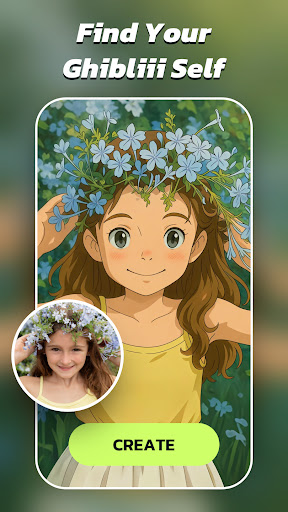
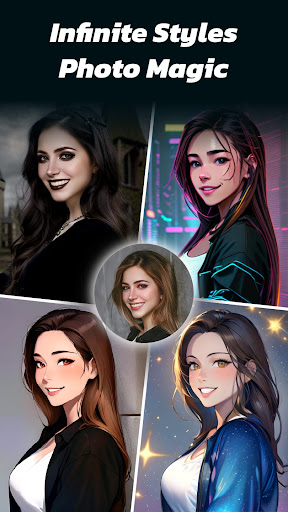
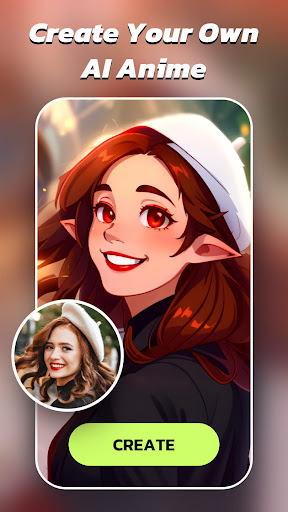
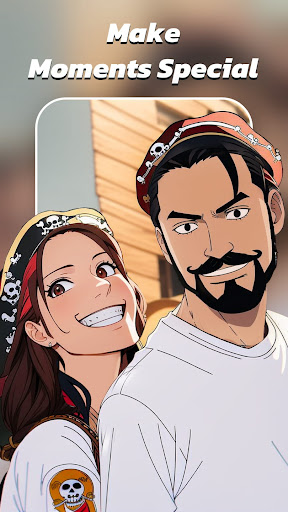
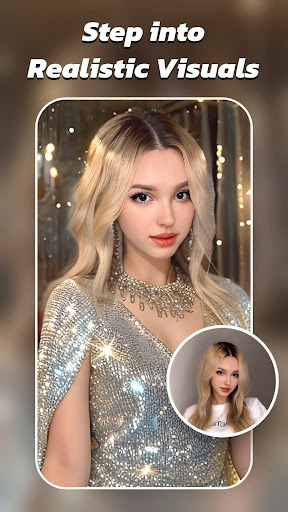
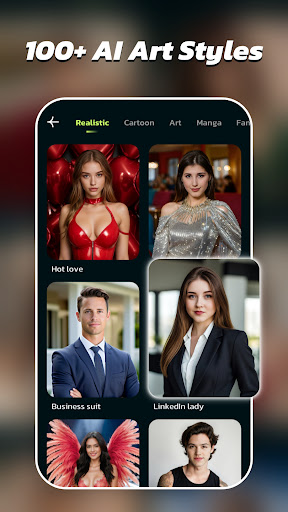
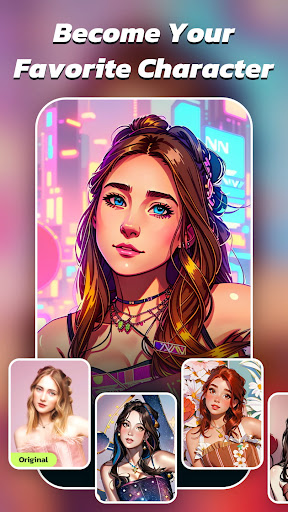
AI Morph turns selfies into anime, cartoon, and realistic portraits using advanced AI. It offers one-tap style presets, morphing effects, dynamic AI videos, AI headshots, and utility tools like AI Enhancer, object Removal, and expression Retake, plus 50+ styles with adjustable intensity and quick cloud processing.
Verdict
Verdict: A fun, high-quality AI avatar and morphing editor with generous style variety, but the free tier’s limits and watermarks push serious users to subscribe.
Who is it for
Best for:
- Fans of anime/cartoons and social-media avatars who want quick transformations
- Casual creators seeking easy, polished AI headshots and stylized portraits
- Users who value lots of presets and fast, reliable processing
Not ideal for:
- Professionals needing fine-grained manual controls or batch workflows
- Users who refuse ads, watermarks, or daily limits on the free tier
- Those on very tight budgets who use the app only a few times per year
Real-world User Experience
Users like it:
Image quality and style variety are consistently praised—anime/cartoon looks feel accurate and detailed, the enhancer produces sharp results, and the app is easy to use with straightforward controls. Many highlight fast processing, short ads (when needed), and delight in realistic or cute figurine/toy aesthetics.
Users complain about:
Free tier restrictions—watermarks, ads on each render, and daily limits (often ~3–5 images)—are common gripes. Pricing feels high for infrequent use, with weekly/yearly plans and no clear monthly option mentioned by some. A few users want more creative props (e.g., swords) and broader customization.
Is it Worth Paying For?
If you plan to generate AI portraits regularly, the subscription (reported around $30/year by one reviewer, with other weekly/yearly options) removes watermarks, expands usage, and unlocks more styles—good value for frequent creators. For occasional users, the free tier can suffice, but expect ads, watermarks, and daily caps; an affordable monthly plan would better serve light users if offered.
How it Compares to Alternatives
Compared to avatar-focused editors like Lensa or Voilà AI Artist, AI Morph leans heavily into anime/cartoon styles while still offering realistic and headshot modes. Versus enhancer-first tools like Remini, it’s stronger for creative transformations and dynamic AI videos rather than pure restoration. Style breadth and speed are competitive; manual editing depth and pro controls are lighter than in multipurpose suites (e.g., PicsArt, Prequel).
Summary
AI Morph is a polished AI photo editor that excels at turning selfies into anime, cartoon, and realistic portraits with minimal effort. Its 50+ styles, morphing effects, AI headshots, and helper tools (Enhancer, Removal, Retake) deliver high-quality results quickly, making it great for social posts, profile pics, and playful experimentation. The trade-offs are the ad-heavy, watermarked, and limited free tier plus pricing that may feel steep for infrequent use. If you generate avatars often, the subscription provides strong value; if not, the free tier is a fun test drive with constraints. Overall, it’s a top pick for anime/cartoon AI transformations with solid realism options and speedy processing.
Ratings
Trending APP












Alternative to this app










