
Copyright 2026 © swekartor. All Rights Reserved.



App Feature
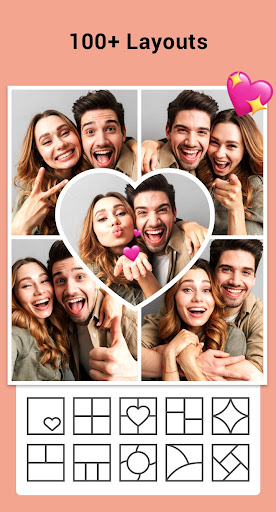
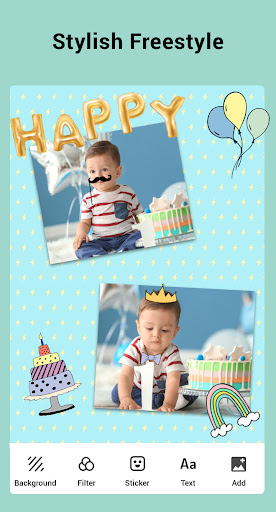
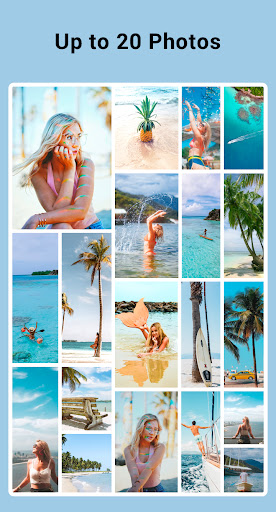
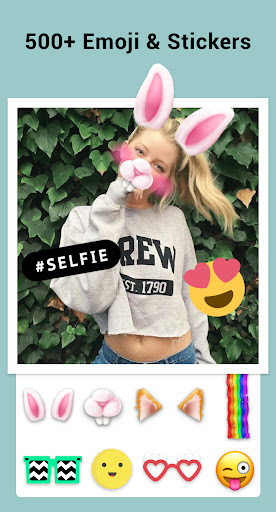
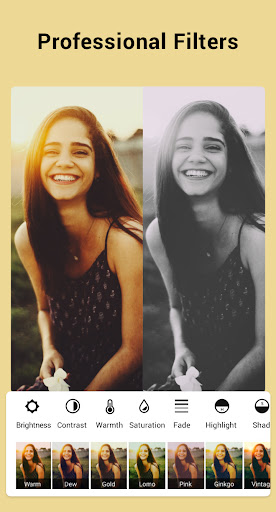
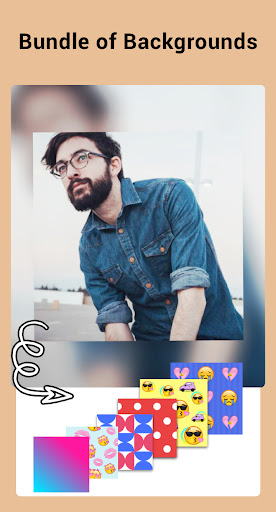
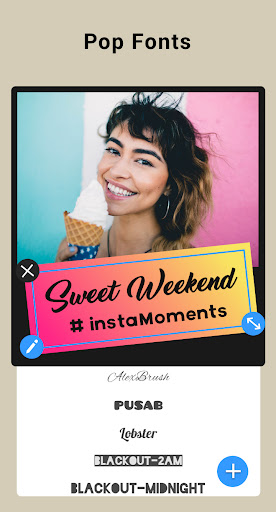
Collage Maker | Photo Editor is a free, easy-to-use collage and photo editor that lets you combine up to 100 photos, choose from 100+ grid and freestyle layouts, add backgrounds, frames, stickers, text, doodles, and filters, apply an AI Photo Enhancer, and export in multiple aspect ratios (1:1, 4:5, 9:16) for social sharing.
Verdict
Verdict: A feature-rich, beginner-friendly collage app with generous free tools and light ads, ideal for quick social-ready designs.
Who is it for
Best for:
- Users who want fast, simple collages with lots of templates and editing tools
- Social content creators making posts, stories, moodboards, and thumbnails
- Budget-conscious users who prefer watching brief ads over paying
Not ideal for:
- Designers needing precise print dimensions (e.g., exact inches/CM) and pro typography controls
- Users who dislike any ads or occasional gated templates
- Those seeking advanced, multi-layer graphic design beyond photo-centric edits
Real-world User Experience
Users like it:
Smooth, intuitive workflow with auto-layout and per-photo adjustments; wide variety of templates, stickers, fonts, and filters; minimal/short ads with the option to watch an ad to unlock pro features; generous free tier; reliable performance for collages, memes, journals, wallpapers, and moodboards; ability to move and edit individual photos; maintains image quality well; excellent value and long-term dependability noted by multi-year users.
Users complain about:
Some elements (borders, stickers) feel kiddie; occasional learning curve for tools like zoom; manual photo positioning can slip; certain templates/features locked behind ads or subscription; limited precision for exact physical sizes (inches/centimeters).
Is it Worth Paying For?
Yes—though the free version covers most needs and allows ad-unlock for premium items, the low-cost subscription removes ads and opens more templates/assets, which frequent users and creators may find worthwhile. Casual users can comfortably stay on the free tier.
How it Compares to Alternatives
Compared to Canva or Adobe Express, Collage Maker is faster and simpler for photo-first collages, with a more generous free set and lighter learning curve. Versus PicCollage/PhotoGrid, it stands out with up to 100-photo support, AI enhancement, and flexible grid/freestyle modes. Users replacing Instagram’s discontinued Layout find it a capable, more customizable upgrade.
Summary
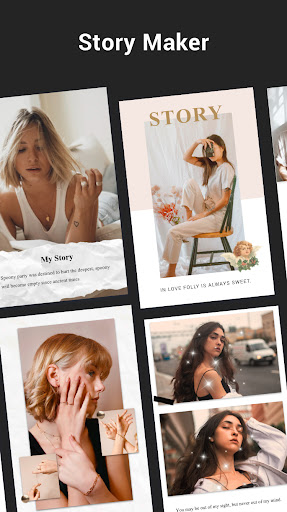
Collage Maker | Photo Editor excels at turning multiple photos into polished collages quickly, thanks to abundant layouts, easy per-photo editing, and thoughtful social-ready ratios. Its AI enhancer, freestyle scrapbook mode, story templates, and large asset library broaden creative options without overwhelming beginners. Reviews consistently praise its speed, simplicity, and generous free offering, noting only minor gripes with youthful design elements, occasional tool discoverability, and limited precision for print sizing. If you want an efficient, capable collage tool with pro-adjacent features that won’t force a subscription, this is an excellent pick.
Ratings
Trending APP










Alternative to this app










