
Copyright 2026 © swekartor. All Rights Reserved.



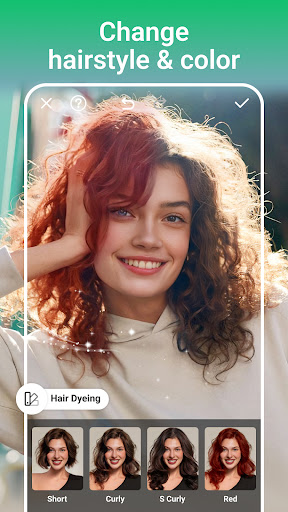
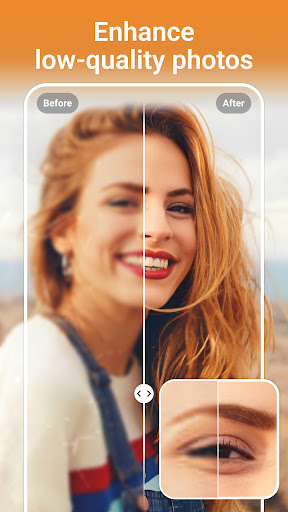
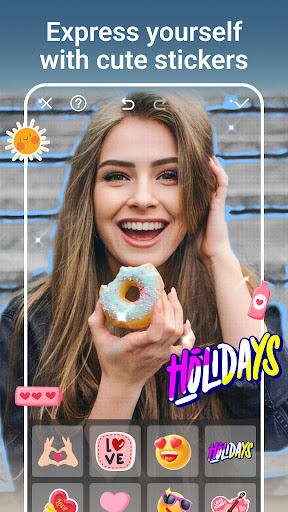
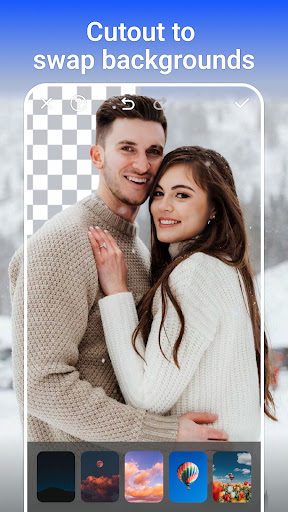

App Feature
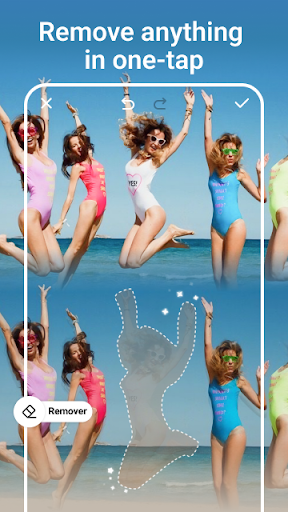
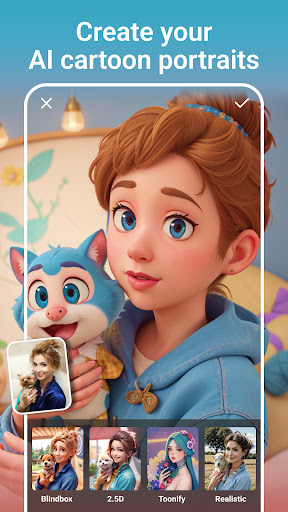
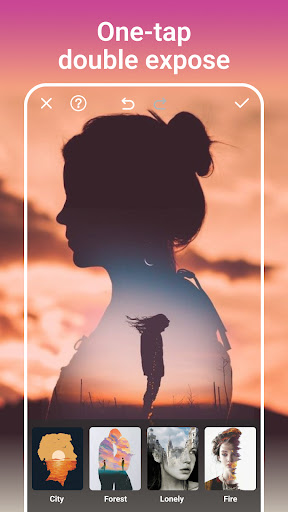
AI Photo Editor - PhotoArt is a free, beginner-friendly photo editor that combines smart AI tools (auto background removal, one-tap filters) with a broad set of manual edits (crop, rotate, color tweaks) and creative extras (overlays, stickers, text).
Verdict
Verdict: A capable, easy-to-use AI editor for quick enhancements, but power users may outgrow its depth and precision.
Who is it for
Best for:
- Casual editors who want fast, automatic enhancements
- Social media users creating stylized posts with stickers, text, and overlays
- Beginners who prefer a clean, straightforward interface
Not ideal for:
- Professionals needing granular controls and batch workflows
- Users expecting flawless AI cutouts on complex images
- People who dislike ads or potential watermarks common in free apps
Real-world User Experience
Users like it:
The simple interface, quick one-tap filters, and effective AI background removal make everyday edits fast and accessible. Creative add-ons like stickers and text help produce shareable content without a steep learning curve.
Users complain about:
AI results can be inconsistent on tricky subjects; some tools feel basic compared to pro editors. As a free app, users may encounter ads, export limitations, or watermarks, and performance can lag on lower-end devices.
Is it Worth Paying For?
The app is free. If optional in-app purchases exist, the free feature set should satisfy most casual users; only consider spending if you want to remove ads, watermarks, or unlock premium assets.
How it Compares to Alternatives
Compared to PicsArt and Adobe Photoshop Express, PhotoArt is simpler and more guided but offers fewer pro-grade adjustments and community assets. Versus Snapseed, it leans on AI automation and creative overlays rather than fine, local controls. For AI-centric enhancement quality, tools like Remini may deliver sharper upscales, while PhotoArt provides a broader, all-in-one editor with easier creative embellishments.
Summary
AI Photo Editor - PhotoArt focuses on speed and simplicity, pairing AI-powered enhancements with essential edits and playful creative tools. Its intuitive design lowers the barrier for casual users to produce polished, social-friendly images in minutes. While the AI features are helpful, they may struggle with complex subjects, and the overall depth is lighter than pro alternatives. Given its free status and 1M+ installs with a mid-to-good rating, it’s a solid everyday editor for quick results, with the caveat that advanced users may prefer more control and that ads or watermarks may be part of the experience.
Ratings
Trending APP












Alternative to this app










