
Copyright 2026 © swekartor. All Rights Reserved.



App Feature
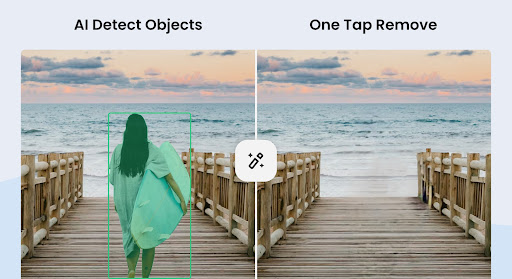
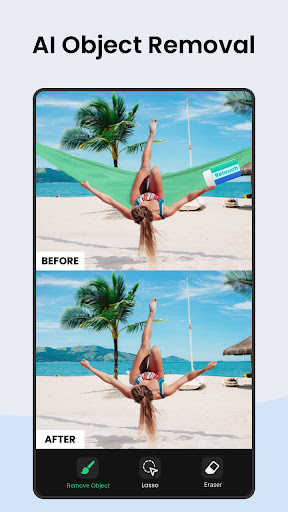
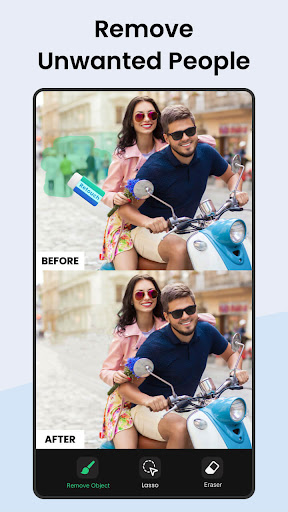
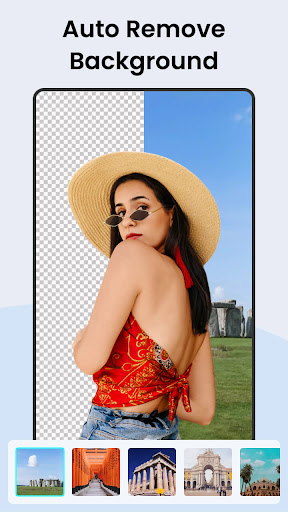
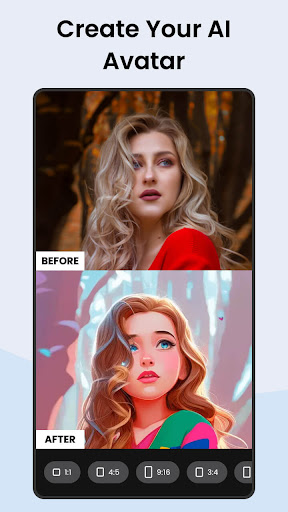
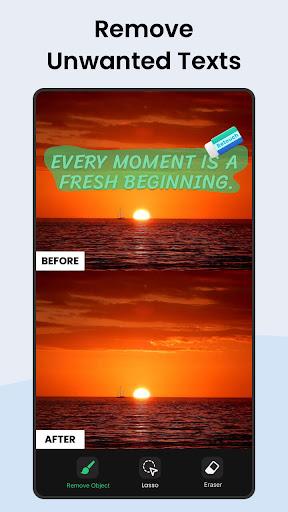
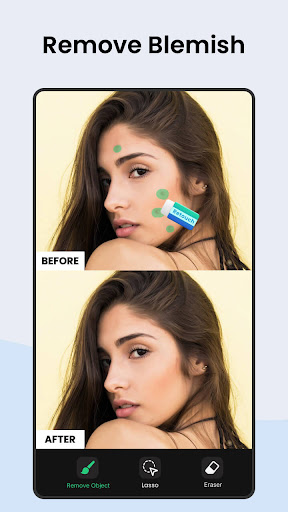
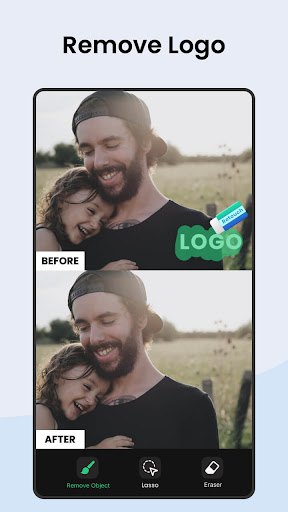
Pic Retouch - Remove Objects focuses on one-tap AI object and text removal, blemish cleanup, and background erasing/replacement. It adds creative AI tools like photo enhancement, auto object detection, AI filters, face swap, and avatar generation, wrapped in a beginner-friendly interface with quick social sharing.
Verdict
Verdict: A top-tier, easy-to-use AI retouching app for fast object removal and basic enhancements, though less suited for complex compositing or precision pro edits.
Who is it for
Best for:
- Casual editors wanting quick, natural-looking object or text removal
- Social media users who need fast touch-ups and background changes
- Beginners seeking an intuitive interface with effective AI assistance
Not ideal for:
- Professionals needing granular masking, blend matching, and detailed brush control
- Advanced face swap or heavy compositing workflows
- Users who want entirely ad-free editing without paying
Real-world User Experience
Users like it:
Object and text removal blends naturally with backgrounds; AI auto-detect is strong; background removal is accurate; interface is simple and fast; photo enhancement improves overall clarity without cartoonish artifacts; generous free use with ad unlock; responsive developer support; good value subscription and lifetime options.
Users complain about:
Occasional misses on complex shapes or large graphic elements; limited brush versatility and fine control; face swap results lag behind expectations; needs more background options and better subject-background tone matching; some content flagged by guidelines; ads needed to unlock certain actions on free tier.
Is it Worth Paying For?
Yes. The free version is highly capable with ad unlocks, making it easy to test. The paid plan (reported as inexpensive, with annual and lifetime options) removes friction and is good value if you frequently retouch photos or want an ad-free flow. If you only need occasional quick fixes, the free tier may suffice.
How it Compares to Alternatives
Compared to TouchRetouch and Snapseed’s Healing, Pic Retouch stands out for its one-tap AI object removal that reconstructs backgrounds convincingly and its approachable UX. It’s less granular than Photoshop or Lightroom for pro-level compositing and blend/tone matching, and its face swap trails dedicated face-editing apps. As an all-in-one quick retouch tool, it’s among the most effective and beginner-friendly options.
Summary
Pic Retouch - Remove Objects delivers an impressive, user-friendly AI toolkit centered on natural-looking object and text removal, blemish cleanup, and background manipulation. Reviews consistently highlight how well the app fills in backgrounds and how fast and simple it is to use, with an AI enhancer that preserves detail without over-smoothing. While advanced users may miss precision brush controls, deeper tone matching, and pro compositing tools—and the face swap feature underwhelms—the core retouching experience is excellent. With a strong free tier (ad-supported) and affordable upgrades, it’s a standout choice for everyday photo cleanups and social-ready edits.
Ratings
Trending APP












Alternative to this app










