
Copyright 2026 © swekartor. All Rights Reserved.


App Feature
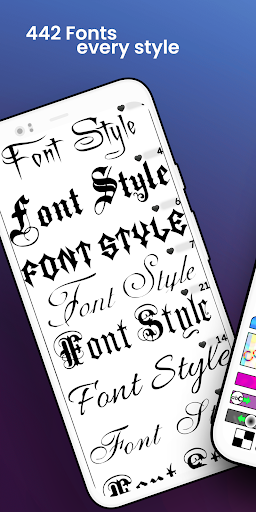
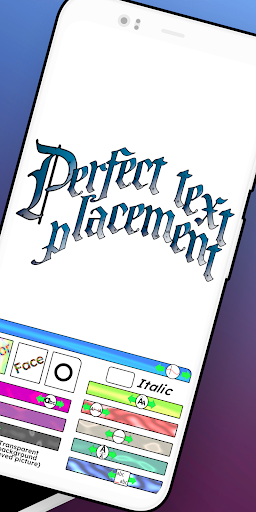
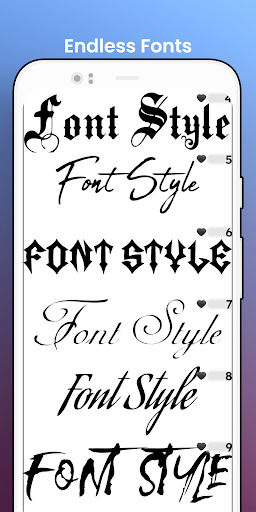
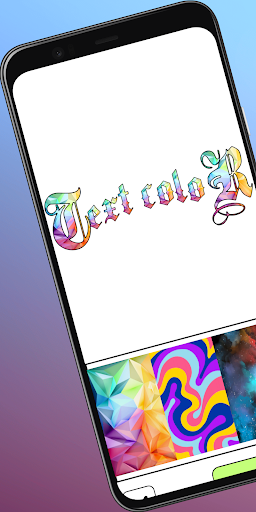
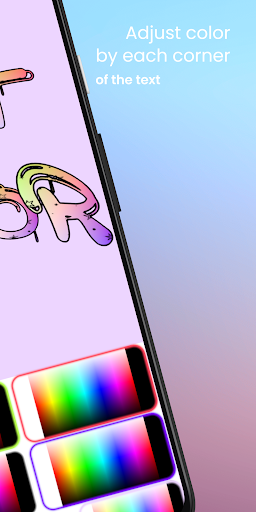
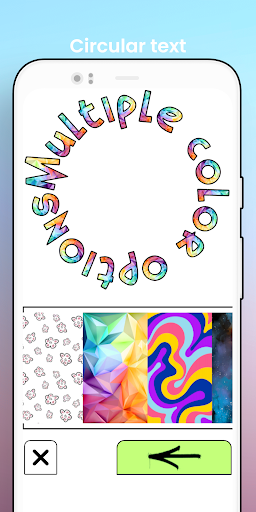
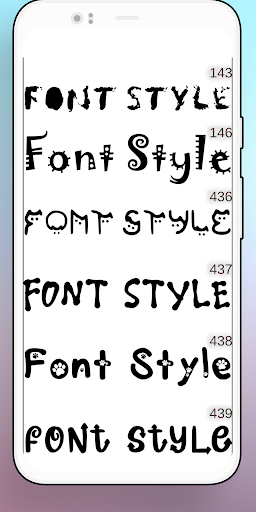
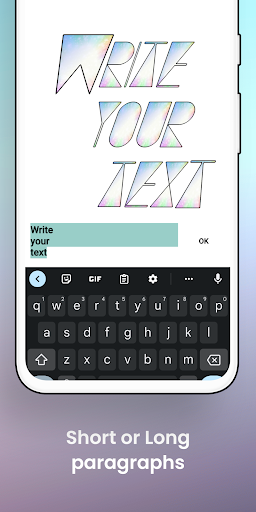
A versatile Android design app combining font lettering, AI art generation, and logo/poster creation. It offers hundreds of Gothic/script/calligraphy/tattoo fonts, deep text customization (curves, 3D, gradients, neon, outlines, shadows, metallic finishes), font import, layering, background remover, text-on-photo tools, custom canvas sizes, and high‑resolution transparent PNG export.
Verdict
Verdict: A powerful, font‑first design and AI art app that excels at custom typography and quick logo/poster work, with minor UI rough edges.
Who is it for
Best for:
- Creators needing rich text effects for logos, tattoos, posters, and social posts
- Users who want free AI image generation layered with custom typography
- Small businesses and hobby designers who value transparent PNG export and font import
Not ideal for:
- Teams needing collaboration, cloud projects, or brand kits at scale
- Users who prefer template-driven, guided design flows over manual controls
- iOS-only users (Android app; iPhone version not confirmed)
Real-world User Experience
Users like it:
Large high‑quality font library; extensive controls for color, size, width, spacing, curves and letter placement; easy interface for fast results; minimal, skippable ads; transparent exports and frequent updates; unique touches like first/last letter sizing; strong value for sublimation, thumbnails, name art, and social designs.
Users complain about:
Occasional learning curve for curves/advanced controls; past issues with PNG transparency after an update (addressed quickly per reviews); UI wish list items like an undo button, search bar, more symbols, multi‑text management, and richer background tools; one report of limited font size control.
Is it Worth Paying For?
Core functionality is free with minimal ads and optional IAP. Given the breadth of fonts, effects, AI generation, and high‑res transparent export without a mandatory subscription, the free tier offers excellent value; consider IAP only if you need extra assets or pro features.
How it Compares to Alternatives
Compared to Canva/Adobe Express, xCanvas is lighter on templates and collaboration but stronger in granular text effects, letter shaping, and transparent PNG workflows. Versus Phonto/PicsArt, it stands out with built‑in AI art generation, more nuanced typography controls, and font import. It lags bigger suites in brand management, templates, and team features.
Summary
Fonts - Lettering Font Design (xCanvas) focuses on what many mobile designers need most: superb typography control and clean exports, then enhances it with AI art, background removal, layering, and flexible canvases. Users praise the font depth, customization, and low‑friction ads, while calling for UI refinements like better multi‑text management, search, and richer background options. If you prioritize custom lettering for logos, tattoos, posters, or social graphics—and want free AI art alongside—this is one of the strongest Android choices; power users needing robust templates, collaboration, or brand systems may prefer larger design suites.
Ratings
Trending APP












Alternative to this app










