
Copyright 2026 © swekartor. All Rights Reserved.




App Feature
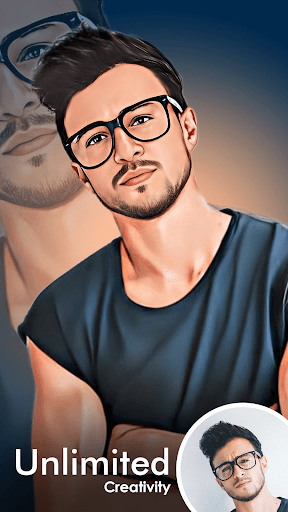
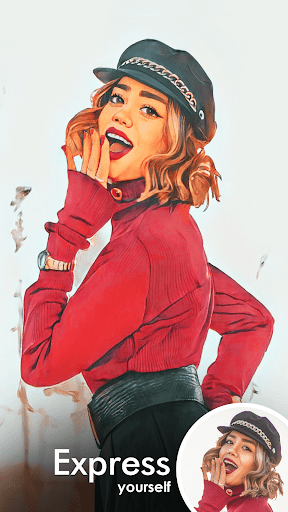
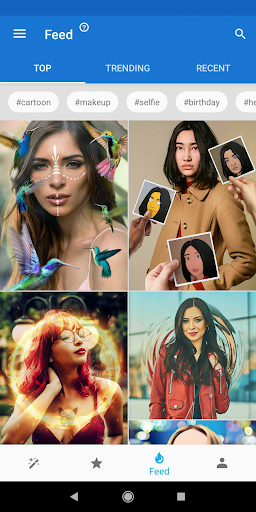
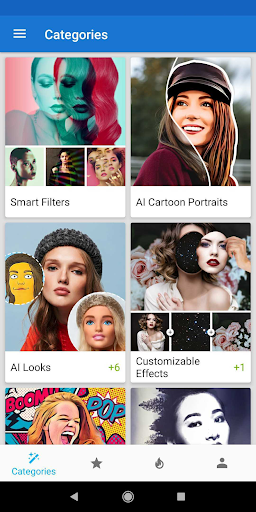
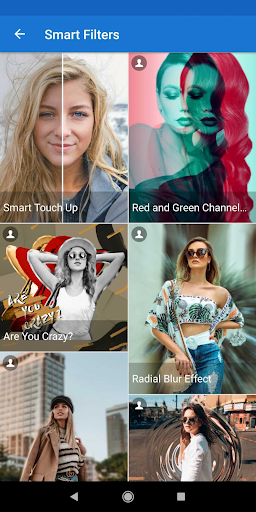
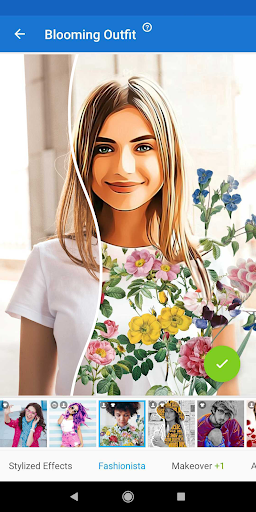
Photo Lab Picture Editor & Art is an AI-driven photo editor focused on fast, creative transformations. It offers neural art styles (50+), cartoon/anime/vintage filters, face swap and AI montages, realistic effects, frames, background removal/replacement, collages, and basic tools (crop, rotate, brightness/contrast). Processing is cloud-based, so it requires an internet connection.
Verdict
Verdict: A fun, template- and AI-first photo editor that excels at creative effects, though less suited to precise, pro-grade retouching or fully offline use.
Who is it for
Best for:
- Casual creators who want quick, eye-catching AI effects and templates
- Users who enjoy experimenting with styles, frames, and montages for social sharing
- Beginners who prefer guided edits over manual, fine-grained controls
Not ideal for:
- Photographers needing granular, offline editing and RAW workflows
- Users who dislike ads, subscriptions, or cloud-based processing requirements
Real-world User Experience
Users like it:
Abundant free effects and easy workflows; ability to watch ads to unlock watermarks or single-use Pro effects; subscription unlocks a large library with no ads; highly creative outputs (cartoon, art styles, motion/AI concepts); layering multiple effects; responsive, helpful support for billing issues.
Users complain about:
Occasional processing/save errors (e.g., 'Photo Not Found'); slower loading for some effects; confusion around permissions/overlays; object recognition misses in certain templates; subscription trial/cancellation friction for a few users; always-online requirement.
Is it Worth Paying For?
The free tier is generous and lets you do a lot, especially with ad-based unlocks and watermark removal. If you use it frequently or want faster, ad-free access to the full library and sharing of custom combos, the Pro plan is good value—several users consider it worth the upgrade or even a lifetime purchase.
How it Compares to Alternatives
Compared to Picsart or Photoshop Express/Lightroom, Photo Lab is more template/AI-effect driven and less about manual, pro-grade editing. Versus Prisma, it offers broader effects (frames, montages, backgrounds, motion) beyond art styles. Remini excels at enhancement/restoration, while Photo Lab focuses on stylistic transformations and face-centric effects. It’s closer to fun creativity apps (e.g., ToonApp/Photofox) but with a deeper, ever-updating catalog of AI filters.
Summary
Photo Lab leans into instant creativity: pick a photo, apply AI styles, face swaps, frames, or backgrounds, and share a distinctive result within minutes. It shines for social-friendly looks, playful montages, and art filters without a steep learning curve. The cloud-based engine enables high-quality effects but mandates an internet connection and can occasionally hiccup. With a generous free tier and a worthwhile Pro option for heavy users, it’s an excellent choice for anyone prioritizing expressive, AI-powered transformations over meticulous, manual editing.
Ratings
Trending APP











Alternative to this app










