Copyright 2026 © swekartor. All Rights Reserved.


Information about Document Reader & PDF Editor
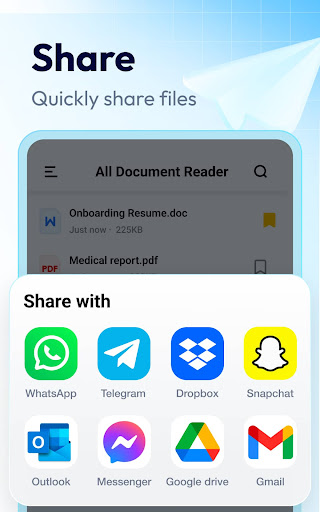
App Feature
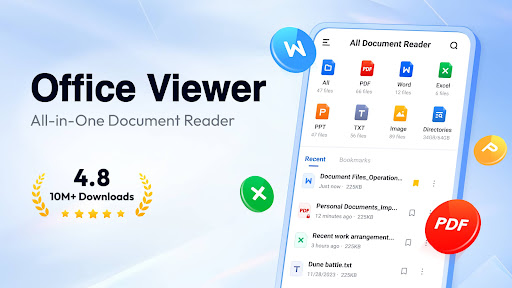
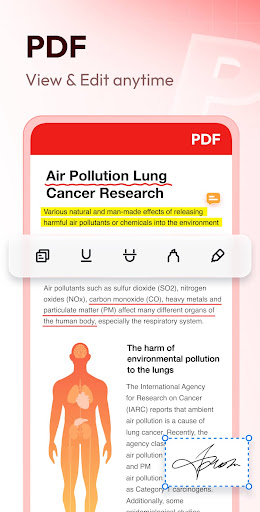
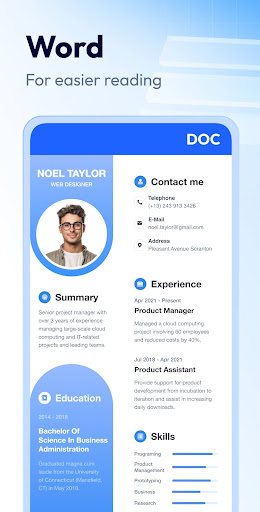
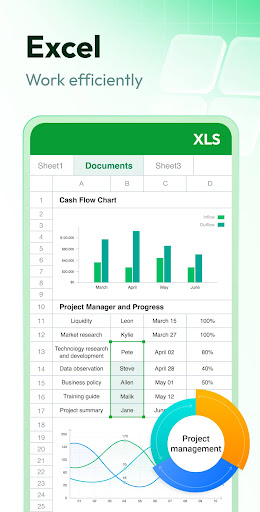
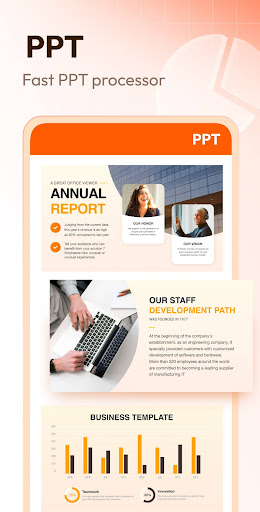
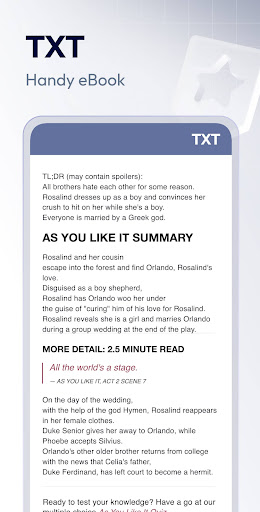
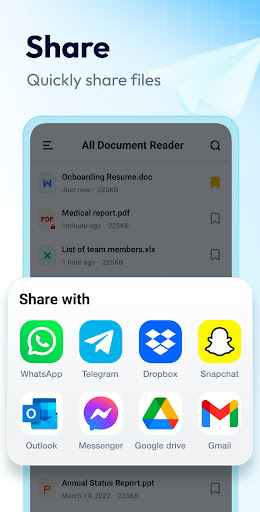
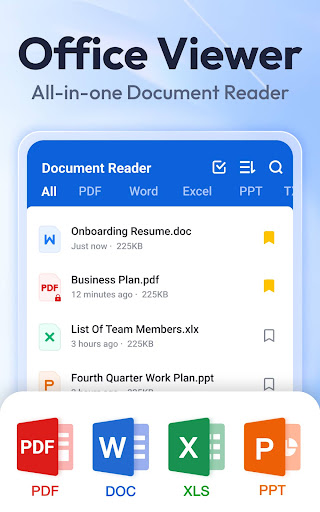
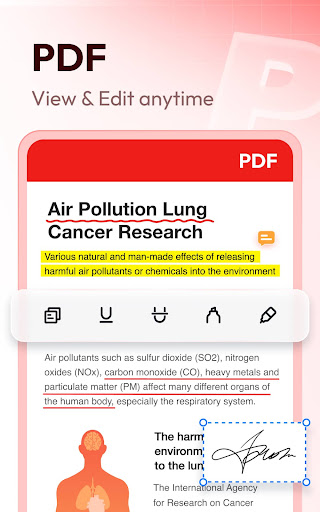
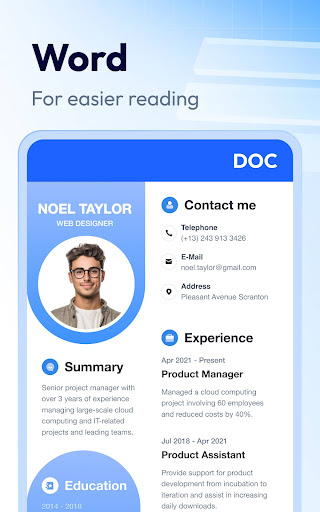
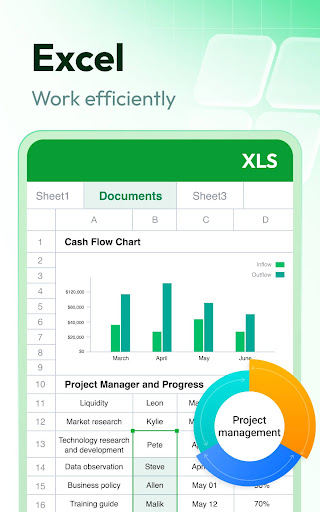
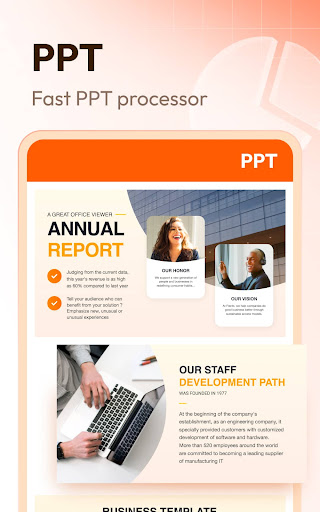
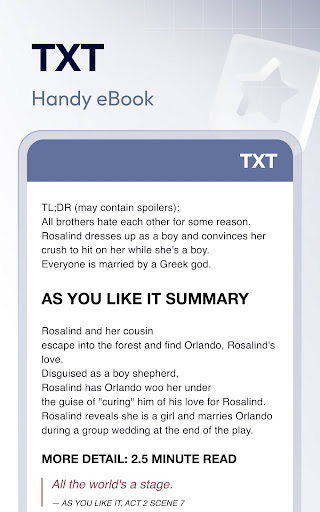
Document Reader & PDF Editor is an all‑in‑one document viewer that quickly opens and organizes PDFs, Word, Excel, PowerPoint, and text files, with offline access, bookmarks, page jump, night mode, basic PDF print/share, and some editing/conversion tools (e.g., image‑to‑PDF, PDF→DOC) plus optional cloud access.
Verdict
Verdict: A fast, lightweight all‑format viewer that excels at quick PDF reading, but power editors may outgrow its ad‑supported, limited free tools.
Who is it for
Best for:
- Users who need a simple, fast viewer for PDFs, DOCX, XLSX, and PPT on mobile
- Students and professionals who want offline access, quick search, and page jumping
- Anyone seeking a lightweight alternative to full office suites
Not ideal for:
- Users needing advanced PDF editing/annotation, OCR, or collaboration workflows
- Ad‑averse users or those who dislike occasional slow startup scans
- Enterprises requiring strict privacy controls beyond broad storage permissions
Real-world User Experience
Users like it:
Very fast PDF rendering and smooth zoom/scroll (even on large diagrams); simple interface that auto‑organizes files by type; easy page jump, search, and basic form filling/typing; reliable offline reading; helpful conversion (image↔PDF, PDF→DOC) for quick edits; ads generally manageable for many; responsive developer.
Users complain about:
Startup can be slow at times while scanning files; ads feel frequent or confusing to some; organization/duplicate management could be better (e.g., spotting duplicates, previews before opening folders); some editing and premium functions sit behind paywalls; occasional onboarding/notification prompts cause friction.
Is it Worth Paying For?
The free version is sufficient for everyday viewing, printing, sharing, and light edits. Paying makes sense if you regularly convert or edit PDFs/Docs and want fewer limitations/ads. Heavy editors may still find better value in dedicated suites despite this app’s low barrier.
How it Compares to Alternatives
Compared to Adobe Acrobat Reader, it’s lighter and often faster for basic viewing but lacks Acrobat’s deep annotations, forms, and cloud ecosystem. Versus Microsoft Office/Google Drive, it opens more formats without the suite overhead but doesn’t match their editing/collab features. Against WPS Office, it’s simpler and less bloated, though WPS offers richer document creation/editing. Overall, it’s a strong viewer with occasional editing—ideal when you prioritize speed and simplicity over pro‑grade tools.
Summary
Document Reader & PDF Editor focuses on speed, simplicity, and broad format support, making it an excellent mobile companion for quickly opening and managing PDFs, Word, Excel, PPT, and text files in one place. Users highlight its rapid PDF performance, clean file organization, page jump, and offline readiness, while calling out occasional slow startups, noticeable ads, and limited free editing tools. If you mainly need a reliable viewer with a few handy conversions and edits, the free tier is great; consider upgrading only if you frequently convert or annotate documents. For advanced editing, OCR, and collaboration, established alternatives may serve you better, but as a fast, lightweight reader for everyday use, this app stands out.
Ratings
Trending APP












Alternative to this app