
Copyright 2026 © swekartor. All Rights Reserved.



Information about Getcontact
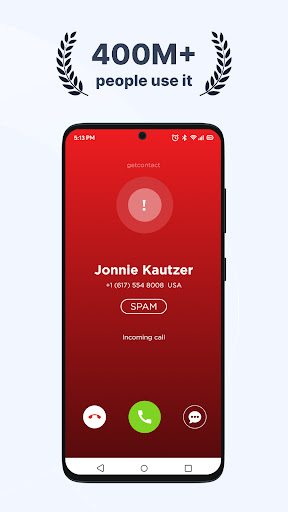
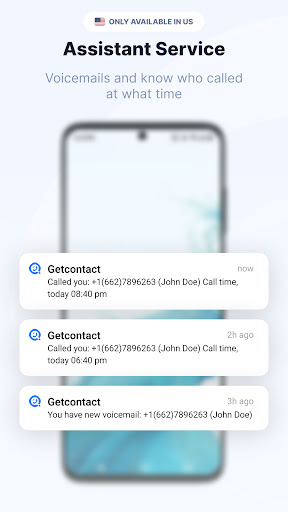
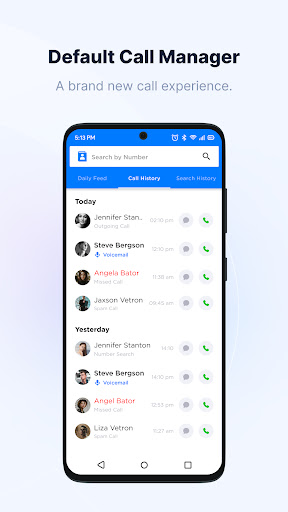
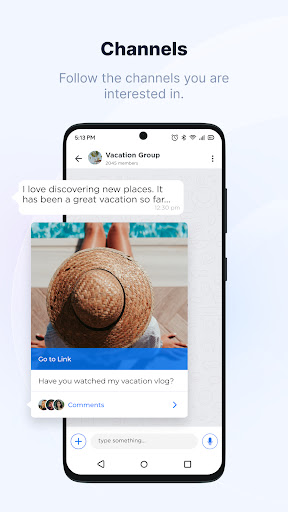
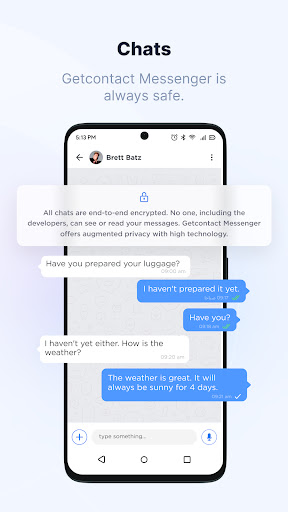
App Feature
Getcontact identifies unknown callers, blocks spam calls and SMS, offers community-driven tags/warnings, provides optional end-to-end encrypted chat, and includes contact backup/restore. It aims to reduce call anxiety by showing who’s calling before you pick up and filtering nuisance communications.
Verdict
Verdict: A powerful community-driven caller ID and spam blocker that excels at filtering unknown calls, but has reliability, privacy-perception, and feature-access caveats.
Who is it for
Best for:
- People receiving frequent unknown or business-related calls who need quick caller ID context
- Users wanting automatic spam/scam call and SMS filtering with community tags
- Anyone seeking a free baseline solution with optional low-cost upgrades
Not ideal for:
- Privacy purists uncomfortable with community tagging and data aggregation dynamics
- Users wanting a rock-solid default dialer with minimal resource usage
- People in unsupported regions or who need seamless, always-on verification/login
Real-world User Experience
Users like it:
Accurate identification of many unknown numbers; effective spam/scam detection and blocking; large community tag database; simple, clean UI; helpful even on the free plan; quick value for screening and deciding whether to answer; affordable premium for heavier use cases.
Users complain about:
Occasional login/verification failures and server hiccups; some regions reportedly unsupported; periods where viewing all tags was restricted; CPU usage spikes when set as default dialer/messenger for some devices; concerns about privacy, tagging misuse/defamation, and adult ads; not all numbers are identified.
Is it Worth Paying For?
The free tier covers core caller ID and spam blocking well enough for many users. Premium appears inexpensive in some markets and can be worth it if you rely heavily on caller insights, want expanded tag visibility/history, or plan to use its chat features—which some users report are limited without premium. If you just need basic filtering, stay with the free version.
How it Compares to Alternatives
Compared with Truecaller and Hiya, Getcontact leans heavily on community tags and delivers strong spam filtering and caller context at scale. Truecaller typically offers broader global recognition and a mature dialer experience, while Hiya focuses on network-level spam protection and privacy-forward messaging. Google Phone’s built-in spam protection is convenient and light but less detailed than community-powered databases. Getcontact is competitive on accuracy and cost, but may lag on reliability as a default dialer and raises more community-data privacy questions for some users.
Summary
Getcontact is a high-impact caller ID and spam-blocking app that uses a vast, community-driven database to identify unknown callers, flag scams, and cut out nuisance calls and SMS. Users consistently praise its effectiveness and simplicity, reporting tangible benefits in daily screening and communication hygiene, even on the free tier. However, expect occasional verification glitches, inconsistent tag access, and potential performance issues if set as the default dialer on some devices. Privacy perceptions around community tags and ad quality are recurring concerns. If you need robust filtering and caller context with minimal cost, it’s a strong pick; just weigh the privacy trade-offs and test performance on your device before making it your primary dialer.
Ratings
Trending APP











Alternative to this app









