Copyright 2026 © swekartor. All Rights Reserved.



Information about Microsoft Edge: AI browser
App Feature
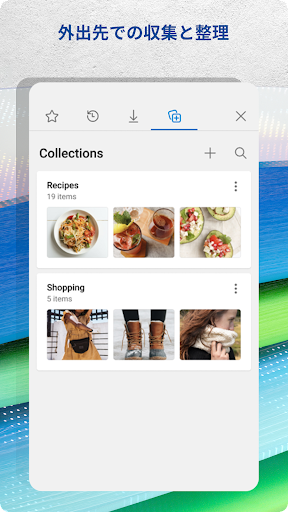
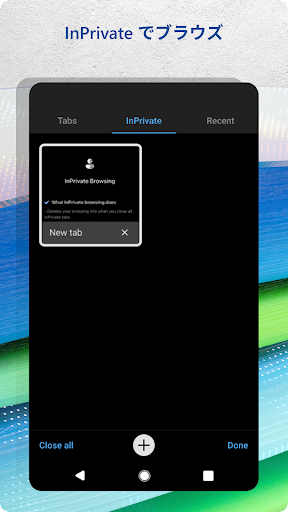
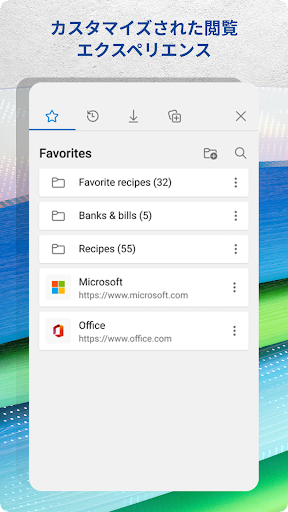
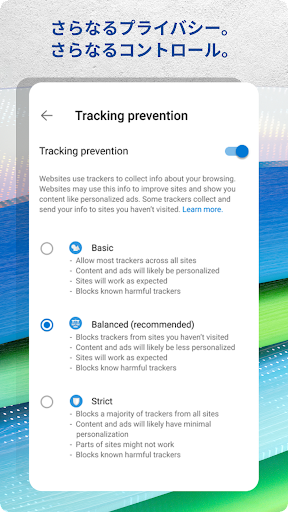
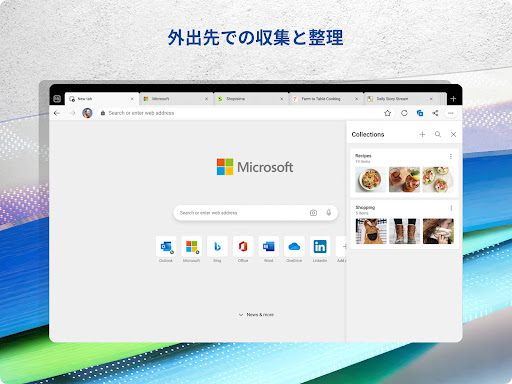
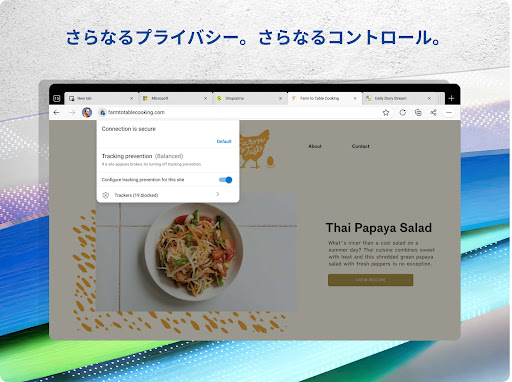
Microsoft Edge: AI browser blends a fast Chromium-based mobile browser with built-in Copilot AI (summaries, Q&A, image generation, voice chat), robust syncing (tabs, favorites, passwords, Collections) across devices, privacy options (InPrivate, tracking prevention, Defender SmartScreen, password monitoring), customizable ad blocking, Read Aloud, extensions support, and shopping tools with coupons and price tracking.
Verdict
Verdict: A powerful, Windows-friendly AI browser that excels at speed, sync, and smart features, but privacy purists and YouTube-heavy users may hit quirks.
Who is it for
Best for:
- Windows/Microsoft ecosystem users who want seamless cross‑device sync and Collections.
- Users who value built‑in AI (summaries, drafting, image generation) for research and productivity.
- Mobile users seeking fast performance, ad blocking, and quality-of-life tools like Read Aloud.
Not ideal for:
- Privacy-first users who prefer maximal tracker blocking and minimal data collection (e.g., Firefox/Brave audiences).
- People who rely heavily on YouTube with aggressive ad blockers, due to occasional detection/interruptions.
- Users who dislike Bing/Copilot integration or prefer a Google-centric workflow.
Real-world User Experience
Users like it:
Speed and stability rival or beat Chrome; excellent sync of bookmarks, passwords, tabs, and Collections across phone, tablet, and PC; desktop-like experience on mobile with clean, uncluttered UI; Collections and Read Aloud significantly aid research and multitasking; plugin/extension support and strong integration with other Microsoft apps; effective ad blocking and quality of life features.
Users complain about:
Occasional ad blocker conflicts with YouTube; sporadic mobile Collections sync delays; a recent autofill bar/keyboard UI bug reported by some; privacy controls perceived as weaker than Firefox; tab closing/back behavior can be unintuitive; periodic prompts to rate the app; preference against Bing for search.
Is it Worth Paying For?
The app is free and contains no ads; while it offers in‑app purchases, core browsing, AI Copilot features, sync, ad blocking, and privacy tools work well at no cost. For most users, there’s no need to pay.
How it Compares to Alternatives
Versus Chrome: comparable speed with lighter perceived resource use and better Microsoft integration; Edge adds built‑in AI, Read Aloud, and shopping tools. Versus Firefox: Firefox leads on privacy philosophy and granular controls; Edge wins on Copilot features and ecosystem sync with Windows. Versus Brave: Brave offers stronger default tracking/ad protections; Edge provides superior Windows integration and more mainstream productivity tools (Collections, Copilot). Versus Opera/Samsung Internet: Edge feels more desktop‑complete, with better cross‑device workflows and AI assistance; those rivals may have unique conveniences but lack Edge’s Copilot depth and Windows tie‑ins.
Summary
Microsoft Edge: AI browser delivers a polished, desktop‑grade experience on mobile, anchored by Copilot for page and PDF summaries, voice/chat assistance, and image generation. It’s fast, stable, and thoughtfully designed, with Collections, Read Aloud, password sync, and customizable ad blocking that translate well to small screens. Privacy features like InPrivate, tracking prevention, and SmartScreen are solid for mainstream needs, though privacy maximalists may still prefer Firefox or Brave. Real‑world users highlight its speed, seamless cross‑device syncing, and productivity boosts, while calling out occasional YouTube ad‑block conflicts, minor sync delays, and a recent autofill UI quirk. As a free browser with compelling AI and Windows integration, it’s a standout choice for productivity‑minded users—especially those already in the Microsoft ecosystem.

Ratings
Trending APP




Alternative to this app