
Copyright 2026 © swekartor. All Rights Reserved.


Information about Gmail
App Feature
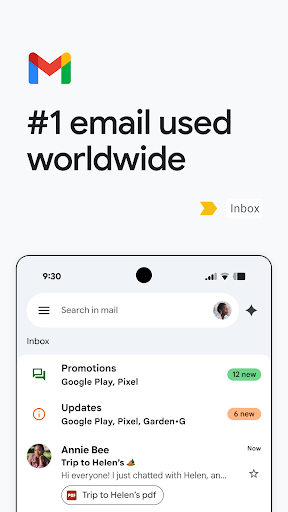
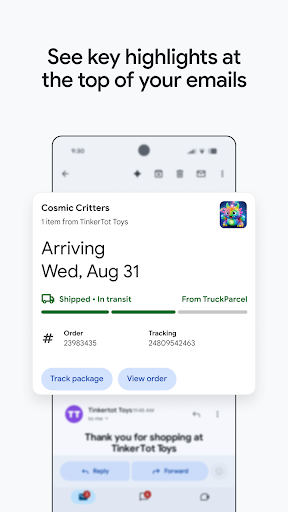
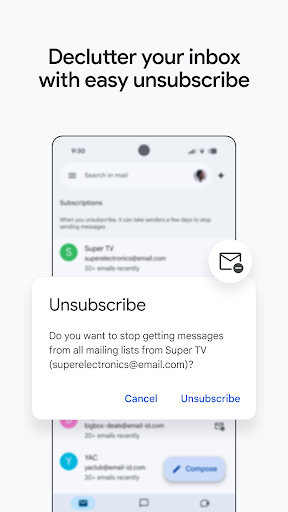
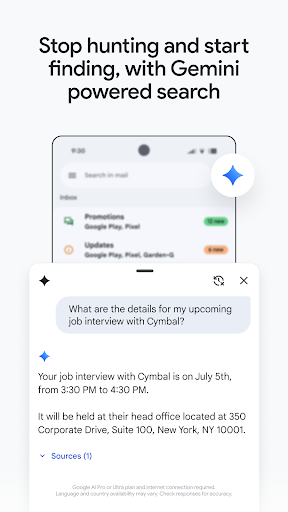
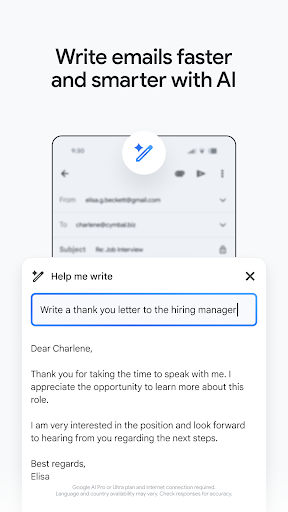
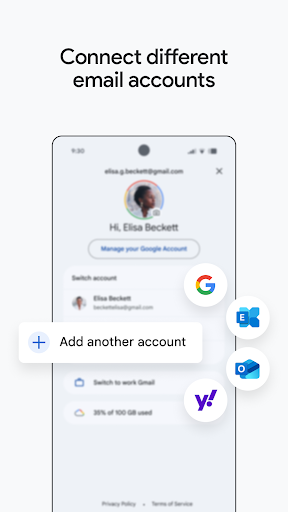
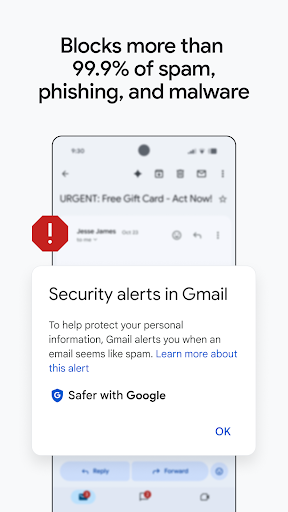
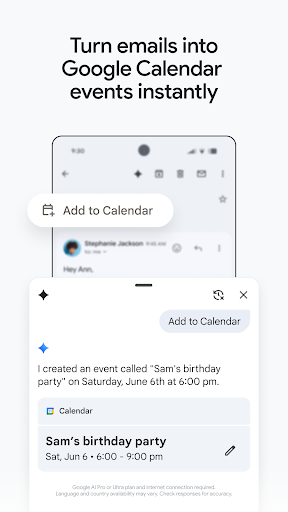
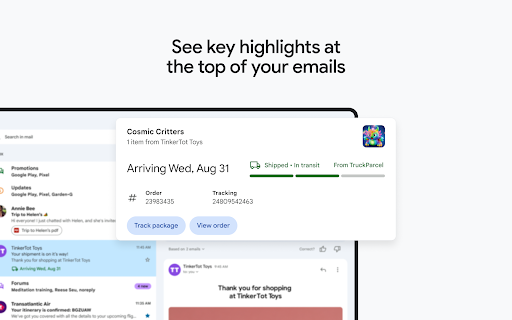
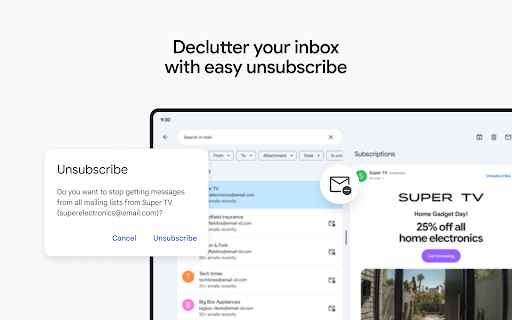
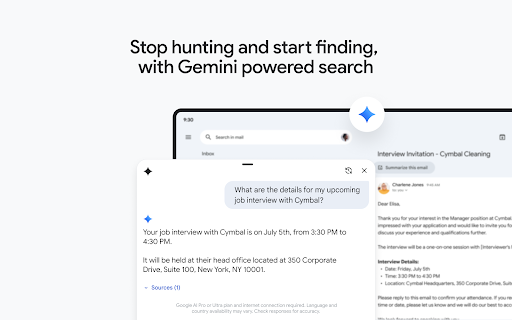
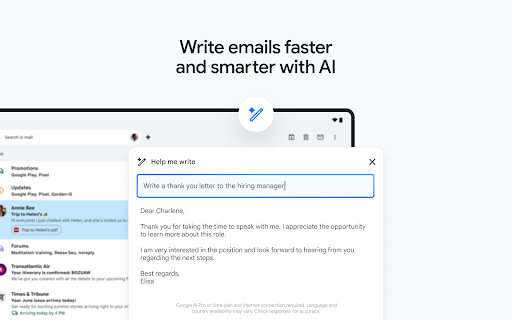
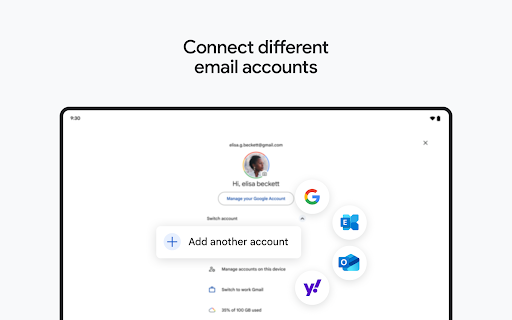
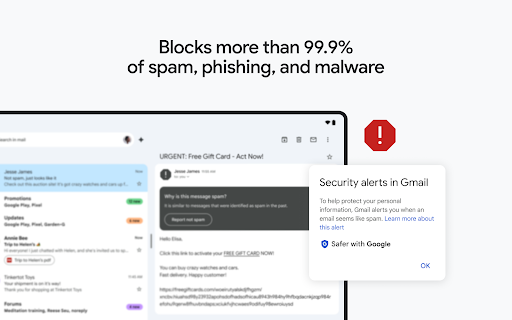
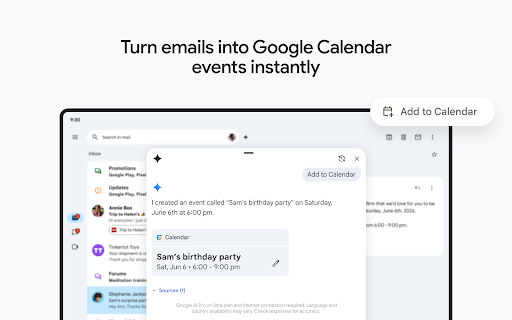
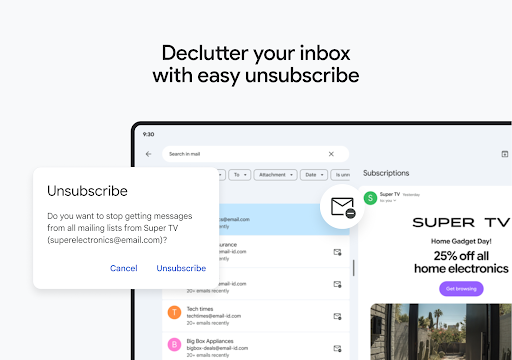
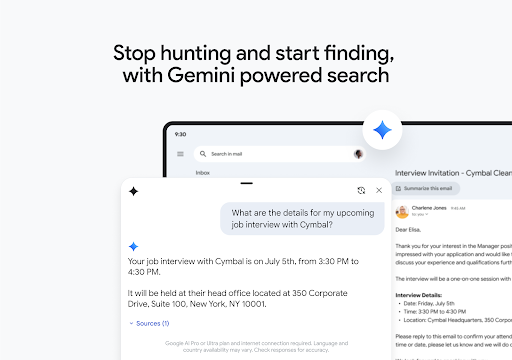
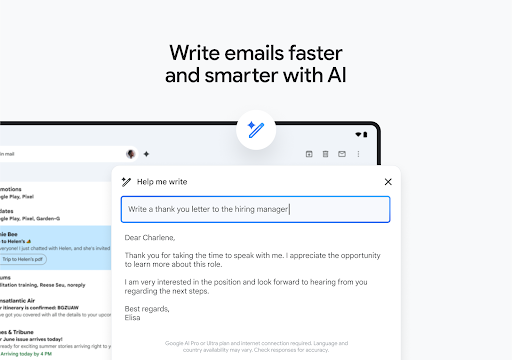
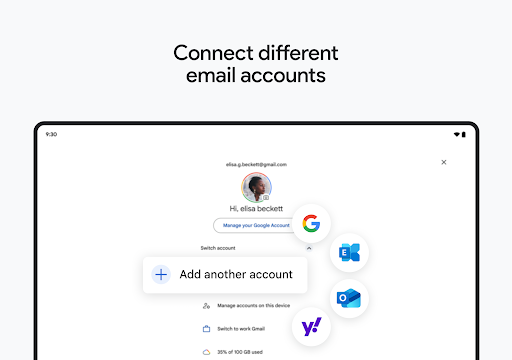
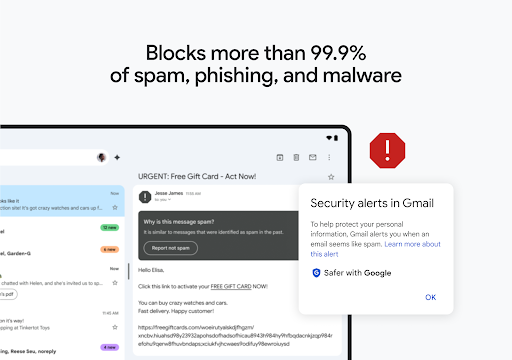
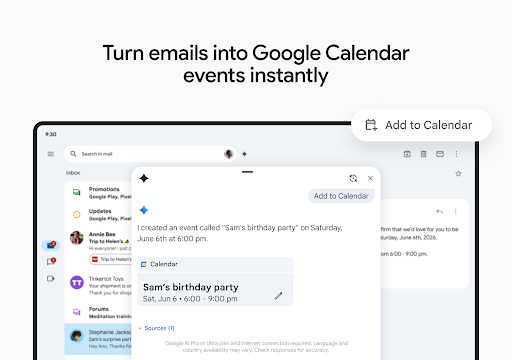
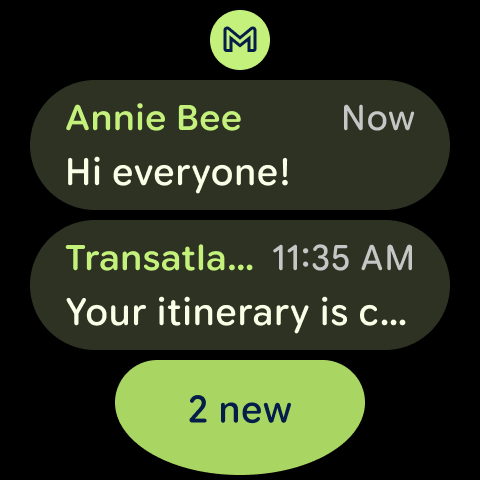
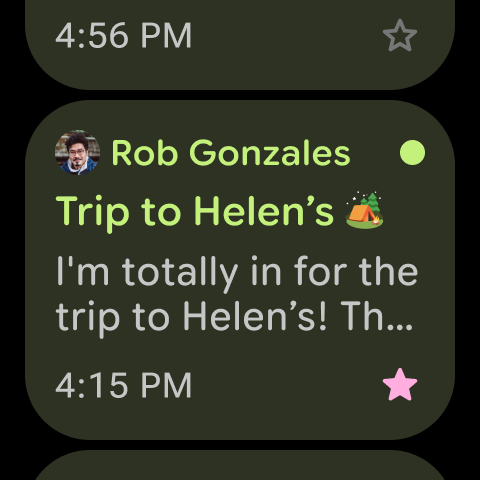
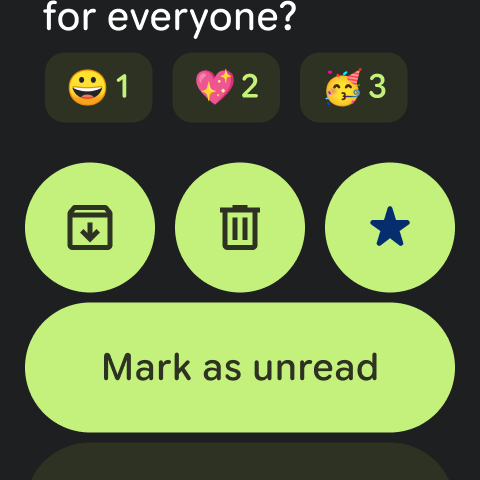
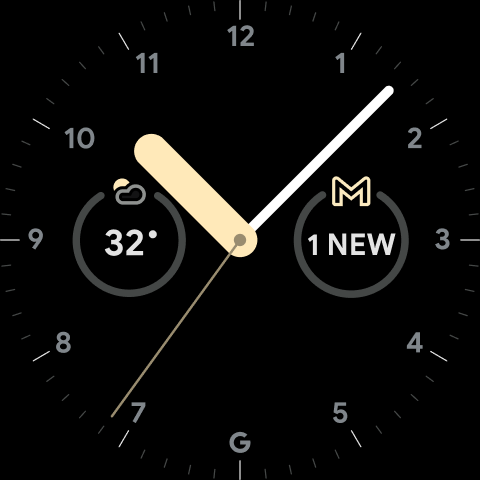
Gmail is a free, full‑featured email client for Android that emphasizes security, fast search, and productivity. It supports multiple accounts (including non‑Google), strong spam/phishing blocking, AI‑assisted writing and search via Gemini, label/categorization tools (now creatable in‑app), quick unsubscribe, Calendar/Chat/Meet integration, and Wear OS support.
Verdict
Verdict: A powerful, secure email hub with excellent Google integration and AI assists, though occasional bugs and third‑party account quirks may frustrate some users.
Who is it for
Best for:
- Users deep in the Google ecosystem who want Gmail, Drive, Calendar, Chat/Meet in one flow
- Mobile email power users who value fast search, labels, and smart replies
- Anyone seeking strong spam/phishing protection with minimal setup
Not ideal for:
- Users who prioritize maximum privacy or end‑to‑end encryption (e.g., Proton‑style workflows)
- People who rely heavily on Exchange/Outlook features and rock‑solid third‑party account support
- Those who want highly customizable clients with advanced triage automations beyond labels
Real-world User Experience
Users like it:
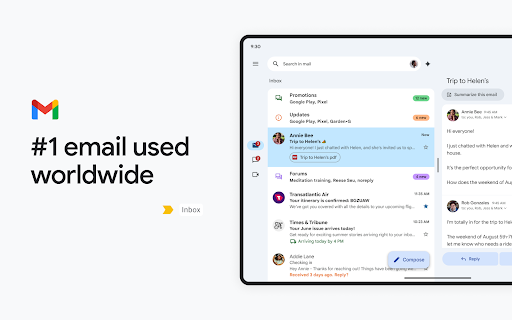
Clean, organized interface close to desktop power; reliable multi‑account handling (generally); strong spam filtering; fast, accurate search; smart replies and ‘Help me write’; newly added ability to create labels on mobile; smooth integration with Drive/Calendar/Chat; responsive support; timely notifications for most.
Users complain about:
Periodic bugs after updates (screen flicker/disappearing content on some Samsung tablets, random app closes, lag); occasional sync gaps across devices; repetitive or confusing notification behavior; friction with non‑Google accounts requiring vague ‘additional steps’; difficulty managing/unsubscribing from persistent marketing emails; intermittent account switching/profile issues.
Is it Worth Paying For?
The core app is free with no IAP (ads present). Paid value comes from Google Workspace and Google AI Pro/Ultra plans that unlock premium Gemini features across Gmail and other Google apps. For most users, the free version suffices; heavy productivity or business users may benefit from Workspace’s advanced AI, security, and collaboration.
How it Compares to Alternatives
Versus Outlook: Gmail wins on search, spam defense, and Google integration; Outlook may handle Exchange and third‑party accounts more consistently. Versus Yahoo Mail: Gmail is cleaner, faster, and better for productivity; Yahoo leans more consumer with heavier ads. Versus Spark/Edison: Gmail’s AI and Workspace ties are stronger, but Spark may offer more nuanced team triage and customization. Versus Proton Mail: Proton offers stronger privacy/E2EE, while Gmail provides superior integration, AI features, and large‑scale reliability.
Summary
Gmail for Android delivers a polished, fast, and secure email experience anchored by excellent search, robust spam/phishing defenses, and tight integration with the Google ecosystem. AI features like ‘Help me write’ and smarter search add real productivity gains, while long‑requested capabilities such as creating labels on mobile improve on‑the‑go organization. Multi‑account support and Wear OS convenience round out a capable package. Users do report intermittent issues—particularly around third‑party accounts, sync/notifications, and occasional post‑update glitches—but support responses and fixes are common. If you live in Google Workspace or want a reliable, efficient mobile inbox, Gmail is an easy recommendation; privacy‑first or Exchange‑heavy workflows may prefer specialized alternatives.
Ratings
Trending APP










Alternative to this app






















