
Copyright 2026 © swekartor. All Rights Reserved.


Information about App Lock - Applock Fingerprint
App Feature
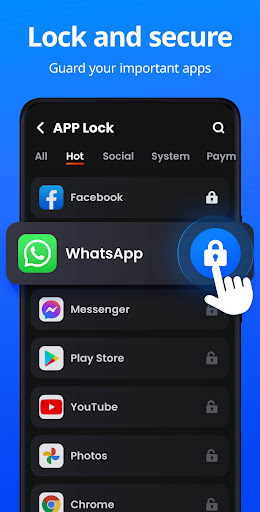
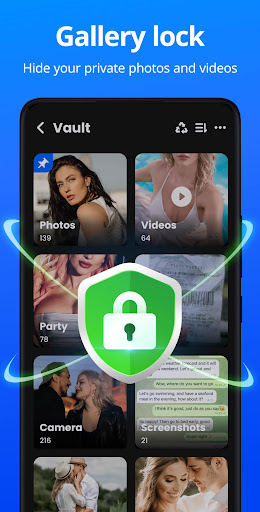
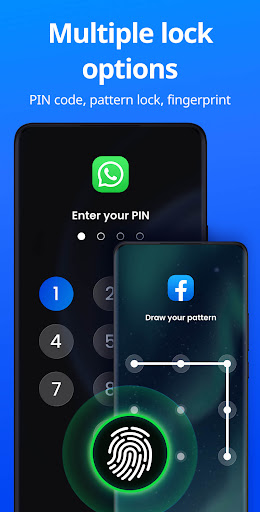
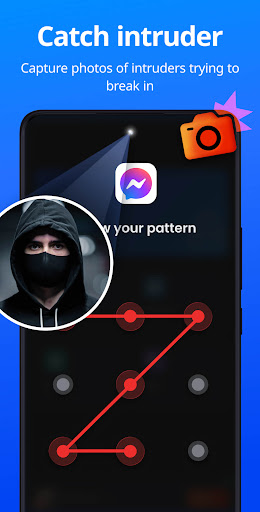
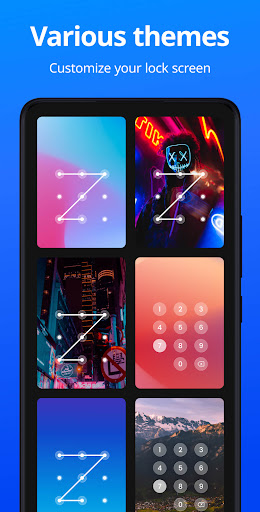
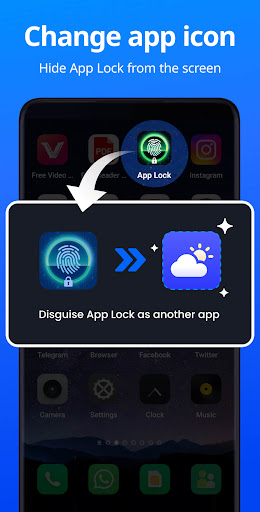
App Lock - Applock Fingerprint secures individual apps with fingerprint, PIN, pattern, or password; adds a private photo/video vault; takes intruder selfies on failed attempts; offers disguise mode (icon/name change), uninstall protection, customizable themes, random keyboard, hidden pattern path, relock timing, and auto-lock for newly installed apps.
Verdict
Verdict: A robust, low-friction app locker with thoughtful extras, best if you want fingerprint protection and a built‑in vault without heavy ads.
Who is it for
Best for:
- Users who want quick fingerprint/PIN locks on social, messaging, and payment apps
- People needing a simple vault and intruder selfie for extra privacy
- Those who value customization (themes, disguise icon) with minimal ad interruption
Not ideal for:
- Users demanding system-level locking with zero overlay delay (e.g., Secure Folder fans)
- Those needing advanced file management in the vault (folders, complex organization)
- Anyone expecting face unlock or guaranteed data persistence after uninstall
Real-world User Experience
Users like it:
Consistently locks apps reliably; fingerprint/PIN options work well; ads are minimal and mostly confined to the editor/settings; instant relock after exit; customizable themes and disguise mode are praised; intruder selfie/alert is effective; easy setup and maintenance-free compared with some rivals.
Users complain about:
Occasional 1–4 second delay where content can briefly appear before the lock overlay; some reports of the app deactivating itself (usually fixable via settings/battery optimization); vault lacks folder creation and items can be lost after uninstall; requests for face unlock; a few edge cases of speed/performance hiccups.
Is it Worth Paying For?
The free tier is strong and sufficient for most (core locking, fingerprint, vault, intruder selfie) with light, non-intrusive ads. Paying mainly removes ads and may unlock premium niceties (advanced themes, upcoming cloud backup/notification encryption). Worth paying if you value ad-free use and future premium features; otherwise the free version is great value.
How it Compares to Alternatives
Compared to popular lockers like AppLock (DoMobile) and Smart AppLock, this app matches core features and adds a solid disguise mode and effective intruder selfies with fewer intrusive ads. Norton App Lock is simpler and ad-free but lacks a media vault and some customization. Built-in solutions (Samsung Secure Folder, MIUI App Lock) integrate deeper at the system level and avoid overlay delays but don’t offer the same cross-device extras or vault features. Overall, this strikes a strong balance of features, usability, and ad restraint.
Summary
App Lock - Applock Fingerprint delivers a polished, reliable app locker with fingerprint/PIN/pattern support, a private media vault, intruder selfies, and thoughtful touches like disguise mode, random keyboard, and flexible relock settings. User feedback highlights dependable protection and light ads, with occasional complaints about brief pre-lock visibility, self-deactivation in certain setups, and limited vault organization. For most users, the free version is more than enough; premium is optional for ad-free use and upcoming advanced features. If you want an easy, powerful way to shield chats, social apps, and photos without being bombarded by ads, this is an excellent pick.
Ratings
Trending APP












Alternative to this app









