Copyright 2026 © swekartor. All Rights Reserved.



Information about Adobe Scan: PDF Scanner, OCR
App Feature
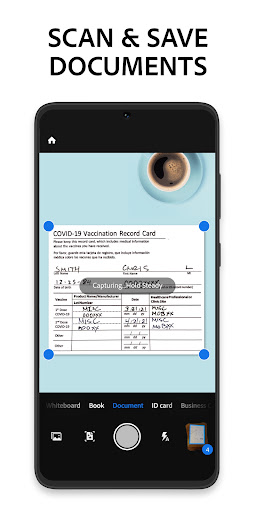
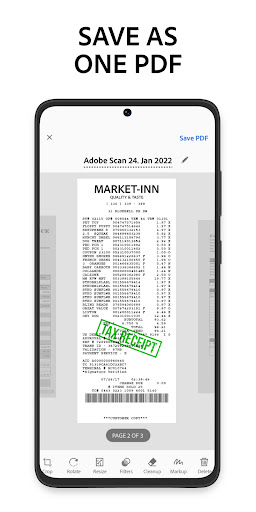
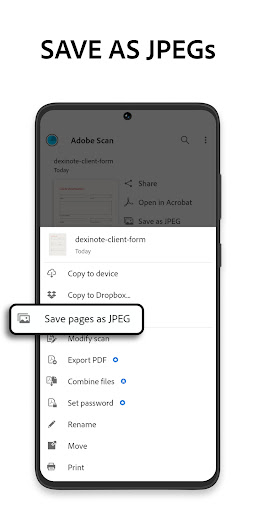
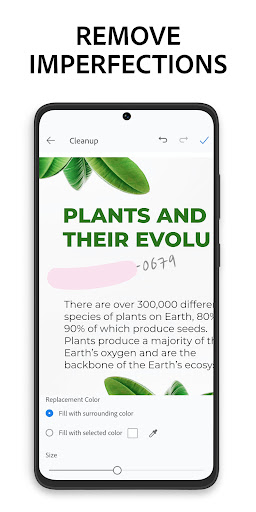
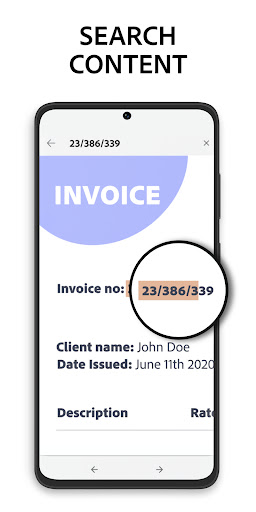
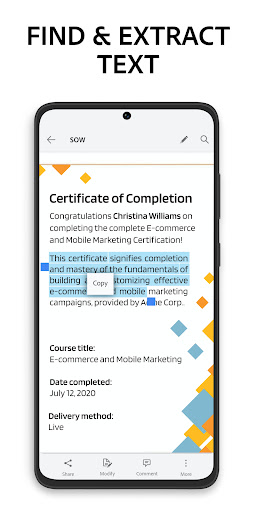
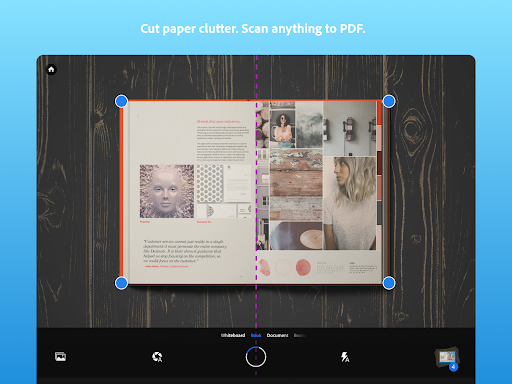
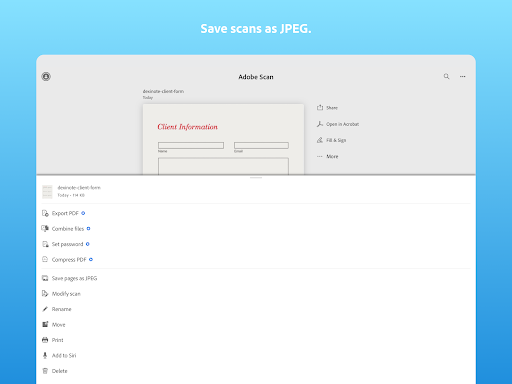
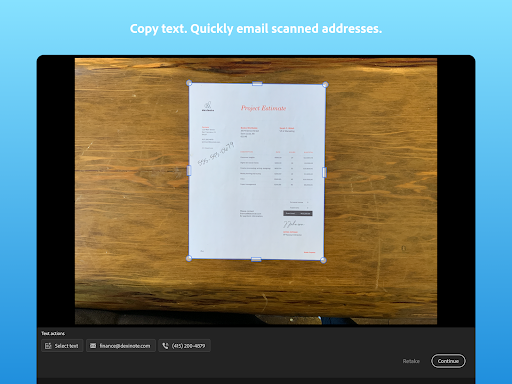
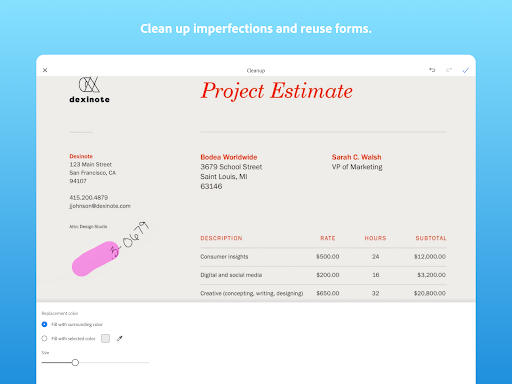
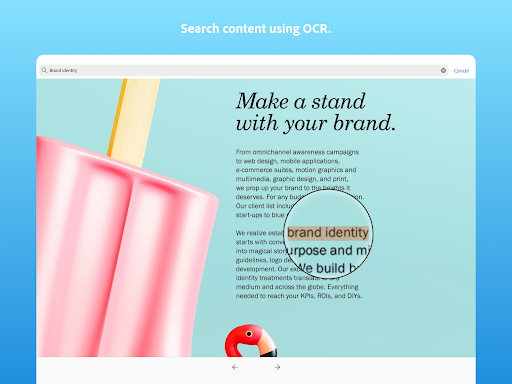
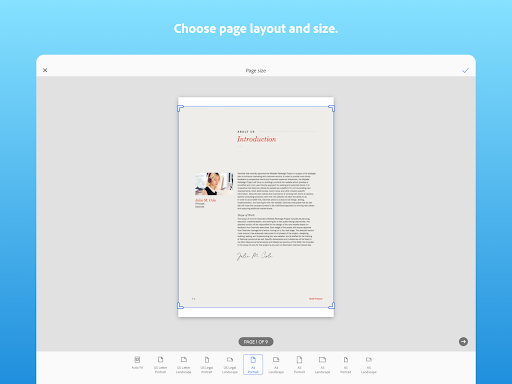
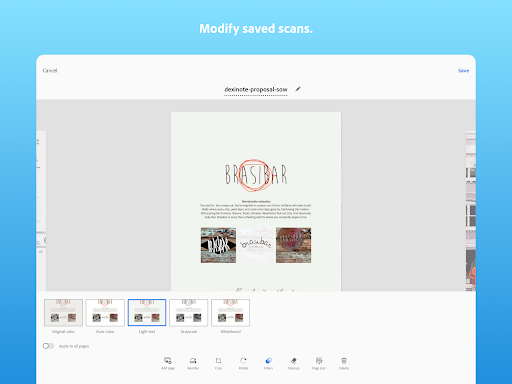
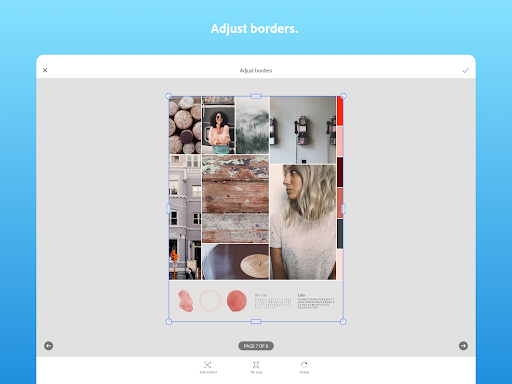
Adobe Scan turns your phone into a fast, accurate document and photo scanner with automatic edge detection, bulk scanning, OCR for searchable/editable text, cleanup and enhancement tools, and seamless cloud syncing/sharing via Adobe Document Cloud and Acrobat.
Verdict
Verdict: An excellent, no‑ads mobile scanner with best‑in‑class OCR and cloud integration, though some advanced tools sit behind Adobe’s subscription.
Who is it for
Best for:
- Students and professionals needing quick, reliable scans and OCR
- Users in the Adobe ecosystem who want instant cloud sync to Acrobat/Reader
- Anyone scanning multi‑page documents, receipts, or business cards on the go
Not ideal for:
- Users who want completely offline/local storage workflows with no account prompts
- Those needing desktop‑class photo archiving or high‑res image editing
- People who dislike upsell prompts or any subscription tie‑ins
Real-world User Experience
Users like it:
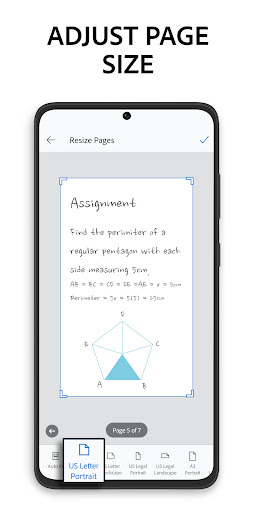
Extremely easy setup and auto‑capture; fast multi‑page scanning; accurate edge detection and cleanup tools; high‑quality PDFs with OCR; reliable editing (crop, rotate, contrast), organization, and export; smooth syncing to Acrobat/Reader with no intrusive ads.
Users complain about:
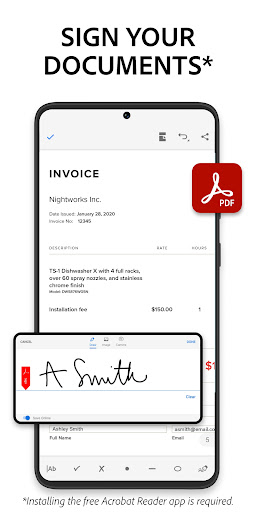
Occasional subscription upsells/sign‑in prompts; edge detection can struggle against certain backgrounds (e.g., yellow); some actions require extra taps to save/share; advanced features (e.g., fill & sign, added protections) may require paid plan.
Is it Worth Paying For?
The free version covers core scanning, OCR, and sharing very well and is enough for most users. Paying makes sense if you need tighter Acrobat integration, advanced PDF tools (fill/sign, passwording at scale, richer export/modify), or rely heavily on Adobe’s cloud ecosystem; otherwise, free remains excellent value.
How it Compares to Alternatives
Versus Microsoft Lens and Google Drive Scan, Adobe Scan offers more polished cleanup, dependable OCR, and stronger PDF workflows plus deep Acrobat integration. Compared to CamScanner or Genius Scan, Adobe’s no‑ads approach and consistent edge detection/cleanup win for many users, though CamScanner/Genius Scan may appeal if you prefer non‑Adobe clouds or different pricing. If you’re already in Adobe’s ecosystem, Adobe Scan is the most seamless choice.
Summary
Adobe Scan delivers a fast, accurate, and ad‑free scanning experience that excels at turning paper into clean, searchable PDFs. Automatic edge detection, robust cleanup/enhancement, multi‑page support, and reliable OCR make everyday scanning effortless, while Adobe Document Cloud and Acrobat integration streamline sharing and editing across devices. Users consistently praise its simplicity, quality, and reliability, with minor quibbles around occasional upsells, background sensitivity, and extra taps to save. For most people, the free tier is more than enough; power users invested in Adobe’s tools will benefit further from paid features. Overall, it’s one of the strongest mobile scanner choices available.
Ratings
Trending APP










Alternative to this app