
Copyright 2026 © swekartor. All Rights Reserved.


Information about Otter: Transcribe Voice Notes
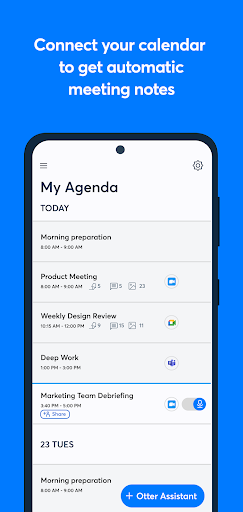
App Feature
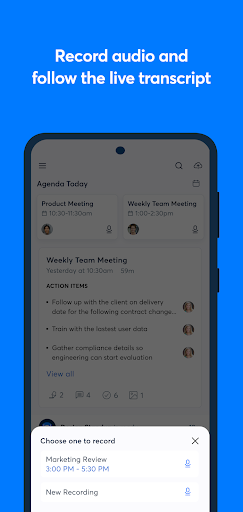
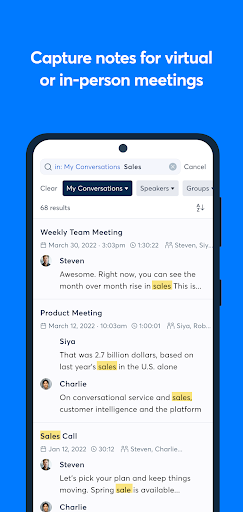
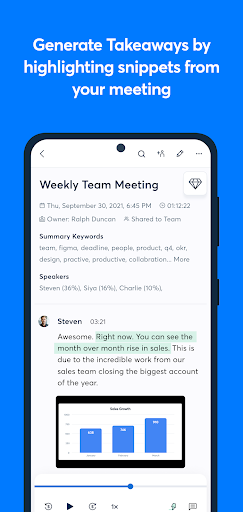
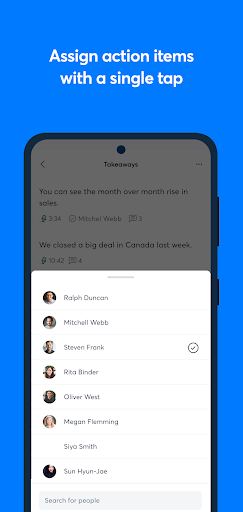
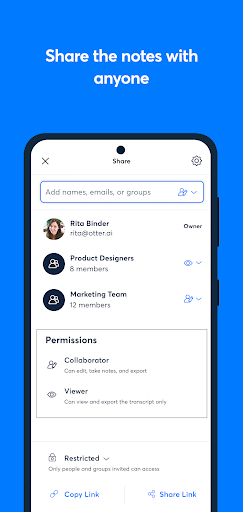
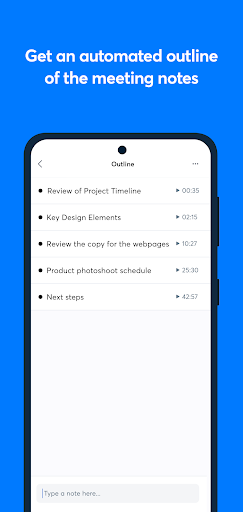
Otter is an AI-powered note taker and meeting assistant that records audio, transcribes in real time, identifies speakers, auto-captures slides, generates summaries, and supports collaboration with search, highlights, comments, action items, and robust export/import options. It integrates with Zoom, Google Meet, Microsoft Teams, and calendars, and offers live captions in English, Spanish, and French.
Verdict
Verdict: A powerful, collaboration-ready transcription and meeting notes app, best for professionals and students, but less ideal if you need flawless accuracy across accents or unlimited free recording.
Who is it for
Best for:
- Professionals and teams needing searchable, shareable meeting notes and summaries
- Students, journalists, and writers who benefit from accurate, real-time transcription and speaker tagging
- Accessibility use cases (hard of hearing/deaf) requiring live captions and replay
Not ideal for:
- Users with heavy accent variability, mixed languages, or expectation of near-perfect accuracy
- Anyone needing long, unlimited recordings on the free tier
- Those highly price-sensitive to subscription upgrades
Real-world User Experience
Users like it:
High transcription accuracy for many use cases; seamless calendar and Zoom/Meet/Teams integration; real-time captions and instant search; strong collaboration (highlights, comments, action items); speaker identification; helpful for ADHD, deaf/hard-of-hearing, and productivity workflows; reliable exports and easy editing.
Users complain about:
Accuracy drops with certain accents or mixed languages; occasional unfixable transcript quirks; free plan time/length limits (e.g., 40-minute sessions) and easy overuse if not stopped; some find the Pro subscription expensive.
Is it Worth Paying For?
Yes for frequent meeting note-takers, teams, and power users who need longer recordings, more monthly transcription minutes, advanced collaboration, and automated summaries—these features can save significant time and improve documentation. Casual or occasional users may find the free plan sufficient, but should watch session/time limits. Some reviewers consider the Pro pricing on the higher side, so value scales with usage.
How it Compares to Alternatives
Compared to basic dictation apps (e.g., phone voice recorder + transcription, Google Recorder on Pixel), Otter stands out with team collaboration, AI summaries, slide capture, and calendar/meeting integrations. Versus accessibility-focused captioning (e.g., Live Transcribe), Otter adds editing, sharing, search, and exports. Against paid transcription services (Rev/Temi/Notta), Otter’s live features, meeting automations, and collaborative workspace are strengths, though human transcription services may outperform on difficult audio or accent-heavy content.
Summary
Otter: Transcribe Voice Notes delivers a robust AI meeting assistant that reliably records, transcribes, summarizes, and organizes conversations while enabling real-time collaboration and accessibility. Its strengths are deep integrations (Zoom/Meet/Teams), live captions, speaker identification, searchable transcripts, and well-rounded editing, highlighting, and export tools. Users praise its accuracy and time savings, especially for work and study, though performance can dip with strong accents or mixed languages, and the free tier’s time limits push frequent users toward paid plans that some consider pricey. If your workflow relies on documented meetings, action items, and quick recall, Otter offers standout value and efficiency; if you only need occasional, long-form dictation or expect flawless accuracy across complex audio, you may want to test carefully or consider alternatives.
Ratings
Trending APP












Alternative to this app









